Operating instructions
1. Setting the clock
When the microwave oven is connected to the
power supply, “0:00” appears on the LED
display and the acoustic signal sounds.
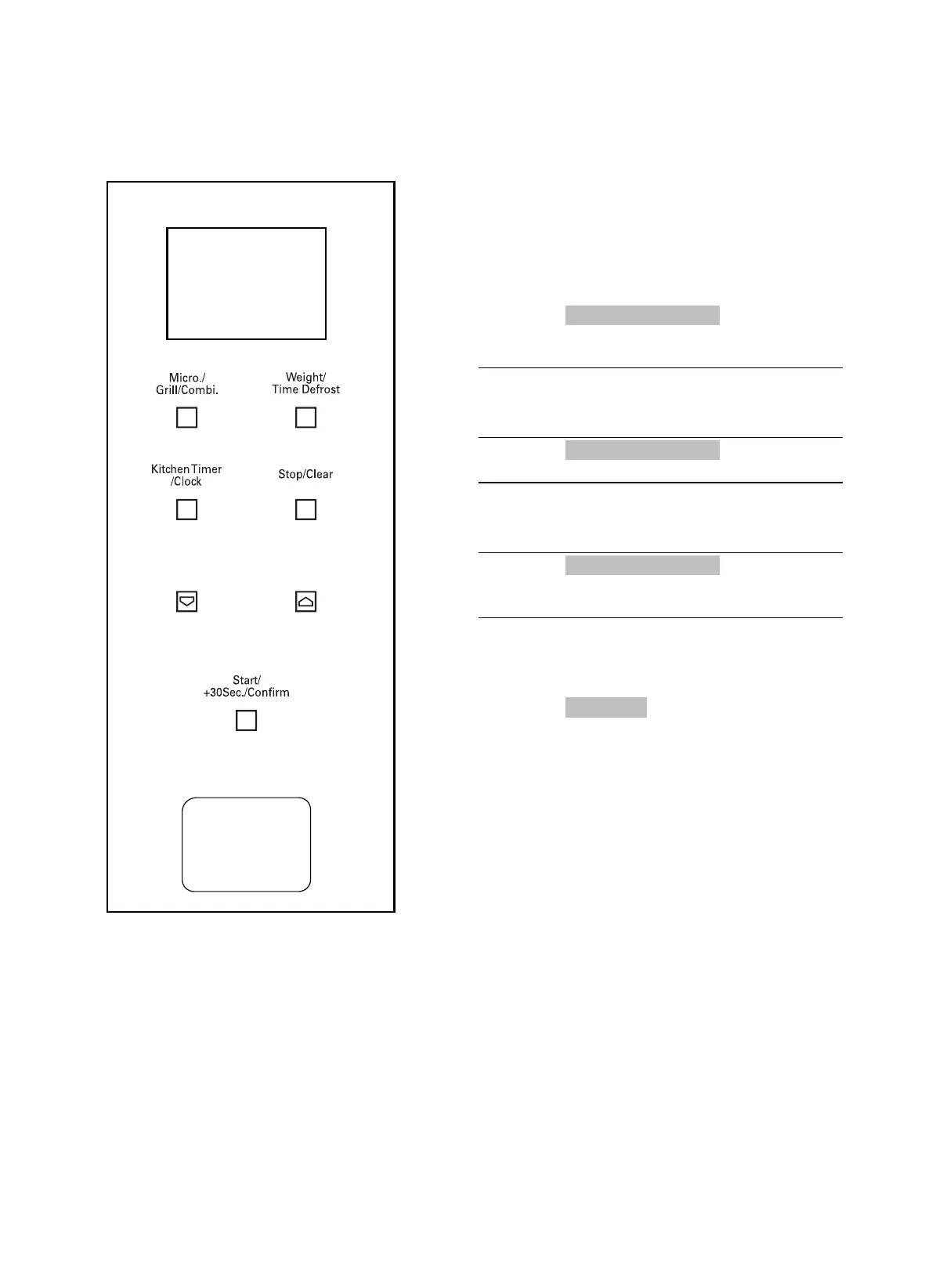
1. Press “Kitchen Timer/Clock” twice to select
the clock setting function; the hour digits on
the clock will start to flash.
2.
Press one of the
2 buttons to adjust the
hour digits, ensuring the numbers selected
are between 0-23.
3. Press “Kitchen Timer/Clock” once; the
minute digits on the clock will start to flash.
4.
Press one of the
2 buttons to adjust the
minute digits, ensuring the numbers
selected are between 0-59.
5. Press “Kitchen Timer/Clock” once to finish
setting the clock. “:” will start to flash, and
the time will light up.
Note: 1. If the clock is not set, the time will not
be displayed.
2. During the clock setting procedure, if
“Stop/Clear” is pressed, the oven
automatically reverts to its previous
status.
1
22
14



 To Next Page