7. Automatic menu
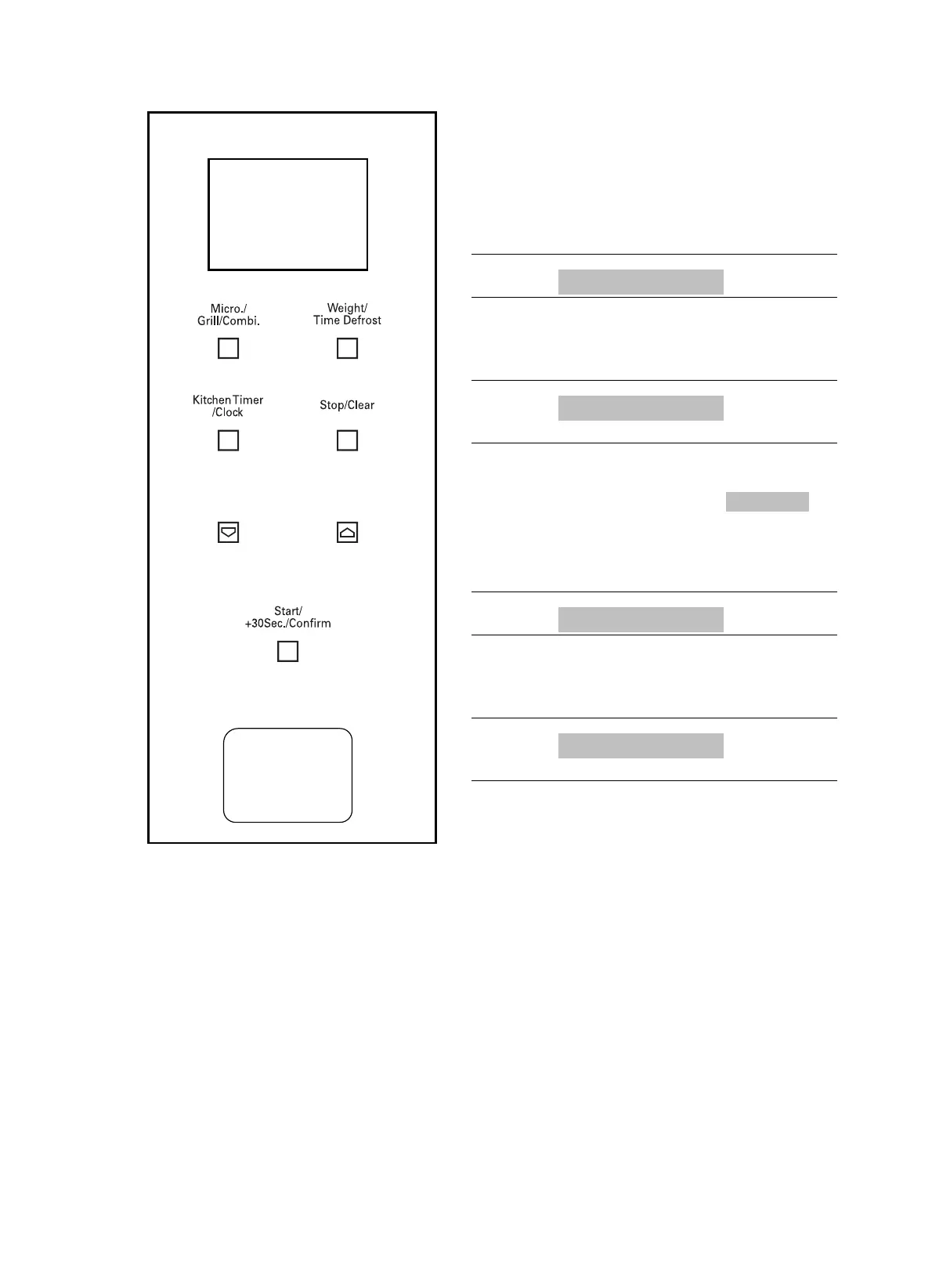
1. Press the button 1 to select the menu: with
each touch the display will progress in
sequence from “A-1” to “A-8”, indicating
pizza, meat, vegetables, pasta, potatoes,
fish, beverages and popcorn.
2. Press “Start+30Sec./Confirm” 2 to confirm.
3. Press one of the 3 buttons to select the
default weight in accordance with the menu
table.
4. Press “Start+30Sec./Confirm” 2 to start
cooking.
Example: If you want to use the “Auto Menu”
option to cook 350 g of fish, proceed as follows.
1. Press the
1 button six times until the
display shows “A-6”.
2. Press “Start+30Sec./Confirm” 2 to confirm.
3. Press the 3 button to select the weight of
the fish you wish to cook, so that the display
shows “350”.
4. Press “Start+30Sec./Confirm” 2 to start
cooking.
1
3
3
2
21



 To Next Page