EasyManua.ls Logo

Franklin Electric SubDrive150 - User Manual

Franklin Electric SubDrive150
24 pages
Print Icon
To Next Page IconTo Next Page
Loading...
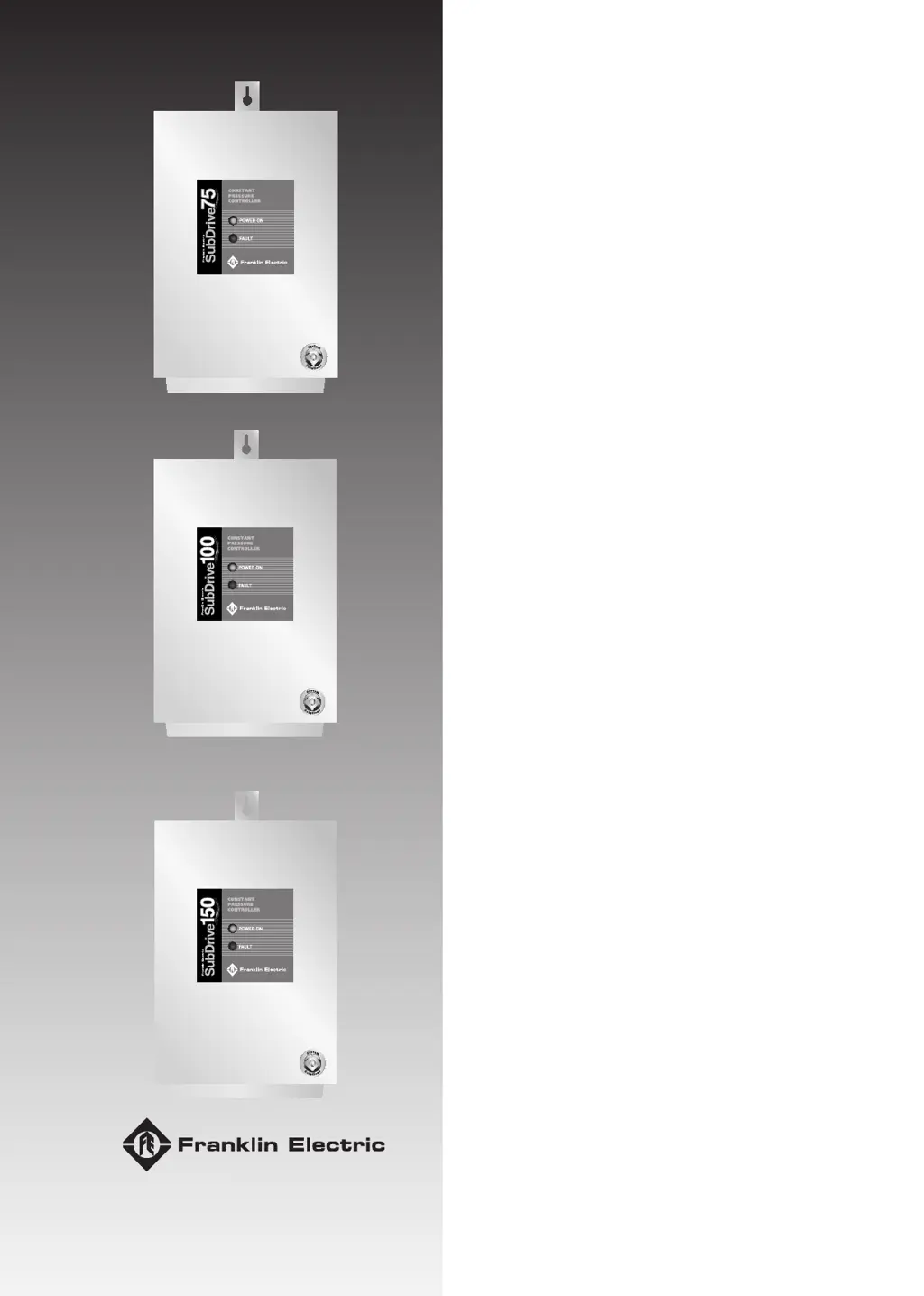
SubDrive75/100/150
Constant Pressure Controller
Installation Manual
05.2010
Doc Nb.: 308 018 602; Rev.: 0

Other manuals for Franklin Electric SubDrive150

Questions and Answers

  • J
    John Roberts DDSJul 26, 2025
    What to do if my Franklin Electric SubDrive150 shows high pressure?
    • R
      Roy KingJul 26, 2025
      If your Franklin Electric Controller is showing high pressure, first adjust the pressure sensor. If that doesn't work, disconnect the sensor wire at the PCB. If the drive continues to run, you will need to replace the drive. Also, verify the condition of the sensor wire; repair or replace it if necessary. The issue may be due to the pressure sensor setting or a shorted sensor wire.
  • J
    Joshua CruzJul 30, 2025
    Why does my Franklin Electric SubDrive150 Controller have pressure fluctuations?
    • R
      richardjohnstonJul 30, 2025
      Pressure fluctuations in your Franklin Electric Controller can stem from several factors. Make sure the pressure sensor and gauge are correctly placed and set. The pressure tank might be too small for the system flow, or there could be a leak. Disconnect power and check the pressure gauge for pressure drop. Insufficient pump submergence causing air entrainment can also lead to fluctuations; set the pump deeper or install a flow sleeve with an airtight seal. If the fluctuation only occurs on branches before the sensor, flip DIP switch #4 to 'on' (07C and newer).
  • R
    Ronald KleinAug 5, 2025
    What to do if my Franklin Electric SubDrive150 shows low pressure?
    • H
      Heather ParkerAug 5, 2025
      If your Franklin Electric Controller indicates low pressure, start by adjusting the pressure sensor and checking the pump rotation. Also, examine the frequency at maximum flow and verify the maximum pressure. The issue may be due to the pressure sensor setting, pump rotation, or pump sizing.
  • S
    Samantha CarsonAug 9, 2025
    What to do if my Franklin Electric Controller runs on and won’t shut down?
    • C
      Charles CampbellAug 9, 2025
      If your Franklin Electric Controller runs and won’t shut down, power the system down to clear the fault and verify the voltage. If this issue occurs repeatedly, replace the drive. The cause may be a power surge or a bad component.
  • J
    Jaime ConnerAug 14, 2025
    What to do if my Franklin Electric SubDrive150 shows 'no water'?
    • M
      Mark StanleyAug 15, 2025
      If your Franklin Electric Controller and motor are operating but there is no water, and frequency is max with low amps, check for a closed valve or a stuck check valve. If the frequency is max with high amps, check for a hole in the pipe. If the frequency is max with erratic amps, check the pump operation for dragging impellers. Check all connections. Disconnect power and allow the well to recover for a short time, then retry. The issue may be due to a loose switch or cable connection or gulping water at the pump inlet.
  • C
    Christian RossAug 20, 2025
    Why is my Franklin Electric Controller making audible noise?
    • J
      johnsonkarenAug 20, 2025
      If your Franklin Electric Controller is making excessive fan noise, replace the fan. If the fan noise is normal, relocate the drive to a more remote area. If the noise is hydraulic, try raising or lowering the depth of the pump. Ensure the pressure tank location is at the entrance of the water line into the house. The noise may be caused by the fan, hydraulic issues, or plumbing.

Summary

Declaration of Conformity

About this Document

Warnings notices and symbols

Explains warning symbols and their meanings for safe operation.

Safety

Provides essential safety rules and measures for installation and operation.

General Safety Instructions

Storage, transport and disposal

Guidelines for safely storing, transporting, and disposing of the control gear.

Model parameters

Details on model names, part numbers, and compatible motor series.

Description and Features

SubDrive Key Features

Highlights the main functionalities and benefits of the SubDrive controller.

Protection Features

Lists the built-in protection mechanisms against various fault conditions.

Included Items

Lists all components included in the SubDrive package.

How it Works

System Components

Describes the four main components that form the SubDrive system.

Constant Pressure Operation

Explains how the SubDrive maintains consistent water pressure.

Motor Soft-Start Function

Details the soft-start feature for motor protection and reduced current.

System Diagnostics

Explains how the controller monitors performance and detects faults.

Pump Sizing for SubDrive75

SubDrive75 Drive Configuration

Instructions for configuring the SubDrive75 using DIP switches for different pump ratings.

Pump Sizing for SubDrive100

SubDrive100 Drive Configuration

Instructions for configuring the SubDrive100 using DIP switches for different pump ratings.

Pump Sizing for SubDrive150

SubDrive150 Drive Configuration

Instructions for configuring the SubDrive150 using DIP switches for different pump ratings.

Underload Sensitivity Selection

Steady Flow Selection

Adjusting the controller for steady flow, especially with tapped water lines.

Smart Reset and Foldback Features

Generator Sizing

Recommendations for sizing a generator for the SubDrive system.

Before Getting Started

Crucial safety precautions and information before beginning installation.

Controller Location Selection

Installation Clearance and Orientation

Guidance on proper mounting location, clearance, and orientation for optimal performance.

Circuit Breaker and Wire Sizing

Maximum Motor Cable Length

Recommendations for maximum motor cable lengths based on motor cable size.

Quick Reference Guide to Controller Installation

Wiring Connections Overview

Visual guide and steps for connecting power and sensor wires to the controller.

Pressure Tank Requirements

Installation Procedure Steps

Detailed step-by-step instructions for installing the SubDrive unit and system components.

Detailed Wiring Connections

Power and Sensor Connections

Specific terminal connections for power supply and pressure sensor.

Start-Up and Operation

Leaky Systems and Bump-Mode

How the controller handles leaky systems and the 'Bump-Mode' feature.

Specifications - SubDrive75

Specifications - SubDrive100

Technical details for the SubDrive100, including input/output, pressure settings, and operating conditions.

Specifications - SubDrive150

Mounting Dimensions

Physical dimensions and mounting details for the SubDrive units.

Accessories

Diagnostic Fault Codes

Troubleshooting Quick Reference Guide

A guide listing fault codes, possible causes, and corrective actions.

Franklin Electric SubDrive150 Specifications

General IconGeneral
BrandFranklin Electric
ModelSubDrive150
CategoryController
LanguageEnglish

Related product manuals