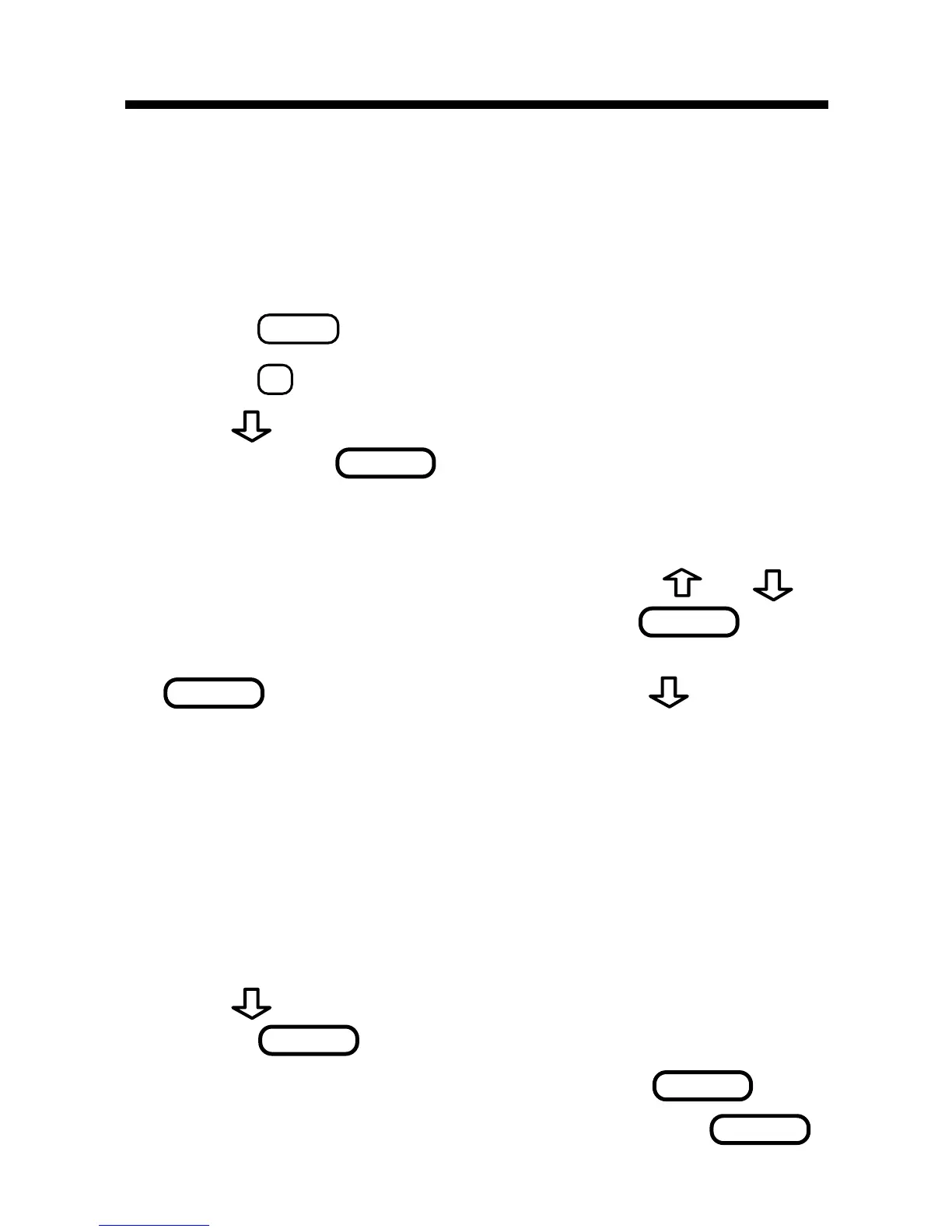
You can convert temperatures, weights, liquid
measures, and lengths to and from English and
metric measurements. You can also convert cur-
rencies using an exchange rate that you enter.
1. Press
CALC
.
2. Press
(CONV).
3. Use
to select a conversion category
then press
.
4. If you selected
Money
as the conversion
category, set the exchange rate.
To set the exchange rate, first use
or , if
needed, to see
set rate
and press
. Then
type a number as the exchange rate and press
. To type a decimal, use . The ex-
change rate will be saved until you change it.
Important! The exchange rate should be the
number of units of the other currency per one
dollar (e.g.,
2.0
= 2 other/1 dollar).
Note: You can convert currencies other than
dollars by ignoring the fact that one currency
is called dollars.
5. Use
to select a conversion and then
press
.
6. Type an amount and then press
.
7. To make another conversion, press
.
Converting Measures & Currencies
12







 To Next Page