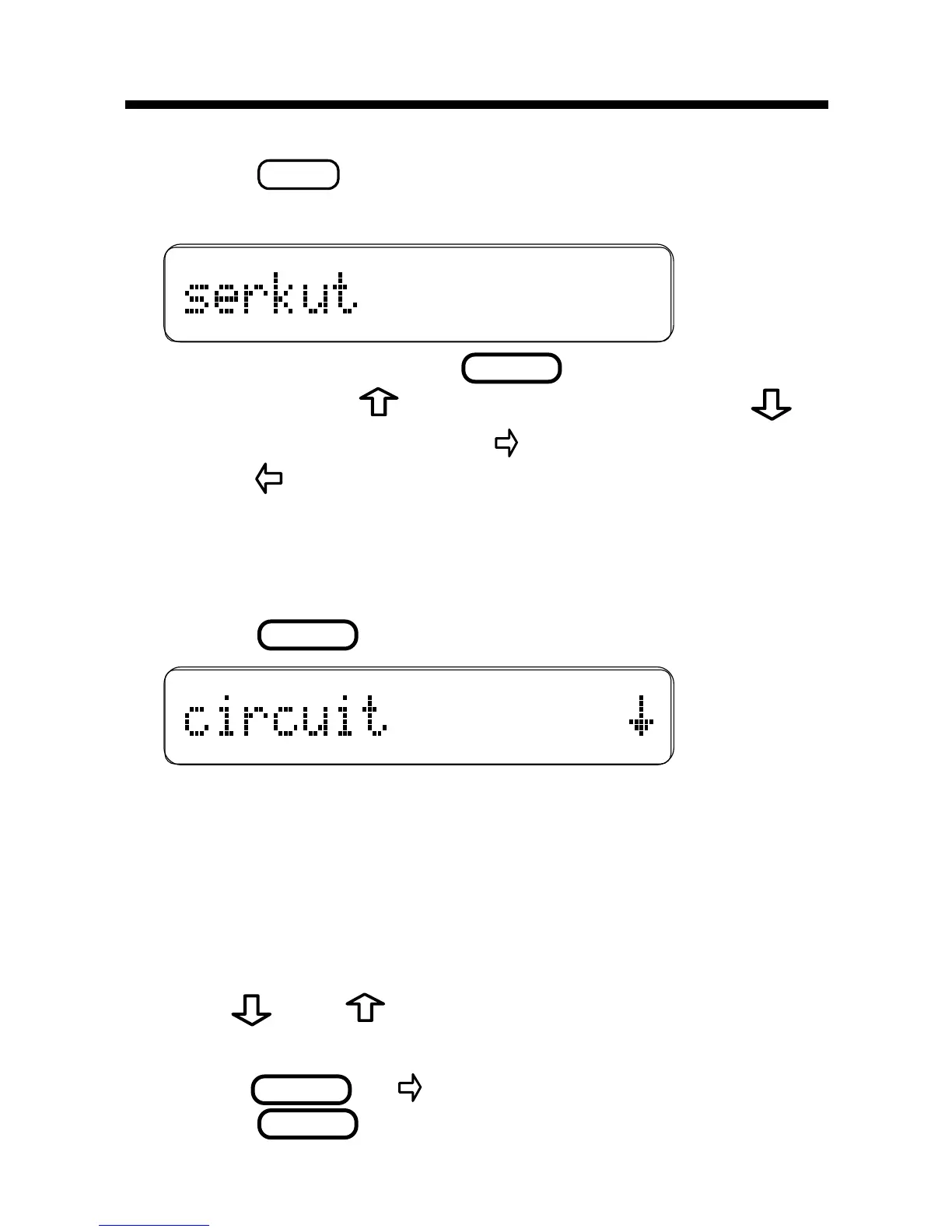
. To type an apos-
trophe, press
. To type a period, press .
To type a space, press
. To edit a word,
press
and then retype letters.
You cannot type capital letters, but the spelling
corrections may include capitals. Also, you
cannot begin a word with a punctuation mark.
3. Press
.
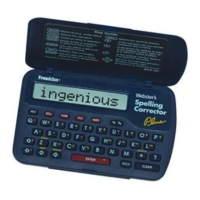
The flashing arrow indicates that more correc-
tions are available. If you enter a correctly
spelled word,
Correct word
appears and then
the word appears on the main word list. If you
enter a word that has more than one form,
Multiple forms
appears.
4. Use
and to view more words.
Note: If a word is too long to fit on the screen,
press







 To Next Page