EasyManua.ls Logo

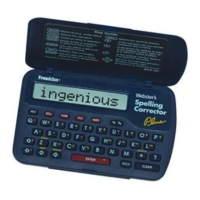
Franklin NCS-101 - Franklin Spelling Corrector Key Guide; Function Keys Overview; Calculator Keys

Franklin NCS-101
20 pages
Print Icon
To Next Page IconTo Next Page
To Previous Page IconTo Previous Page
Loading...
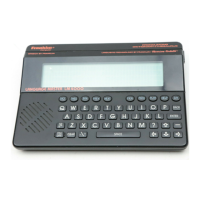
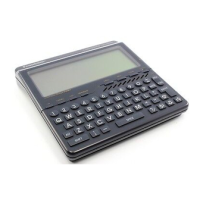
Key Guide
Function Keys
BACK
Backs up (e.g., erases typed letters).
CALC
Selects the calculator mode.
CLEAR
Clears to the start of selected mode.
ENTER
=
Enters words or numbers, or selects items.
GAMES
Selects the game mode.
HELP
Displays help messages.
PHONE
Selects the phone list mode.
ON/OFF
Turns the unit on or off.
SPELL
Selects the spelling corrector mode.
Calculator Keys
A
+
Lets you add numbers.
C
√
Calculates square roots.
D
x
Lets you multiply numbers.
ENTER
=
Performs calculations (i.e., acts as =).

F
/
Lets you divide numbers.
H
MC
Clears the calculator memory.
J
MR
Retrieves total from the memory.
K
M-
Subtracts a number from the memory.
L
M+
Adds a number to the memory.
1

Related product manuals