2201 Cantu Court Suite 215 Sarasota, FL 34232 Page 19 of 23
(941) 378-4242 (800-237-3928 Fax (941) 378-2765
Stewartsigns.com
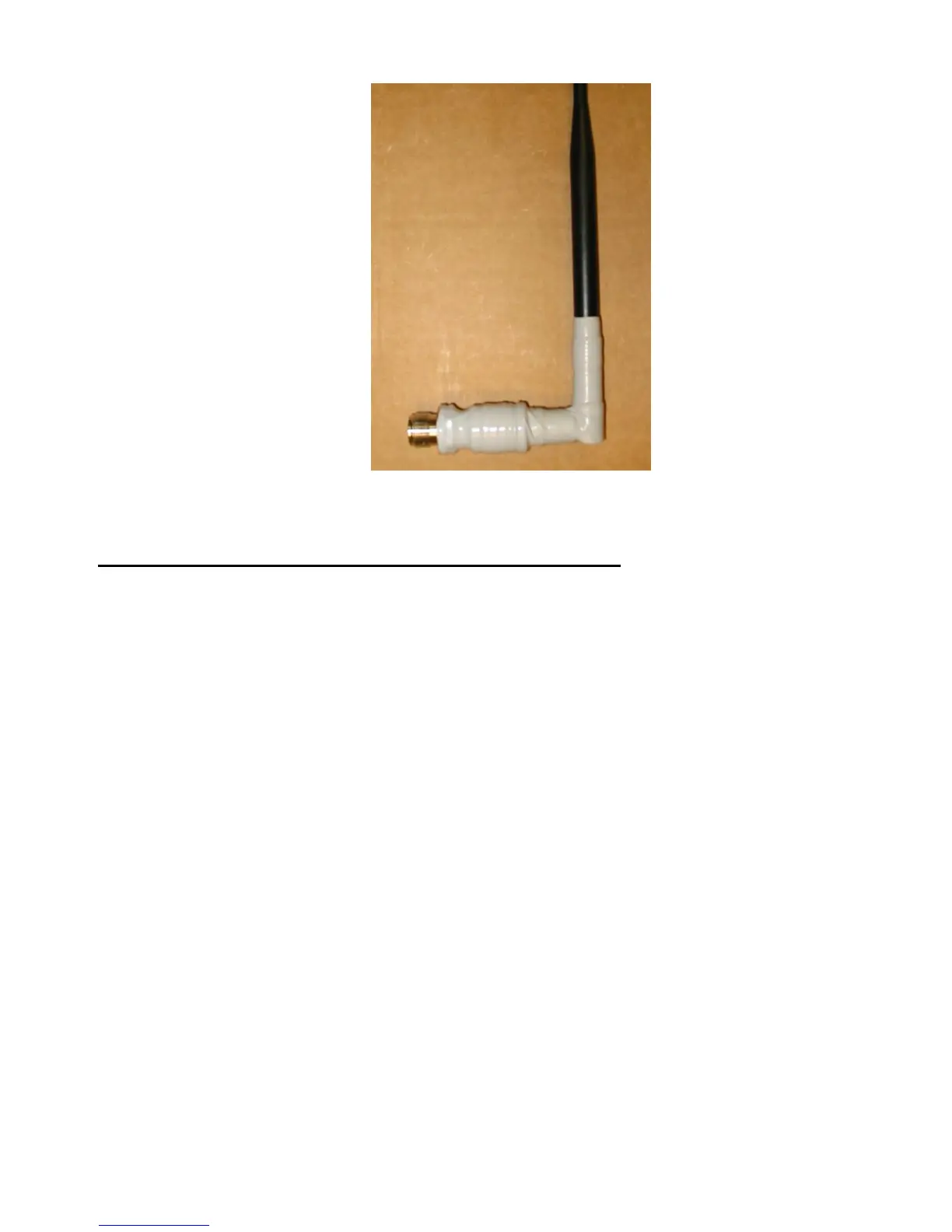
Figure #23 Wrapping the Antenna in Silicone Self-Fusing Electrical Tape
Connecting your Transceiver to the PC in your Building
1. Locate the Serial cable included with Transceiver. Attach one end of this cable to
the #1 COM Port on the Transceiver. See figure #25.
2. Attach the other end of the Serial cable to the Rs232 Serial port on your P.C..
3. Connect the AC adapter provided to an AC receptacle. Connect the other end to the
“Power” receptacle on the Wireless Transceiver. See figure #25.
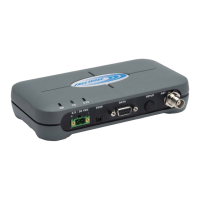
4. Using the included antenna adapters attach the antenna to the Antenna Port on the
Transceiver. See figure #25.
5. After both Transceivers are connected, you should be able to successfully connect
to the sign using Complay Software.


 To Next Page