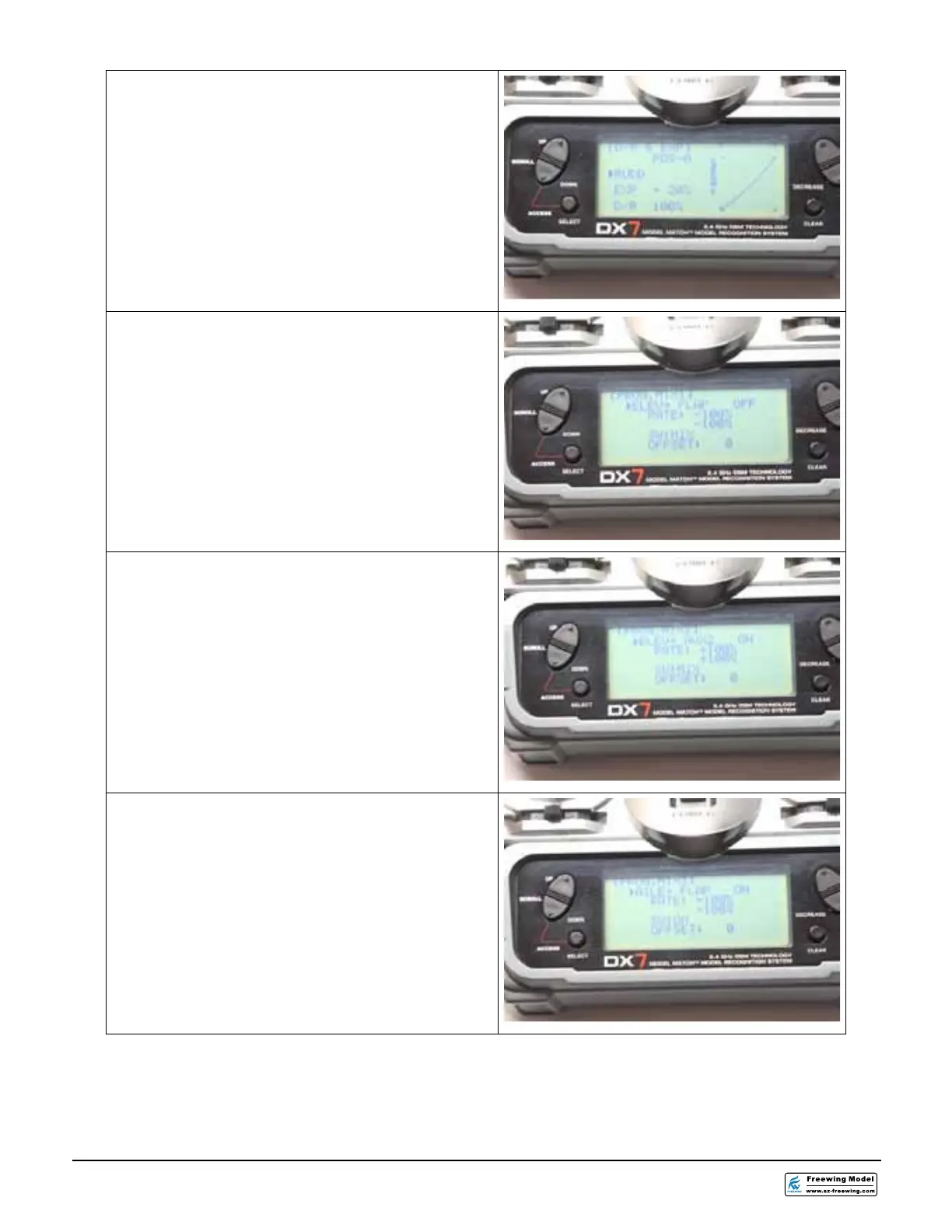
34. From the D/R & EXPO screen, select the
RUDD function. Set the dual rate switch
for the elevator to the “0” POSITION. Set
the EXPO for +20 % to make the rudder
less responsive around the stick center.
Set the D/R to 100%.
35.Select PROG.MIX1 from the radio menu.
Set the mix for ELEV to FLAP. Make sure
that the rates are both at -100% and that
the switch is set to MIX. There should be
no offset for this mix.
36.Select PROG.MIX2 from the radio menu.
Set the mix for ELEV to AUX2. Make sure
that the rates are both at +100% and that
the switch is set to MIX. There should be
no offset for this mix.
37. Select PROG.MIX3 from the radio menu.
Set the mix for AILE to FLAP. Make sure
that the rates are both at -100% and that
the switch is set to ON. There should be
no offset for this mix.




 To Next Page