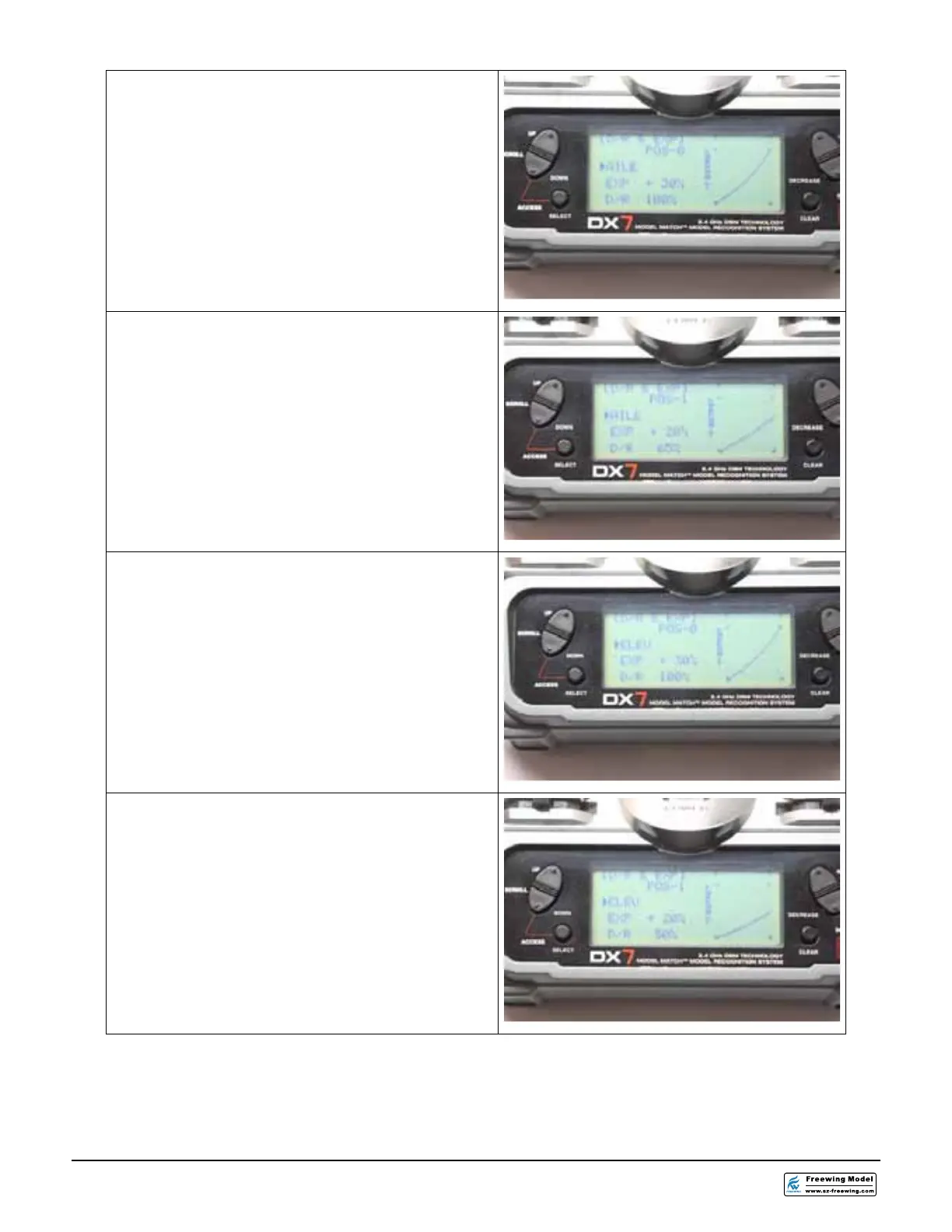
30.From the D/R & EXPO screen, select the
AILE function. Set the dual rate switch for
the ailerons to the “0” POSITION. Set the
EXPO for +30 % to make the Ailerons less
responsive in roll around the stick center.
Set the D/R to 100%.
31.From the D/R & EXPO screen, select the
AILE function. Set the dual rate switch for
the ailerons to the “1” POSITION. Set the
EXPO for +20 % to make the Ailerons less
responsive in roll around the stick center.
Set the D/R to 65%.
32.From the D/R & EXPO screen, select the
ELEV function. Set the dual rate switch for
the elevator to the “0” POSITION. Set the
EXPO for +30 % to make the elevators
less responsive in pitch around the stick
center. Set the D/R to 100%.
33. From the D/R & EXPO screen, select the
ELEV function. Set the dual rate switch for
the elevator to the “1” POSITION. Set the
EXPO for +20 % to make the elevators
less responsive in pitch around the stick
center. Set the D/R to 50%.




 To Next Page