X
Select the desiredmenu barwiththe r
or s button.
X
Changethe value with the u or t
button.
i
If youpress and hold u or t,the
hours/minutesscrollquickly.
X
To stopthe alarm: press the 9 button.
i
The alarm switches off automaticallyafter
two minutes.
Audiomenuwindow
Audiosource,title/station/frequency,
MP3 browser
The AudioAudio menu window is available on vehi-
cleswithMercedes-Benz audioequipment.
X
Switch on the CD radio or the radio/naviga-
tion system .
X
Use the u or t button to scrolltoá
audioand communications.
X
To display the audio source and the
track/station: usethe r or s but-
ton to scrolltothe AudioAudio menu window.
X
To change the audio source or title/
station/frequency: press the 9 button.
Depending on the active audiosource, the
input window displays:
R
the name of the audiosource
R
the station or frequency when in radio
mode
R
the title when in CD, USB or Bluetooth
®
mode
R
the AUX source when in audioAUX mode
R
the waveband when in radio mode
R
the MP3 browserwheninCDorUSB
mode
X
Select the desiredmenu barwiththe r
or s buttons.
X
Changethe audiosource, track or station
with the u or t buttons.
For MP3 files on audioCDs or on USB storage
devices, youcan navigate in the files and play
MP3 files.
Operatingthe MP3 browser
X
Openthe AudioAudio menu window.
X
Press the 9 button.
X
Press the r or s button to select the
MP3 browsermenu bar.
X
To openthe MP3 browser: press the u
or t button.
X
To switchbetween MP3 files/folders:
press the r or s button.
X
To select an MP3 fileortoopenafolder:
press the u button.
X
To closethe current folder: brieflypress
the t button.
X
To closethe MP3 browser: press and hold
the t button.
Adjusting the volume
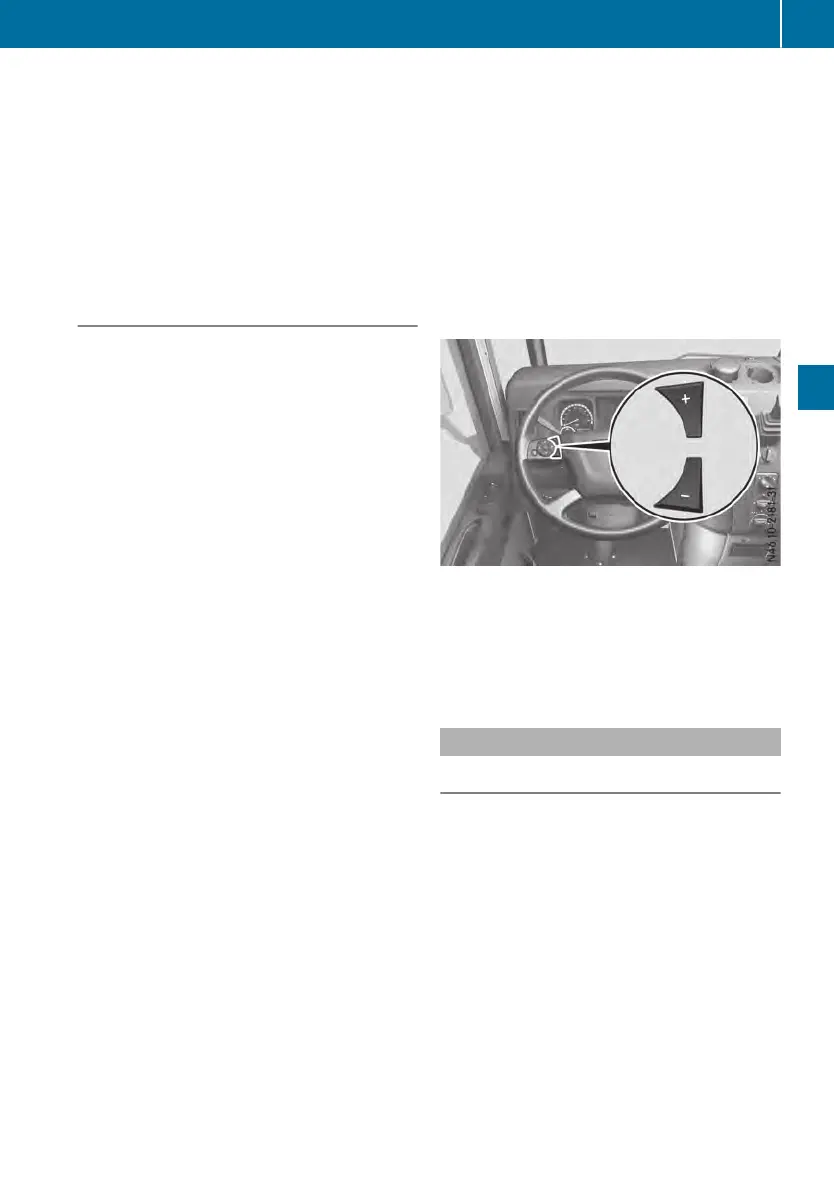
Buttons on the multifunction steering wheel
In audiomode, youcan adjust the volume at
any time.
X
To increase or decreasethe volume:
press W or X.
Operationand maintenancemenu
Axlesmenuwindow
Displaying the axleloads
The axleloadindicator is not calibrated, nor is
it asystem capable of calibration. The meas-
ureddataonly provides an approximate guide.
The valuesare not suitablefor officialuse.In
order to avoid inaccuraciesinthe measure-
ment, make sure that the vehicleisuniformly
laden.
Whenthe chassisisatdriving level,the axle
load measuring system determinesthe axle
load from the pressure in the airspring bel-
lows.
X
Park the vehicleonalevel surface.
X
Applythe parking brake.
On-board computer
77
On-board computer and displays
Z












 To Next Page