15–01 Alternator, Battery, and
Starter Checking
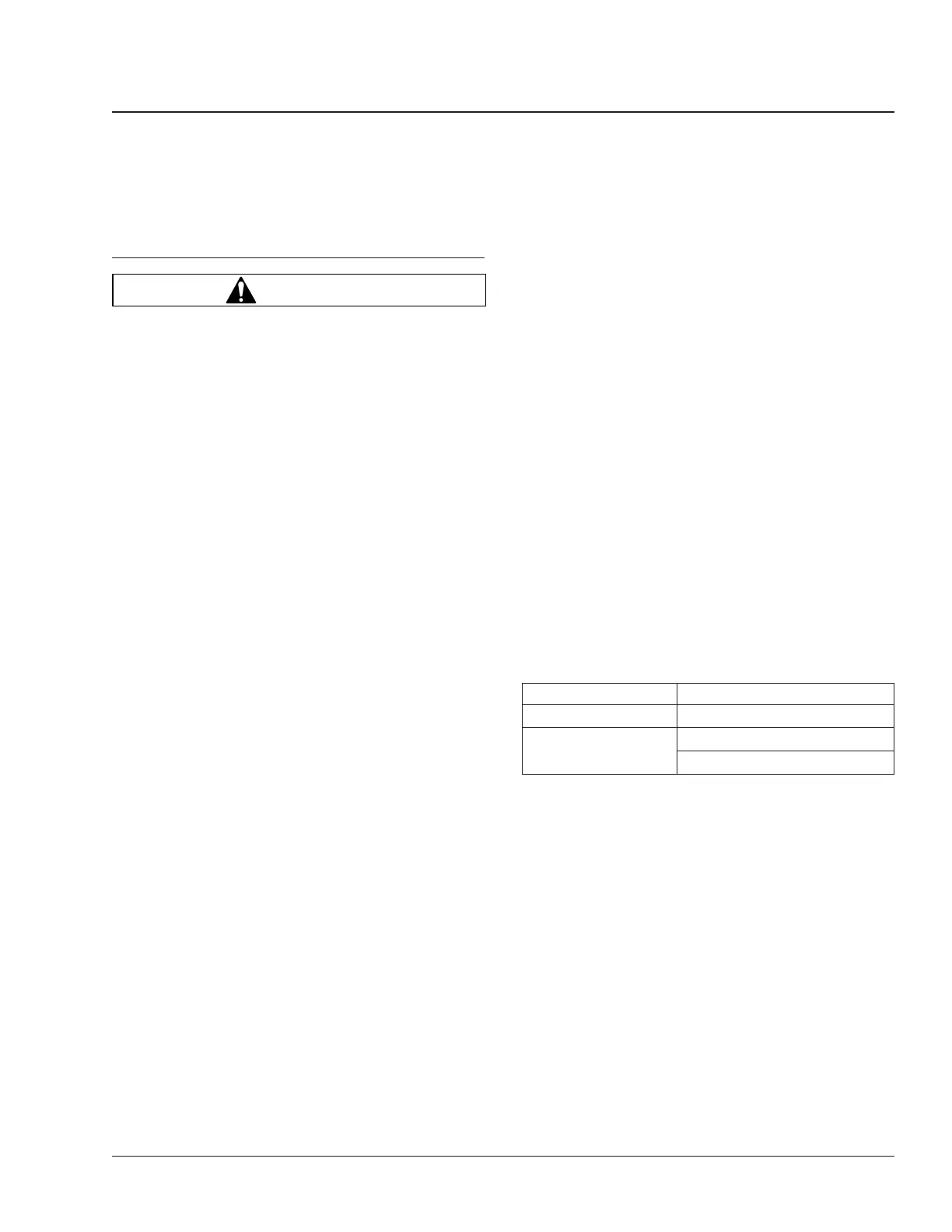
WARNING
Batteries release a gas mixture that is explosive.
Do not smoke when working around batteries. Put
out all flames, and remove any source of sparks
or intense heat. Make sure the battery compart-
ment has been completely vented before discon-
necting or connecting battery cables.
Battery acid is extremely harmful if splashed in
eyes or on skin. Always wear a face shield and
protective clothing when working around batter-
ies.
1. Check the tightness of the alternator bracket fas-
teners; tighten the fasteners as needed. For
torque values, see Group 15 of the
Business
Class
®
Trucks Service Manual
.
2. Check the belt tension of the alternator drive
belt. Use a tension gauge at the belt’s widest
span, and adjust the belt tension if needed. See
Group01inthismanualforbelttensionspecifi-
cations. Some Caterpillar engines are equipped
with dual alternator belts. Always check both
belts for correct tension. Engines equipped with
a serpentine, or poly-V belt have automatic belt
tensioners and do not require belt tension in-
spection.
3. Check that all electrical connections at the alter-
nator and starter are clean. Clean and tighten all
charging system electrical connections as
needed.
4. On the bundled cable running from the batteries
to the starter, ensure that tie-straps are installed
at least every 12 inches (300 mm). Replace any
missing tie-straps and add tie-straps where spac-
ing between straps exceeds 12 inches (300 mm).
5. Ensure that all cables have sufficient slack to
allow for engine movement and that there is no
pressure on any wiring connectors.
6. Check all wiring inside of damaged convoluted
tubing and replace any damaged or missing con-
voluted tubing.
7. Inspect the battery cables for wear, and replace
as needed. Clean the cable connector terminals
with a wire brush. See Group 54 of the
Business
Class
®
Trucks Service Manual
for troubleshoot-
ing instructions, and for adjustment, repair, or
replacement instructions.
7.1 Clean and tighten the battery ground
cable, terminal, and clamps.
7.2 Inspect the retainer assembly (or battery
hold-downs) and the battery box. Replace
worn or damaged parts. Remove any cor-
rosion with a wire brush, and wash with a
weak solution of baking soda and water.
Rinse with clean water, and dry. Paint the
retainer assembly, if needed, to prevent
rusting.
7.3 Check that foreign objects, such as
stones, bolts, and nuts are removed from
the battery box.
7.4 After cleaning, connect the cables to the
batteries, and tighten them to the torque
specifications listed on the battery, gener-
ally 10 to 15 lbf·ft (14 to 20 N·m).
7.5 Spray each connection with dielectric red
enamel and coat the battery terminals
with dielectric grease; see
Table 1.
Protectant Material Approved Brand
Dielectric Grease Lubriplate FLP DS–ES
Dielectric Red Enamel
Spray
3M 1602 IVI-Spray Sealer
Spray-On B–6–665
Table 1, Approved Dielectric Protectants
8. Check the alternator wiring for missing insulation,
kinks, and heat damage. Replace or repair as
needed.
9. Check the terminals on the battery shut-off
switch and the magnetic switch. Make sure the
terminal connections are clean and tight. Coat
the terminal connections with dielectric red
enamel after cleaning; see Table 1.
Alternator and Starter 15
Business Class Trucks Maintenance Manual, January 2004 15/1


 To Next Page
 Loading...





