15
ADJUSTING THE TEMPERATURE IN THE APPLIANCE
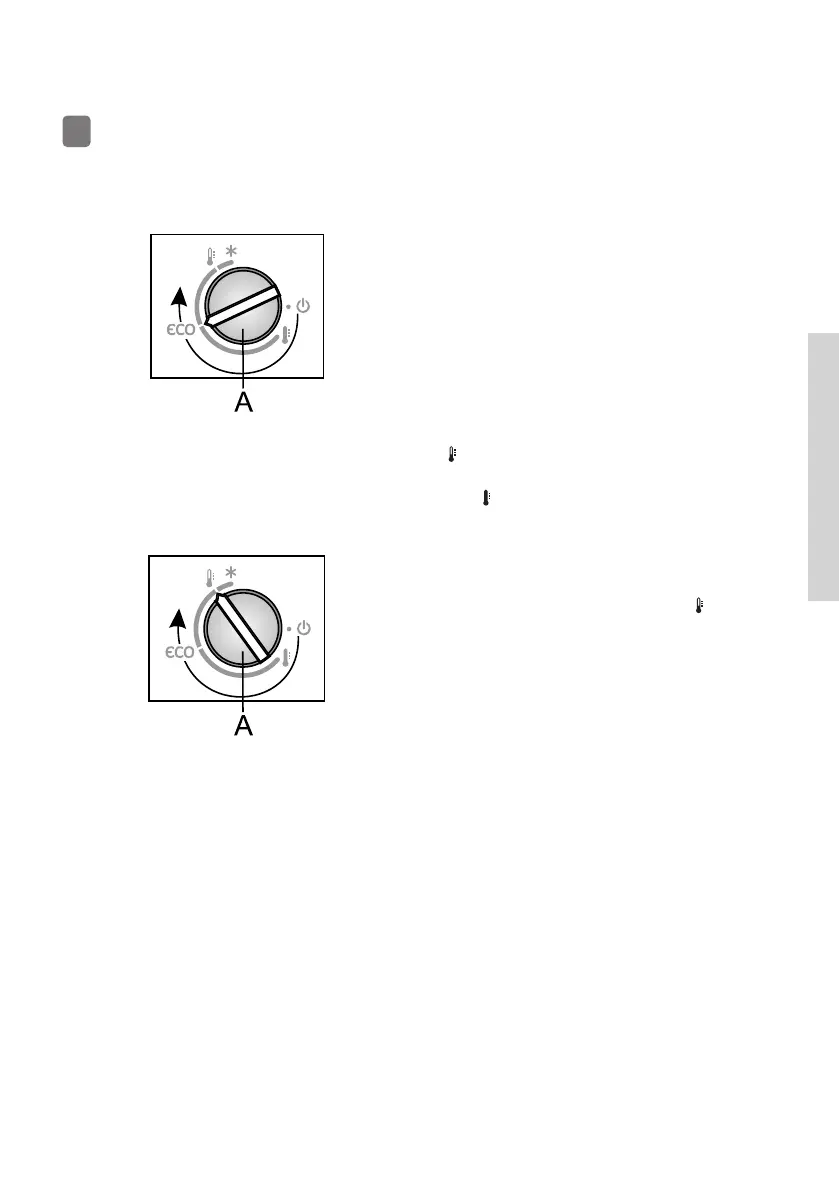
• To set the desired temperature,
rotate the A dial in clockwise
direction.
• Recommended setting of the A dial
is on the eco position (see fi gure).
• A change in the environment
temperature will a ect the
temperature in the appliance.
Adjust the setting with the A dial
accordingly. Positions towards the
mean a lower temperature in the
appliance (cooler). Settings towards
the mean a higher temperature
(warmer).
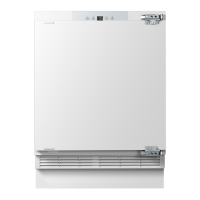
If the temperature of the room where
the appliance is installed is below 16 °C,
we recommend setting the A .
• After the appliance is switched on, it may take several hours for the set
temperature to be reached. Do not place any food into the refrigerator
before the temperature drops to the selected setting.
837875



 To Next Page