7
MAINTENANCE
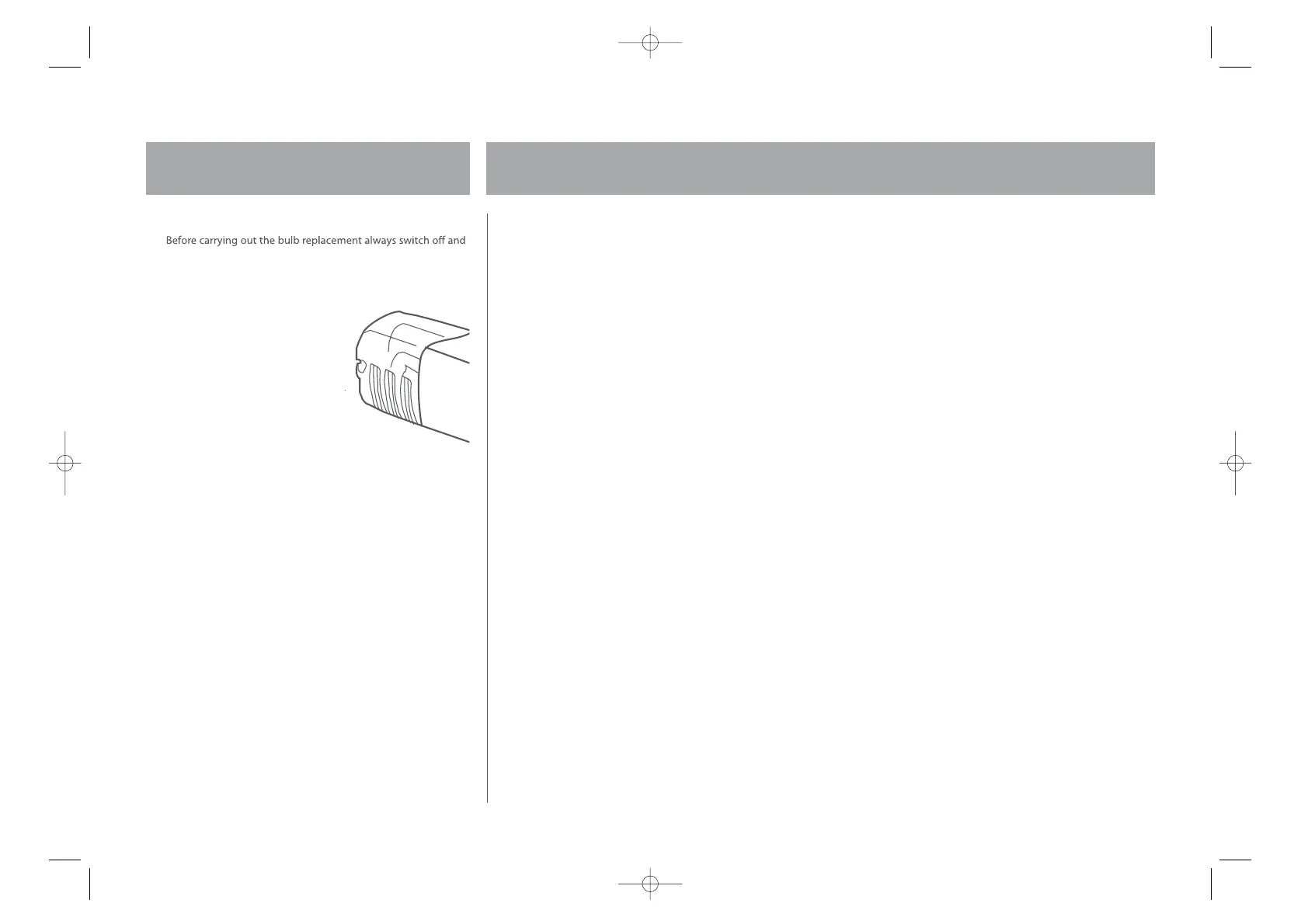
Changing the internal light
1
disconnect the electrical supply.
2 Undo the screw retaining the light bulb cover.
3 Push the cover in and slide toward the rear of the Fridge.
4 Remove the old bulb by unscrewing in an anti-clockwise direction.
5 Replace with a new bulb
(15w) by screwing it in a
clockwise direction making
sure that it is secure in the
bulb holder.
6 Replace the light cover and
re-insert the screw.
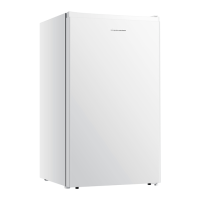
7 Re-connect your Larder Fridge
to the electrical supply and
switch on.



 To Next Page