17
ADJUSTING THE TEMPERATURE
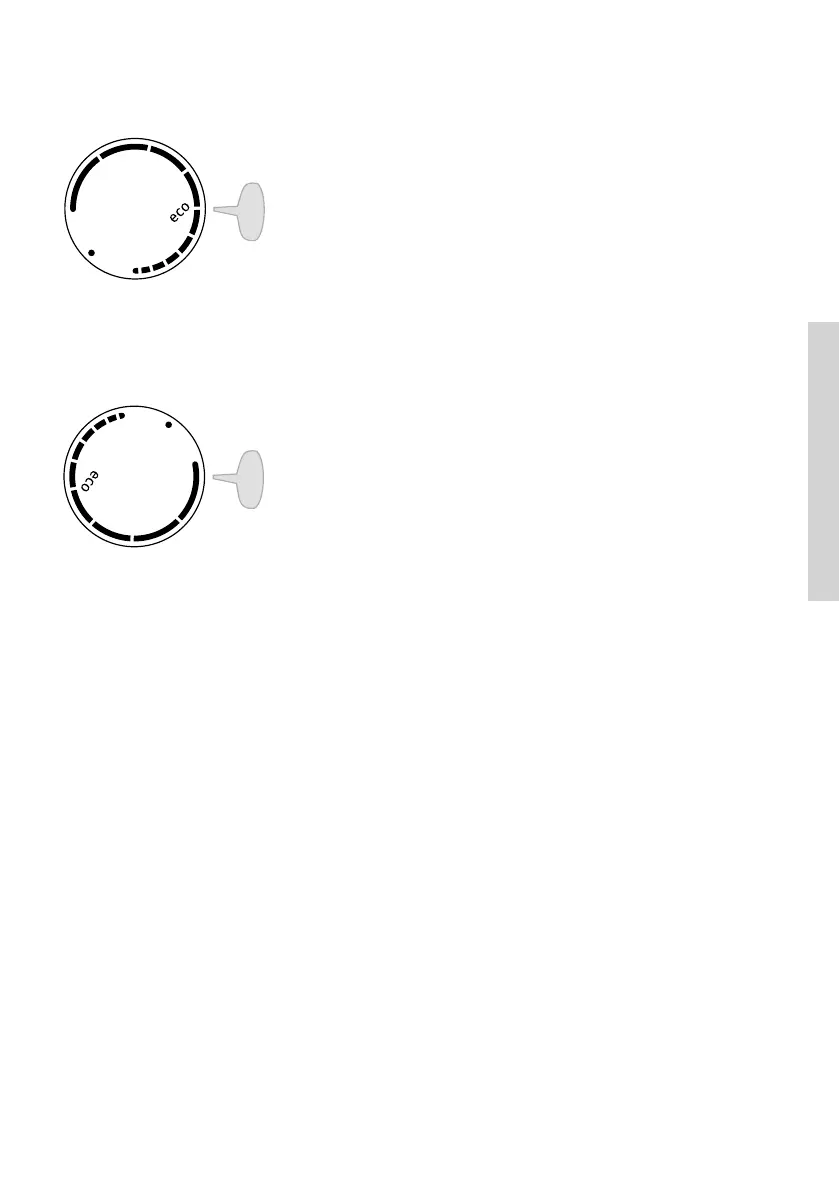
• To set the desired temperature, rotate the A dial in
clockwise direction, i.e. to the right.
• A change in the environment temperature will
aect the temperature in the appliance. Adjust
the setting with the A dial accordingly. Positions
towards the longer lines mean a lower temperature
in the appliance (cooler). Settings towards the
shorter lines mean a higher temperature (warmer).
• Recommended setting of the A dial is on the eco
position (see figure).
• If the temperature of the room where the appliance
is installed is below 16°C, we recommend setting
the A dial temperature to the longest line.
EN



 To Next Page