FR35 DC, FR35 AC/DC Operation
27
6.4 Using the battery monitor
The device is equipped with a multi-level battery monitor that
protects your vehicle battery against excessive discharging when
the device is connected to the on-board 12/24 V supply.
If the cooler is operated when the vehicle ignition is switched off,
the cooler switches off automatically as soon as the supply voltage
falls below a set level. The cooler will switch back on once the
battery has been recharged to the restart voltage level.
A
In “HIGH” mode, the battery monitor responds faster than at the
levels “LOW” and “MED” (see the following table).
This is how to select the battery monitor mode:
➤ Switch on the cooler.
➤ Press the “SET” button (fig. 2 4, page 2) three times.
➤ Use the “+” (fig. 2 6, page 2) and “–” (fig. 2 7, page 2) but-
tons to select the battery monitor mode.
✓ The selected mode then appears in the display for a few sec-
onds. The display flashes several times before it returns to the
current temperature.
I
NOTICE! Danger of damage!
When switched off by the battery monitor, the battery will no long-
er be fully charged. Avoid starting repeatedly or operating current
consumers without longer charging phases. Ensure that the bat-
tery is recharged.
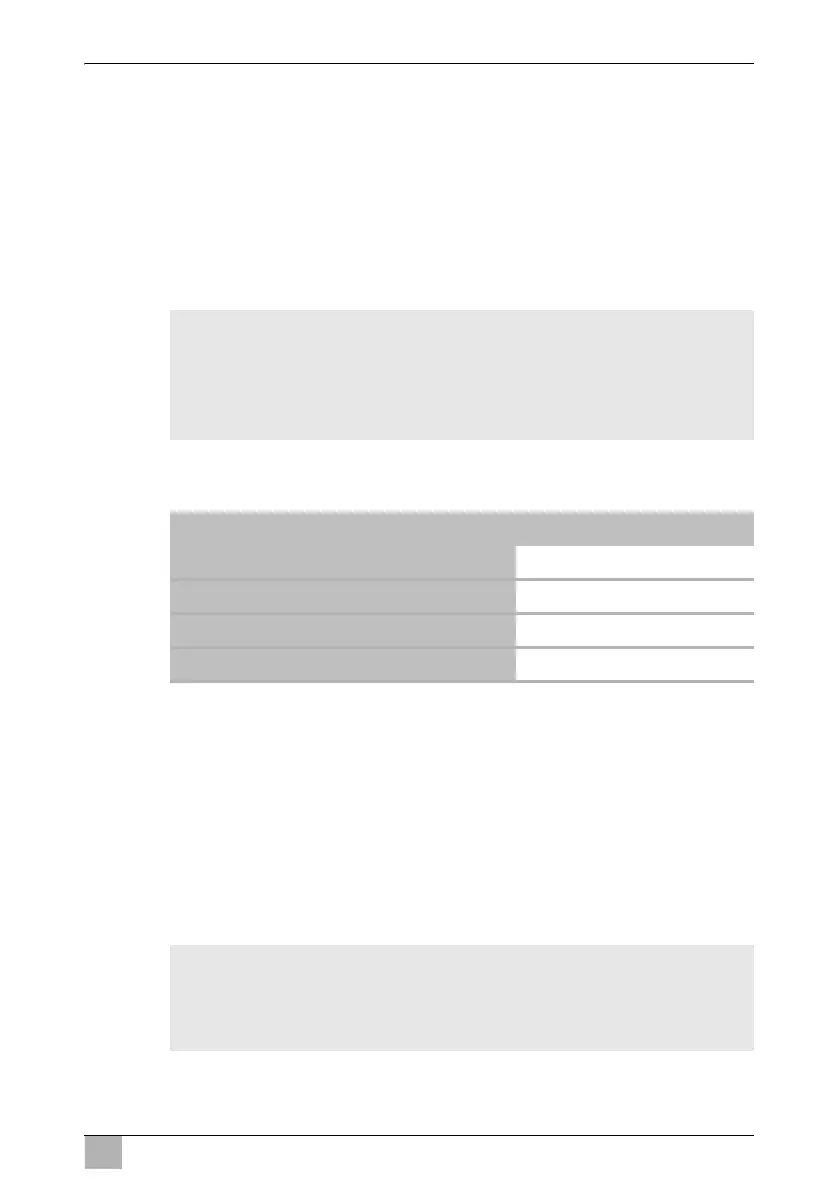
Battery monitor mode LOW MED HIGH
Switch-off voltage at 12 V 10.1 V 11.4 V 11.8 V
Restartvoltage at 12 V 11.1 V 12.2 V 12.6 V
Switch-off voltage at 24 V 21.5 V 24.1 V 24.6 V
Restart voltage at 24 V 23.0 V 25.3 V 26.2 V
NOTE
When the cooler is supplied by the starter battery, select the bat-
tery monitor mode “HIGH”. If the cooler is connected to a supply
battery, the battery monitor mode “LOW” will suffice.


 To Next Page
 Loading...