Chapter 3
Page 21
3.4 Scanning (Mowing)
Keep in mind that the Robomower will not mow all the grass on its first pass, in fact it will leave uncut
grass in between many of the legs it makes. This is expected and is entirely normal. These uncut
areas will be cut on subsequent passes of the Robomower across the lawn. Just like a dishwasher,
wait until the job is finished before you can appreciate the results. The Robomower will continue to
run for the amount of time selected or for the default ‘MAX’ time, which is generally 2.5 to 3.5 hours,
depending on grass type and condition. (RL550 Europe 2 hours) See Chapter 6, Operator Settings
and Advanced Features for more detail on setting operating time.
Note: There is an option to skip the edge mowing and to start scanning (mowing) the main area of
the lawn. Simply press the ‘GO’ button two times in sequence when starting the mower.
3.5 Mowing Complete
When the Robomower has operated the allotted time, it will simply stop in the lawn, waiting for you to
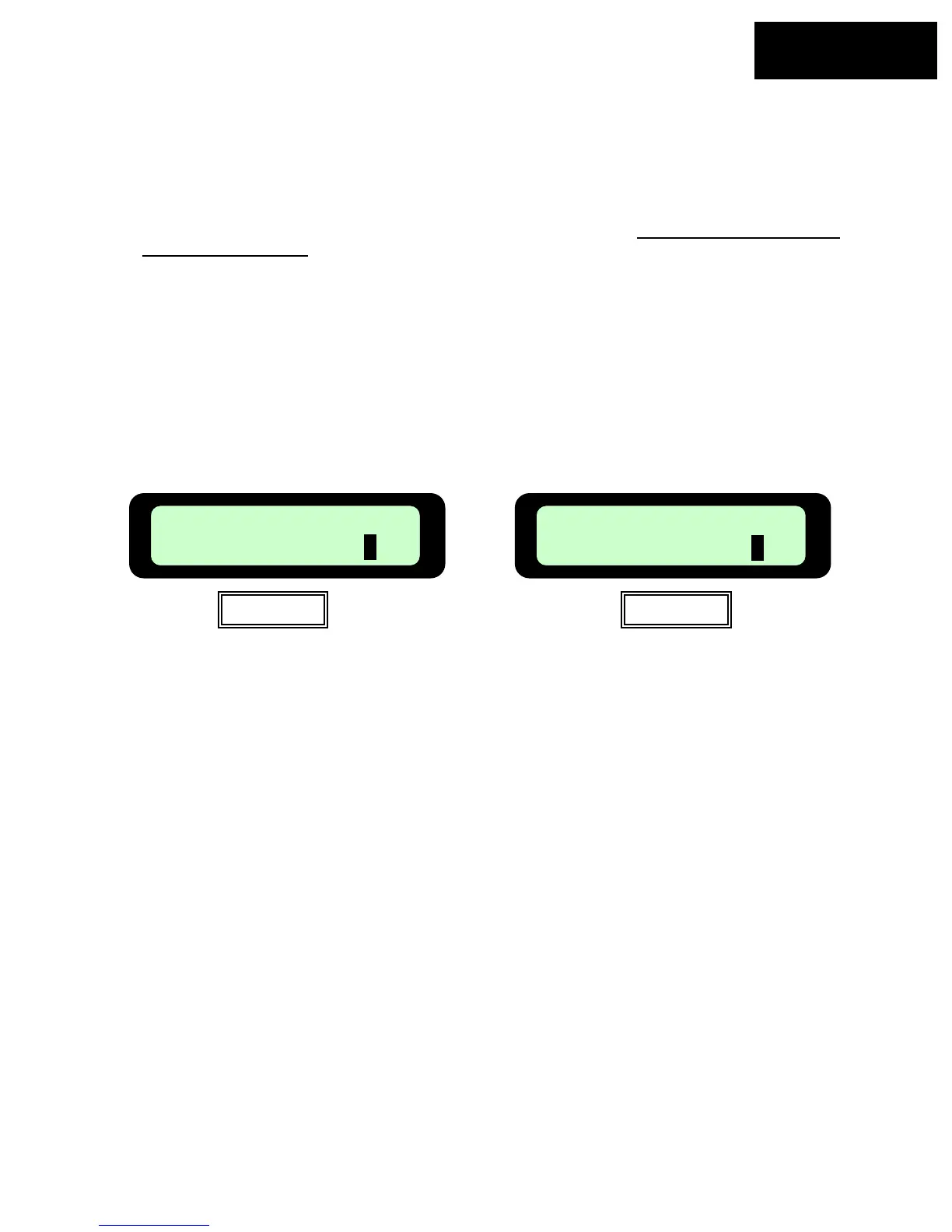
drive it back home and plug it into the charger, ready for the next mowing session. The LCD will
display a text message as seen in Figure 3.7 if the mowing time is set to the default time of ‘MAX’ or
the message as shown in Figure 3.8 if the mowing time has been selected to any time other than
‘MAX’.
Recharge Battery
Figure 3.7
Time Completed
Figure 3.8
If the Robomower has completed its’ mowing and it is more than 20 minutes before you arrive to
move it, the LCD screen will be blank. The Robomower will shut itself down into a sleep mode after
20 minutes of inactivity at all times. This is an energy saving feature. Pressing the ‘GO’ button or
removing the Manual Controller from the holder will ‘wake up’ the Robomower and display the
message that was on the LCD when it went into sleep mode. In this case, either the message in
Figure 3.7 or 3.8.








 To Next Page