45
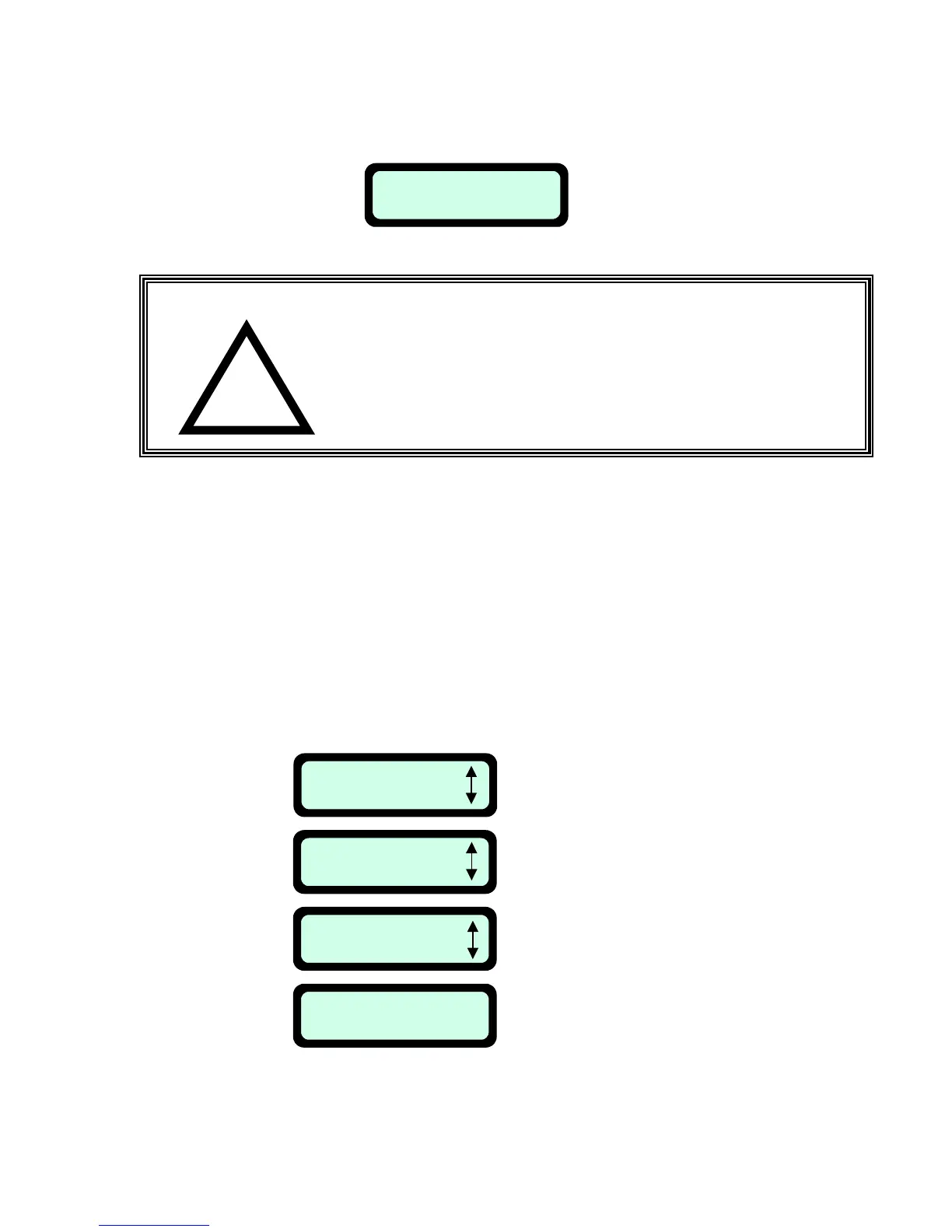
Note: The clock resets itself each time the Power Pack is removed for more than 30 seconds; ‘Set time’
message will then display:
4.3 How to cancel an active day?
Two options to cancel an active day:
1. Choosing the ‘None’ option under weekly program menu in the ‘Mode’ display.
2. Changing the ‘Depart’ time to 00:00 in the weekly program.
4.4 Weekly Program Display
Two options to see the weekly program:
1. Take the Manual Controller from its holder, follow the instructions explained in Figure 4.2 until
‘Weekly program’ is displayed’ and continue to follow the steps in Figure 4.3.
Set Time
Press GO
!
WARNING!
Serious injury can occur.
If the current date and time are not set correctly or
are failed to be set when prompted, the times scheduled
for automatic departure will not be correct.
Incorrect departure times can be dangerous if children,
pets or bystanders are present in the mowing area.
Weekly Program
Press GO
Set Program
Press GO
Display Program
Press GO
M T W T F S S
+ - + - - - +
Press ‘GO’
Press ‘GO’
Scroll to the next screen
‘Display Program’
This screen will display for 10
seconds and then disappear.
(+ means active day)
Fi








 To Next Page