EasyManua.ls Logo

Friendly Robotics Robomow RL500 - User Manual

Default Icon
42 pages
Print Icon
To Next Page IconTo Next Page
Loading...
Operating & Safety
Manual
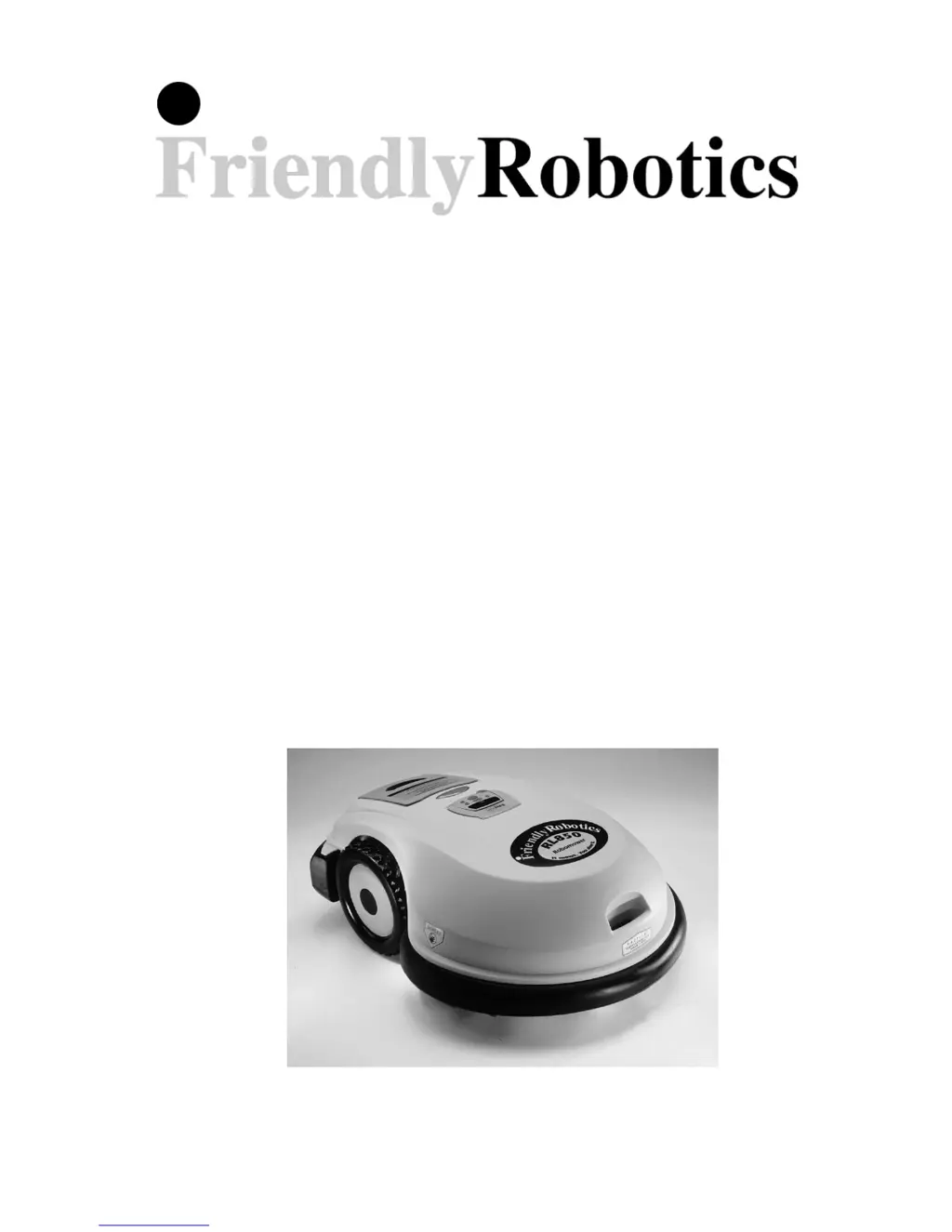
Robomow
RL500 / RL550
RL800 / RL850
www.friendlyrobotics.com
DOC0012A

Questions and Answers

  • M
    mitchelldavenportAug 21, 2025
    What to do if ‘Cut wire’ indicator is flashing on Friendly Robotics Robomow RL500 Lawn Mower Perimeter Switch?
    • B
      Brian CookAug 22, 2025
      If your Friendly Robotics Lawn Mower displays 'Cut wire' indicator flashing on the Perimeter Switch, it means that the wire is disconnected from the switch, the perimeter wire is cut, or there are poor connections. First, confirm the wire is plugged in and the wire leads are firmly attached. If that's not the case, walk along the perimeter, including islands and obstacles excluded with the perimeter wire, and look for obvious cuts or breaks in the wire. Repair with Robomower wire splice connectors. Finally, check and repair all loose/poor or corroded connections.
  • R
    robin78Sep 4, 2025
    Why Friendly Robotics Robomow RL500 perimeter switch will not activate when turned on?
    • M
      Matthew MurphySep 4, 2025
      If your Friendly Robotics Lawn Mower's perimeter switch will not activate when turned on, the batteries may be completely discharged. Install fresh alkaline C-cell batteries. Also, check that the batteries are installed with the correct polarity position. Water/moisture protection of the Perimeter Switch can only be insured when mounted vertically. Replace Perimeter Switch if it's not mounted vertically.
  • B
    Bruce LopezSep 2, 2025
    How to change the language on Friendly Robotics Lawn Mower LCD display?
    • H
      hporterSep 3, 2025
      If your Friendly Robotics Lawn Mower displays text in a foreign language, the language setting was either changed or not correctly set. To fix this, remove the Manual Controller and follow this sequence: 1. Press ‘C’ button 2. Press ‘GO’ button twice 3. Press ‘Down’ arrow key twice 4. Press ‘GO’ button once 5. Using the arrow, scroll to the correct language 6. Press ‘GO’ to confirm this selection.
  • M
    Mary LeonSep 1, 2025
    Why Friendly Robotics Robomow RL500 Lawn Mower has short run time?
    • N
      nicolemorrisSep 1, 2025
      If your Friendly Robotics Lawn Mower has a short run time, it could be caused by several factors: the Power Pack is not fully charged (connect the charger until the ‘Ready – Keep Charging’ message appears), the ‘Work Time’ for that zone is set to stop at a pre-determined duration (change work time under ‘User Preferences’), the grass is extremely overgrown or very wet, or the Power Pack is reaching the end of its life (replace the Power Pack).
  • A
    Anthony MontoyaAug 30, 2025
    Why does my Friendly Robotics Lawn Mower leave large patches of uncut grass?
    • M
      Michael HullAug 30, 2025
      If your Friendly Robotics Lawn Mower is showing large patches of uncut grass after mowing, the Power Pack might not be fully charged. Connect the charger to the mower and keep it connected until the ‘Ready – Keep Charging’ message displays on the LCD screen. Also, the ‘Work Time’ might not be sufficient for the zone size, so increase ‘Work Time’ under ‘User Preferences’ or set ‘Work Time’ to ‘MAX’. Other potential causes are: Power Pack nearing natural end of life, grass is extremely overgrown or very wet, Power Pack capacity is damaged from poor maintenance.
  • H
    huntrussellAug 29, 2025
    What does it mean when ‘Replace Battery’ indicator is flashing on Friendly Robotics Lawn Mower Perimeter Switch?
    • B
      Briana PenningtonAug 29, 2025
      If your Friendly Robotics Lawn Mower displays 'Replace Battery' indicator flashing on the Perimeter Switch, it could be due to weak batteries or the perimeter wire being too long for one zone. To solve this, install fresh alkaline C-cell batteries. A maximum perimeter wire length of 1000 feet (300 m) is recommended. Areas requiring longer lengths should be broken into separate zones. If the ‘Cut Wire’ indicator flashes once when the Perimeter Switch is activated, this confirms a length too long for a single perimeter zone.
  • C
    Charles UnderwoodAug 27, 2025
    Why Friendly Robotics Robomow RL500 does not complete the edge?
    • T
      tgravesAug 28, 2025
      If your Friendly Robotics Lawn Mower is not completing the edge, it could be due to an obstacle along the path or the geometry of your perimeter. Watch the full operation of the edge and confirm no obstacles are present. If you have RL500 & RL550 model, start the edge from the opposite side of the lawn.
  • C
    Carolyn GomezAug 27, 2025
    What does ‘Mowing Overload Cooling, Wait…’ mean on my Friendly Robotics Lawn Mower?
    • J
      Jodi TaylorAug 27, 2025
      If the Friendly Robotics Lawn Mower shows the message ‘Mowing Overload Cooling, Wait…’, it means that the mowing motors have been working under a severe load for too long. Wait until the message ‘Mowing Overload – Press GO’ is displayed.
  • J
    Jeffrey HintonAug 25, 2025
    What does ‘Drive Overload Cooling, Wait…’ mean on my Friendly Robotics Robomow RL500?
    • J
      Jonathan WallaceAug 25, 2025
      If the Friendly Robotics Lawn Mower shows the message ‘Drive Overload Cooling, Wait…’, it means that the drive motors have been working under a severe load for too long. You should wait until the message ‘Drive Overload – Press GO’ is displayed before resuming operation.
  • S
    Steven MartinAug 23, 2025
    Why my Friendly Robotics Robomow RL500 won't turn on and the LCD screen is blank?
    • B
      bradleyhansenAug 23, 2025
      If your Friendly Robotics Lawn Mower is not operating and the LCD screen is blank, it could be in deep sleep mode due to not being connected to the charger. To resolve this, lift the Power Pack from the mower and re-insert it after 10 seconds. Another reason could be that the Power Pack has been discharged from lack of charge maintenance. It is required for the charger to remain connected to the Robomower when not in use.

Summary

Safety Warnings and Precautions

General Safety Instructions

Lists crucial safety rules for operating the Robomower.

Warning Decal Definitions

Explanation of Safety Symbols

Details the meaning of various safety symbols used in the manual.

Safety Features

Chapter 1: Perimeter Wire Setup

Starting The Perimeter Wire Laying

Instructions for unwinding and beginning to lay the perimeter wire.

Fastening Wire and Handling Corners

Fastening The Wire To The Ground

How to secure the perimeter wire using pegs.

Narrow Areas and Obstacle Exclusion Zones

Defining Obstacles-Perimeter Islands

How to create exclusion zones around obstacles.

Completing Perimeter Wire Setup

Completing The Setup

Final steps to connect the perimeter switch and wires.

Perimeter Switch Connection and Mounting

Perimeter Switch Connection

Details on connecting wires, indicators, and mounting the switch.

Chapter 2: Preparing The Robomower

Using The Manual Controller

Using The Manual Controller

Overview of the Manual Controller's buttons and functions.

Adjusting Cutting Height and Ground Clearance

Setting The Cutting Height And Ground Clearance

How to adjust the mower's cutting height and ground clearance with safety notes.

Safety Warning for Blade Adjustment

Critical safety warning when working near the blades.

Initial Calibration and Wire Testing

Set Country and Perform One Time Calibration

Guide to the essential one-time calibration and perimeter wire testing.

Calibration Setup Sequence Guide

Calibration Setup Sequence

Step-by-step process for the mower's initial calibration.

Chapter 3: Automatic Operation

Chapter 4: Power Pack Charging & Power Management

Power Pack Charging Procedures

Detailed instructions for charging the power pack.

Charger Safety Precautions

Critical safety warnings related to the charger and charging process.

Chapter 5: Manual Operation

Chapter 6: Operator Settings and Advanced Features

Performing Safety Tests

Chapter 7: Text Messages and Troubleshooting

Understanding LCD Messages and Causes

Chart of common messages, their probable causes, and corrective actions.

Troubleshooting Specific Operational Faults

Troubleshooting Specific Operational Faults

Further details on faults like 'Restart Elsewhere', 'Theft Guard', and 'No Wire Signal'.

Resolving Other Operational or Fault Problems

Resolving Other Operational or Fault Problems

Solutions for issues like disconnected wires, weak batteries, or bumper activation.

Troubleshooting Mowing and Runtime Issues

Troubleshooting Mowing and Runtime Issues

Addressing problems such as short run time, uncut grass, or language settings.

Chapter 9: Care and Maintenance

Friendly Robotics Robomow RL500 Specifications

General IconGeneral
BrandFriendly Robotics
ModelRobomow RL500
CategoryLawn Mower
LanguageEnglish

Related product manuals