3
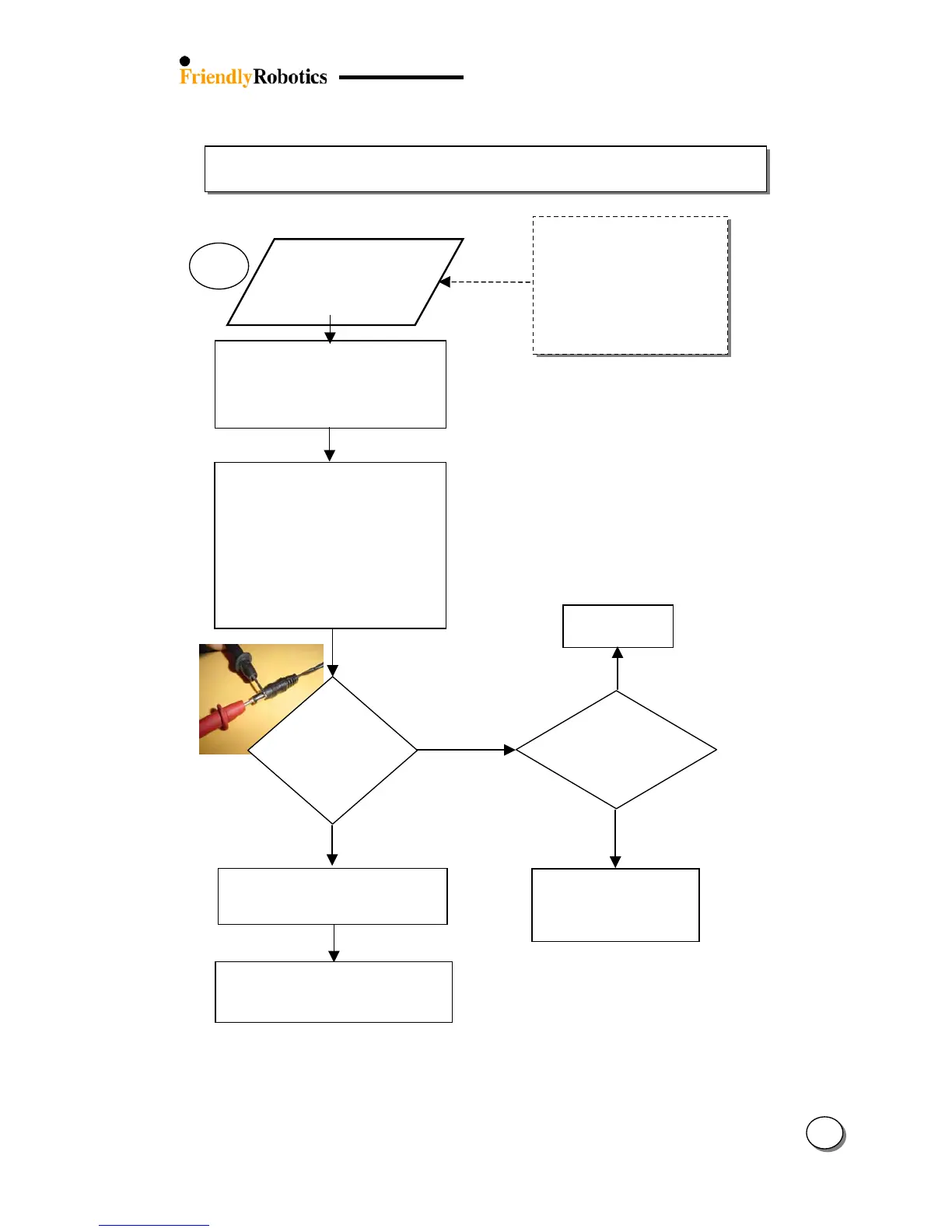
3.2.2 Power & Charging Problems (con.)
14
+
-
There is no
Charging indication
although the
Power Supply is
connected
In any case of char
problem or failure, it is
recommended first to
perform the charging
test as explained in
section 5.4.9 (page
5.13).
3.2.2.4
Confirm the Power Supply is plugged
into the Mains Supply
Ensure the Mains Supply is turned on
Test that the main socket is working
by plugging another appliance
Confirm the Power Supply connector
is fully inserted into the charging
socket
Confirm that the charger plug is not
corroded / rusty
Unplu
er from the
Robomower
Confirm that there is no corrosion
inside the charging socket
Reset the Robomower by removing
the Power Pack and re-insertin
e
from wall at
least 110 (US)/
Is the DC
output from
Power Supply
at least 32
Replace connector board (ESBC0021C)
Replace flat cable (WSB0052A)
Replace Main Board (SPP0019C)
Replace power Supply
(US – PWS0003A)
(UK – PWS0002A)
(EUR – PWS0001A)
Replace Manual Controller Holder
Assembly (MSB0105B)
Use another
outlet
NO








 To Next Page