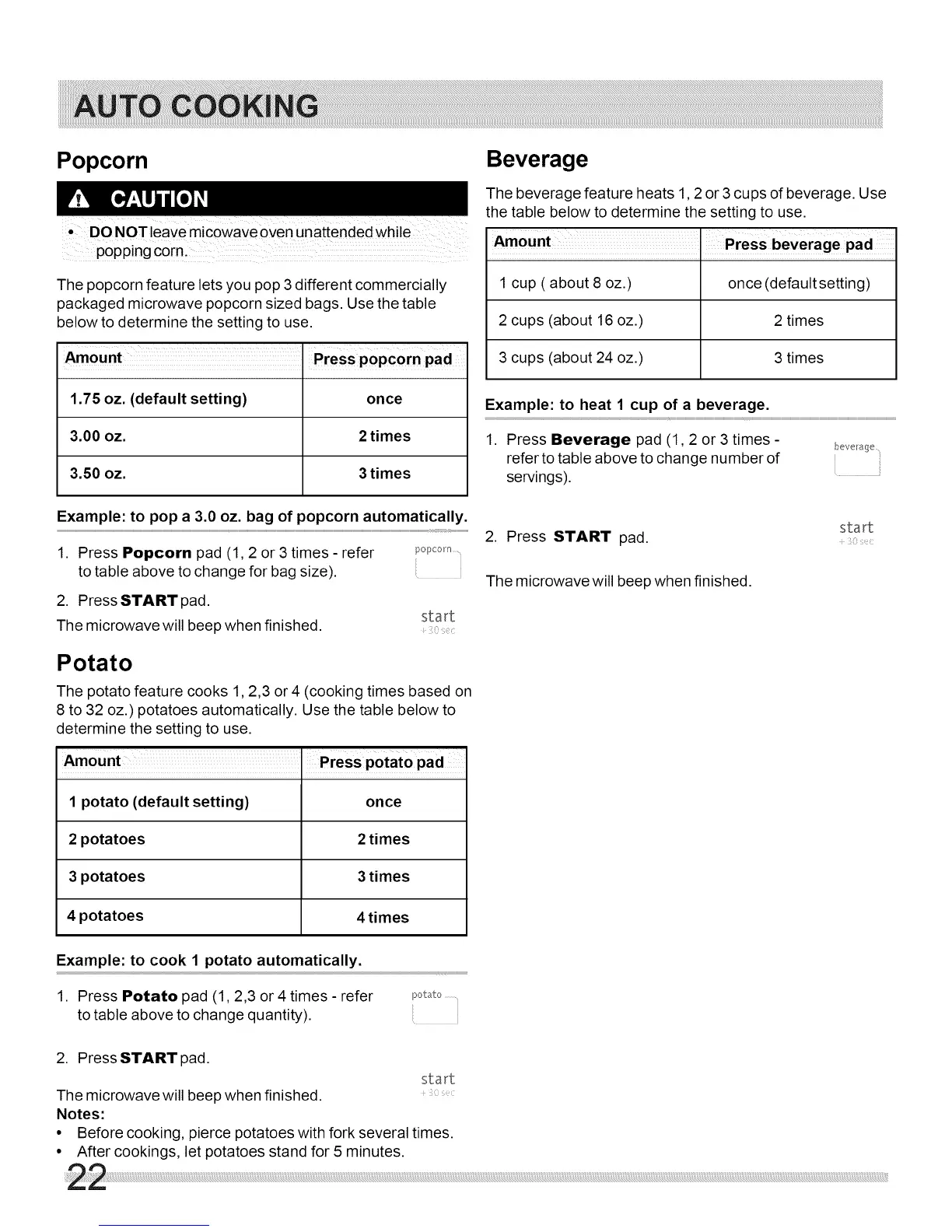
Popcorn
• DONOTleavemicowaveovenunattendedwhile
popping c0rnl
The popcorn feature lets you pop 3 different commercially
packaged microwave popcorn sized bags. Use the table
below to determine the setting to use.
Amount. Press popc0rn pad
1,75 oz, (default setting) once
3,00 oz, 2 times
3,50 oz, 3 times
Beverage
The beverage feature heats 1,2 or 3 cups of beverage. Use
the table below to determine the setting to use.
Amount I Press beverage pad
1 cup ( about 8 oz.) once (default setting)
2 cups (about 16 oz.) 2 times
3 cups (about 24 oz.) 3 times
Example: to heat 1 cup of a beverage.
1. Press Beverage pad (1,2 or 3 times-
refer to table above to change number of
servings).
• ii
Example: to pop a 3.0 oz. bag of popcorn automatically.
1. Press Popcorn pad (1,2 or 3 times - refer
to table above to change for bag size).
2. Press START pad.
The microwave will beep when finished.
popcorn
start
[:
Potato
The potato feature cooks 1,2,3 or 4 (cooking times based on
8 to 32 oz.) potatoes automatically. Use the table below to
determine the setting to use.
Amount ' Press potatopad
1 potato (default setting) once
2 potatoes 2 times
3 potatoes 3 times
4 potatoes 4 times
2. Press START pad.
The microwave will beep when finished.
start
Example: to cook 1 potato automatically.
1. Press Potato pad (1,2,3 or 4 times - refer
to table above to change quantity).
2. Press START pad.
start
The microwave will beep when finished.
Notes:
• Before cooking, pierce potatoes with fork several times.
• After cookings, let potatoes stand for 5 minutes.



 To Next Page