14 OPERATING INSTRUCTIONS
Auto mode
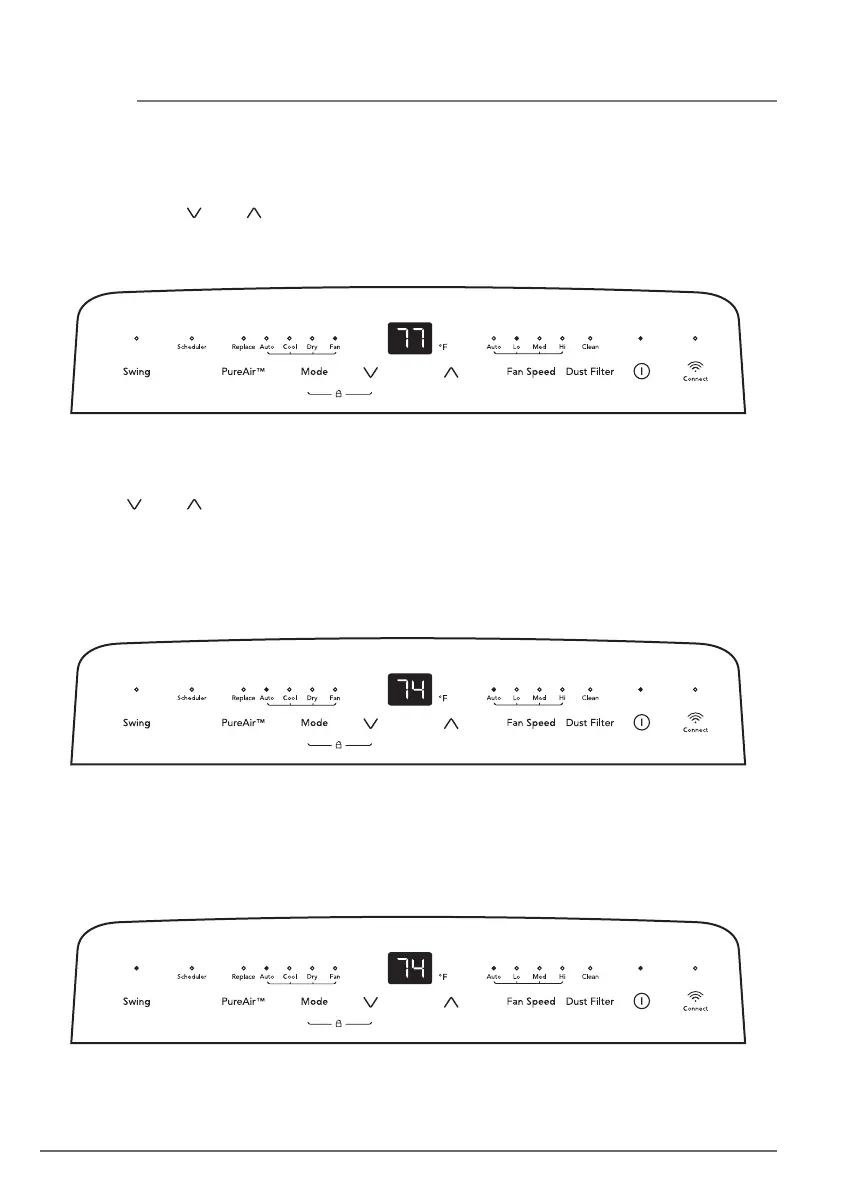
Press the “Mode” button until the Auto mode indicator lights up.
Press the “ ” or “ ” button to choose the temperature you want. The screen will display
the temperature setting.
In this mode, the unit will automatically select cooling, or fan only operation depending on
what temperature you have selected and the room temperature. The air conditioner will
control room temperature automatically around the temperature point set by you.
Note: In this mode, the unit will run in Auto fan speed and cannot be changed.
Fan mode
Press the “Mode” button until the Fan mode indicator lights up.
In this mode, you can select fan speed “Lo”, “Med”, or “Hi”.
In this mode, the “ ” or “ ” button is disabled and the screen displays the room
temperature.
Note: In this mode, the air exhaust hose does not need to be connected.
Louver Swing Function
Press the “Swing” button to enable louver swing function, the swing indicator will illuminate
and the louver on the top panel will swing up and down. Press this button again to disable
the louver swing function.



 To Next Page