EasyManua.ls Logo

FRIMED SB10E - User Manual

FRIMED SB10E
34 pages
Print Icon
To Next Page IconTo Next Page
Loading...
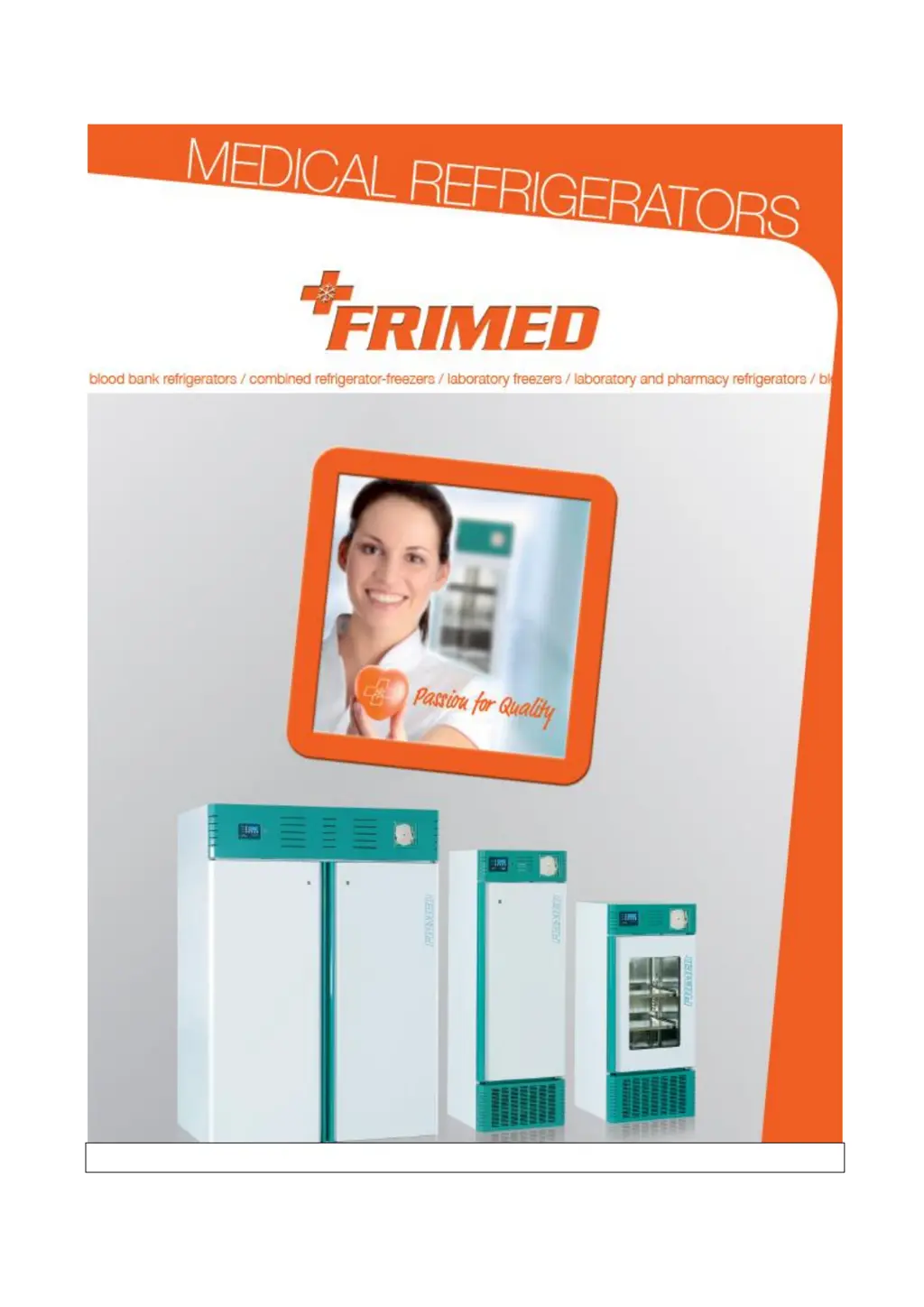
M-7.3-16 Rev. 05 09/03/15 BLOOD BANK REFRIGERATORS AND PLASMA FREEZER 1
Use and maintenance manual
USER PASSWORD = 555

Questions and Answers

  • L
    Larry AliAug 6, 2025
    How to fix FRIMED Laboratory Equipment that does not switch on?
    • A
      Alyssa PorterAug 6, 2025
      If your FRIMED Laboratory Equipment doesn't switch on, first ensure the main power switch is in the ON position. If it still doesn't power up, check the plug, socket, fuses, and electrical line for any power failures. If these steps do not resolve the issue, contact the service department.
  • T
    Todd Brooks DVMAug 13, 2025
    What to do if FRIMED Laboratory Equipment refrigeration unit runs constantly but does not reach set temperature?
    • K
      Kelly AdamsAug 13, 2025
      If the refrigeration unit of your FRIMED Laboratory Equipment runs constantly but doesn't reach the set temperature, consider the following: * Ensure better room ventilation and clean the condenser if the room temperature is too high. * Clean the condenser if it's dirty. * Check the door gasket for damage, and make sure refrigerator contents are not obstructing the door. * Defrost manually if the evaporator is coated with ice. For issues such as refrigerant recharge, a non-functioning condenser fan, or an open defrost valve, contact the service department.
  • J
    Jennifer GrimesAug 21, 2025
    Why FRIMED Laboratory Equipment refrigeration unit does not start?
    • J
      John MorrisAug 21, 2025
      If the refrigeration unit of your FRIMED Laboratory Equipment doesn't start, check if the set temperature has already been reached and set a new temperature if needed. If a defrosting cycle is in progress, wait for it to end, then switch the unit off and on again after a few minutes. For control panel faults or other issues, contact the service department.
  • N
    Nathaniel BellAug 28, 2025
    How to resolve water or ice deposits in the drip tray of FRIMED Laboratory Equipment?
    • R
      Richard MoralesAug 29, 2025
      If you notice water or ice deposits in the drip tray of your FRIMED Laboratory Equipment, it might be due to a clogged drain outlet. Try cleaning the drain and drain outlet. Also, ensure that the appliance is levelled.

Summary

Manufacturers Responsibility

COPYRIGHT & NOTES

Standards and General Warnings

Certification

Details on product certification and compliance with regulations.

Testing and Warranty

Information on product testing, warranty terms, and claims.

Aim, Contents and Intended User of this Manual

Overview of the manual's purpose, scope, and target audience.

Product Description

Details on the appliance's construction, materials, and features.

General Safety Regulations

Essential safety rules for operating and maintaining the appliance.

Clients Responsibilities

Customer obligations regarding installation, use, and maintenance.

Client Service Requests

Procedure for requesting technical support and service.

Ordering Spare Parts

Guidelines for ordering replacement parts and accessories.

Aim and Intended Use of Device

Defines the specific purpose and authorized applications of the appliance.

Unsuitable Conditions for Use

Lists environmental and operational conditions to avoid for safe use.

Materials and Refrigerants

Information about materials in contact with products and refrigerants used.

Installation

Transport and Handling

Instructions for safely moving and transporting the appliance.

Positioning

Guidance on selecting an appropriate location and placing the appliance.

Wiring and Electrical Hook-up

Procedures for connecting the appliance to the electrical power supply.

Set-up Operations

Steps to perform after installation and before initial operation.

Re-installation

Instructions for moving and setting up the appliance in a new location.

Scrapping and Disposal

Procedures for safely disposing of the appliance at the end of its life.

Operation

Safety and Accident Prevention

Features and measures for ensuring user and material safety during operation.

Safety Dataplates and Guards

Information on safety labels and protective elements on the appliance.

Operating Limits

Specifies the temperature and power supply ranges for optimal performance.

Storage Conditions

Recommendations for storing the appliance when not in use.

Users Instructions

Start Up of the Appliance

Step-by-step guide to powering on and initializing the appliance.

Functions

Description of the appliance's various operational features and modes.

Control Panel

Explanation of the user interface and its components.

The Menu Tree

Overview of the navigation structure for accessing appliance settings.

Alarm Codes

List and explanation of different alarm indicators and their meanings.

Download Data Procedure

Instructions for retrieving recorded data from the appliance.

Procedure to Disable Data Logger

Steps to turn off or manage the data logging function.

Procedure to Calibrate Internal Temperature Probe S1

Guide for adjusting the accuracy of the internal temperature sensor.

Update of Firmware Release

Instructions for updating the appliance's internal software.

GSM Module

Details on the optional GSM module for remote communication.

Dry Contact for Remote Alarm

Information on using the dry contact for external alarm signaling.

Back-up Battery

Description of the optional backup battery feature.

Temperature Chart Recorder

Information about the integrated temperature recording device.

Drawer

Instructions related to the appliance's drawers, including removal.

Divider for Drawer

Details on installing and using optional drawer dividers.

Routine Maintenance

Cleaning the Interior and Exterior of the Appliance

Detailed instructions for maintaining the appliance's appearance and hygiene.

Cleaning the Condenser

Steps for cleaning the condenser to ensure efficient operation.

Precautionary Measures for Prolonged Disuse

Recommendations for storing the appliance during extended periods of inactivity.

Special Maintenance and Repairs

Service & Troubleshooting

Symbols Used

Annexes

CE Declaration of Conformity

Official document confirming compliance with European standards.

Technical Documentation

Additional technical information, including diagrams and test reports.

PRODUCTS APPLICABLE TO THIS MANUAL

Standard and Optional Fitting

FRIMED SB10E Specifications

General IconGeneral
BrandFRIMED
ModelSB10E
CategoryLaboratory Equipment
LanguageEnglish

Related product manuals