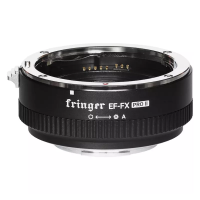
Using the Ultra version adapter, you get an aperture approximately 1 stop faster. For example, you
get a max aperture of approximately F1.0 when using an EF50/1.4 lens.
You may set shutter speed through the command dials on camera. During view finding, when
environment brightness changes, the lens aperture blades may move frequently with a little noise and
slightly flashing of LCD or EVF. It only occurs when both AF and aperture priority are enabled. That’s a
unique behavior of Fujifilm mirrorless. Native XF lenses behave the same. But their aperture motor
moves so fast and silently that you will never notice. However, EF lenses’ aperture motor moves
slower and noisier. If you want to avoid it, manually set shutter speed by moving shutter speed dial to
any position other than ‘A’. Of course you may still set shutter speed to auto if that’s tolerable. Be noted
that if “PREVIEW EXP./WB IN MANUAL MODE” in the camera menu is set to “OFF”, the described issue
may occur even the shutter speed is set manually.
For some of the zoom lenses not in the optimized lens list, max aperture value may not be
correctly displayed. But their functions would be OK. The aperture display issue will be eliminated
when the lens is added to the optimized lens list in the future through firmware update.
3.3 Setting AF modes
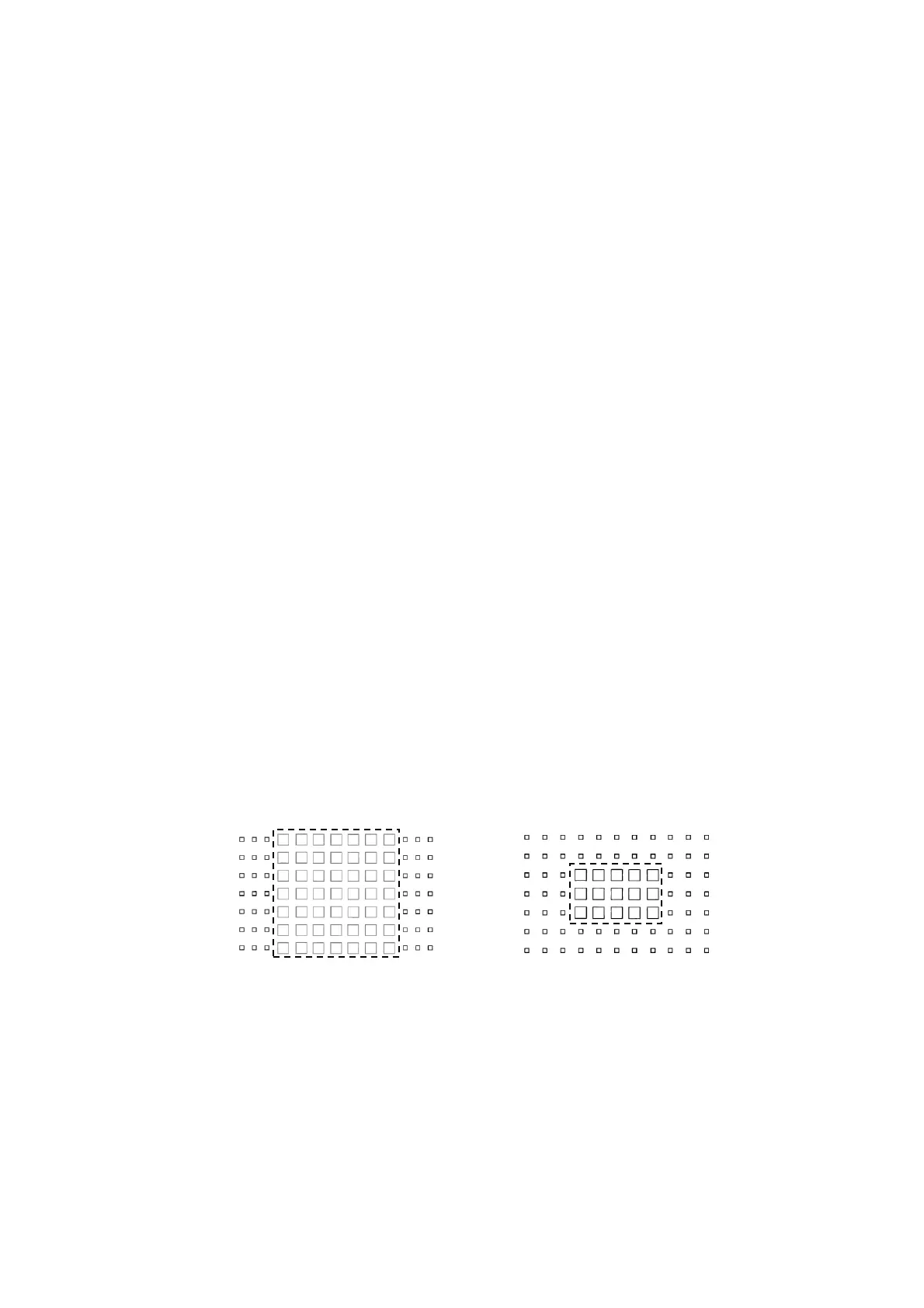
For a better AF performance, please always use phase detection focus points. See the dashed box
in the following charts (X-Trans II and III only). For cameras equipped with X-Trans III CMOS, e.g. X-H1,
X-Pro2, X-T2, X-T20 and X-E3, use central 7 x 7 among all 91 AF points. For cameras equipped with
X-Trans II CMOS, e.g. X-T1, X-T10, X-E2 and X-E2s,use central 3 x 5 among all 77 focus points.
Whatever you set AF mode to AF-S or AF-C, single point or zone, the use of focus points outside the
dashed box will activate CDAF and AF performance may be degraded. For X-Trans IV/V CMOS, all the
AF points covering the entire sensor support PDAF. Thus, you may use any of them and get optimal
performance. And WIDE/TRACKING mode also works.
X-Trans III X-Trans II
Under the single point AF mode, setting focus point to medium size is recommended for a better
AF successful rate and accuracy. Remember, small size focus point means contrast AF only and may
cause degraded performance.
For cameras equipped with X-Trans IV CMOS, e.g. X-T3, DON’T set the camera to boost mode if not
necessary. The camera may prefer CDAF instead of PDAF under certain circumstances in that mode.
That may lead to degraded AF performance when adapting. There is no such limit on X-Trans V


 To Next Page
 Loading...