cameras. You are free to use boost mode.
We have tried our best to make EF lenses work better on X mount. But please understand that
different lens and camera system will never collaborate like a native system. Sometimes even lenses
optimized may encounter AF issues. You may try to improve its accuracy by half pressing shutter
release button more than once before releasing the shutter. Or you may try AF-C instead of AF-S mode.
If necessary, please change to the MF mode.
You may change it to the MF mode by turning AF/MF switch on the lens to the MF position. The
camera will be set to the MF mode automatically.
For some lenses not in the optimized lens list, PDAF may not work. Thus, you may encounter slow
and inaccurate AF. Sometimes MF would be the only choice.
3.4 Lens built-in IS and camera IBIS functions
This product can activate image stabilizing functions of lenses with IS, OS or VC support. When the
IS switch on the lens is turned on, the lens’ IS function is controlled by “IS MODE” menu item. If it’s set
to “Continuous” (Mode 1), IS function is activated all the time. That may consume more power. When
it’s set to “Shooting only” (Mode 2), IS function is enabled when the shutter release button being
half-pressed and disabled about 2 seconds after its release.
Be noted,
⚫ Not all the lenses with IS function can active it reliably each time half-pressing the shutter release
button under “Shooting only” mode. If that happens, please change to “Continuous” mode.
⚫ When using IS lens on an IBIS body, e.g. X-H1, IBIS is disabled automatically to prevent interference
with lens’ IS function.
⚫ When using none IS lens on an IBIS body, e.g. X-H1, IBIS function can be activated. The usage is the
same as none IS native XF lenses. Please use “IS Mode” menu item to control it. However, only
lenses shorter than 100mm can be supported well by the IBIS.
4. Firmware update
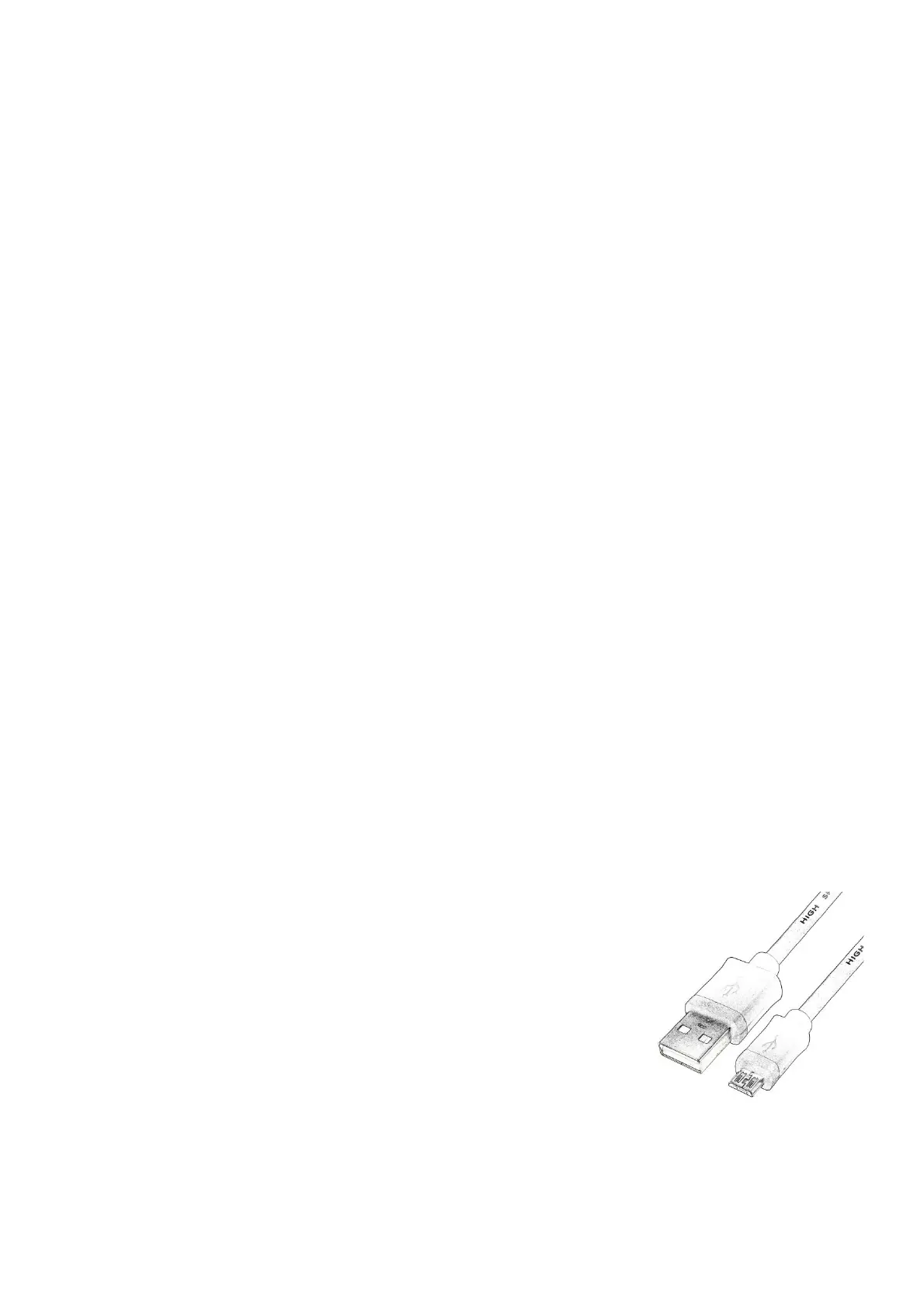
You need a PC or Mac and a Micro B USB cable, i.e. most Android
phone’s data cable (not type C), to upgrade the adapter.
1) Download new firmware from Fringer’s website. Be noted that there
are three versions, i.e. Pro version, standard version and Ultra version.
Choose the correction version! For example ‘EFX2_100P.BIN’ is v1.00
for Pro version, ‘EFX2_100S’ is v1.00 for standard version, and
‘EFX2_100U’ is v1.00 for Ultra version.
2) Get the adapter off the camera. Make sure not to connect the adapter with the computer while it is
installed on a camera body.


 To Next Page
 Loading...