Establishing a Wireless LAN Connection Using the Online Wizard
15
• If the MAC address filter of the wireless access point is
enabled, the MAC address of the FRITZ!WLAN Repeater
must be entered as an exception.
Establishing a Wireless LAN Connection
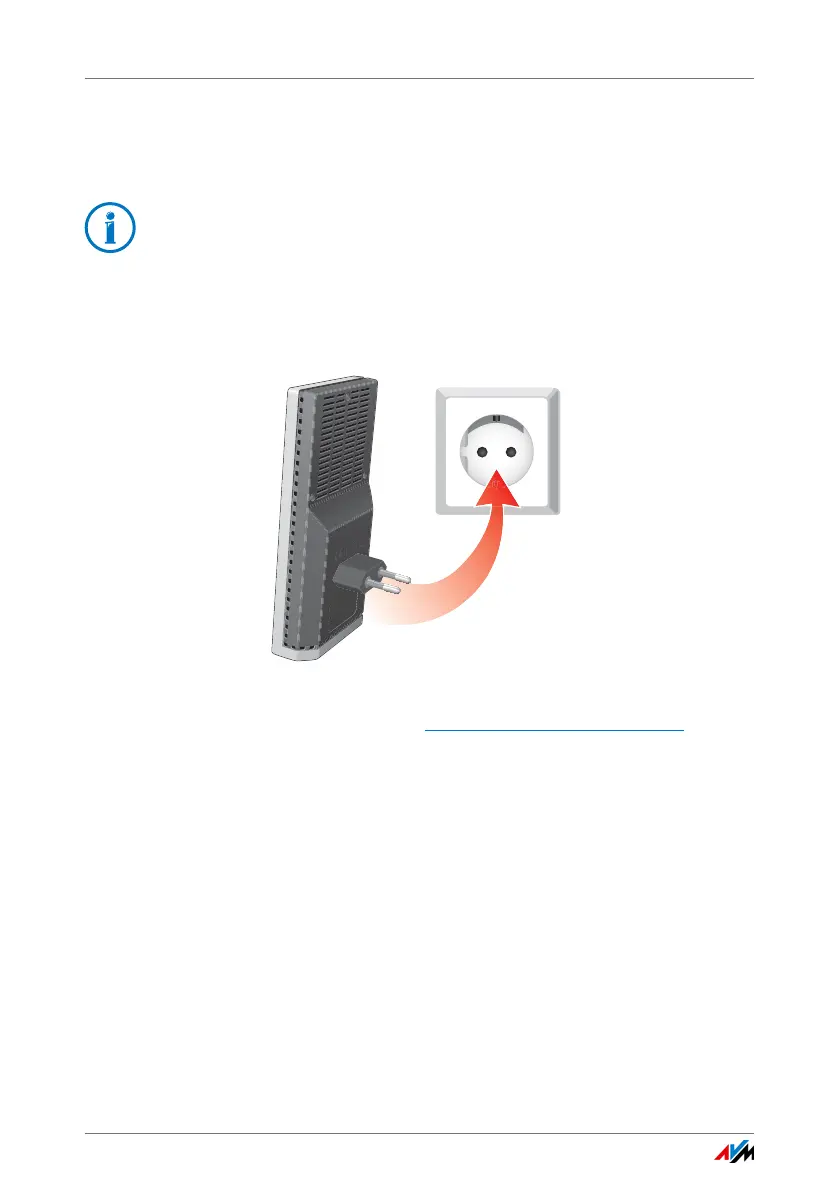
1. Connect the FRITZ!WLAN Repeater to an electrical outlet
in the vicinity of the FRITZ!Box.
2. Start a web browser on the computer.
3. Enter the address en.avm.de/products/fritzwlan
.
4. Save the FRITZ!WLAN Repeater 1750E online wizard on
your computer.
5. Start the online wizard and follow the instructions.
A secure wireless LAN connection is being established
between the FRITZ!WLAN Repeater and the wireless ac-
cess point.
6. Select the best location for expanding the wireless radio
network.
Insert the the FRITZ!WLAN Repeater into an electrical
outlet at that location.
The connection with the wireless access point is re-estab-
lished automatically.
In the presettings of the latest FRITZ!Box models the SSID is
visible and the MAC address filter is disabled.















 To Next Page