20
Integrating in the Wireless LAN via LAN Port
5 Integrating in the Wireless LAN via LAN Port
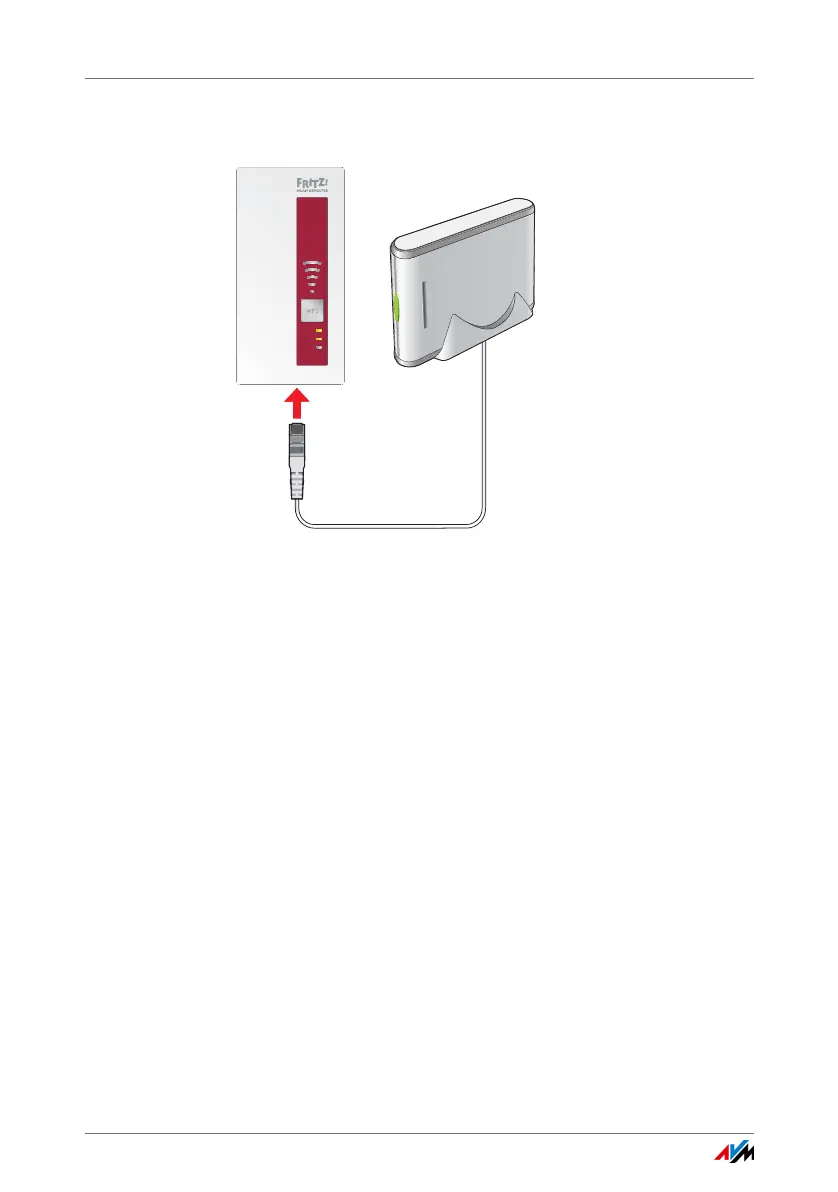
Connecting a device to the LAN port
The FRITZ!WLAN Repeater 1750E has a LAN port for a network
device, for instance a Blu-ray player, television, satellite/TV
receiver, printer, or network storage device.
The connected device is then integrated into your wireless
network and can use the Internet connection of the wireless
access point.
A LAN cable for connecting a network device is included with
delivery of the FRITZ!WLAN Repeater.
Example
You can connect a network storage device to the
FRITZ!WLAN Repeater’s LAN port. All computers connected
wirelessly with the FRITZ!WLAN Repeater or the wireless ac-
cess point then can download files from the network storage
or save files to the network storage.
LAN
WLAN
Power















 To Next Page