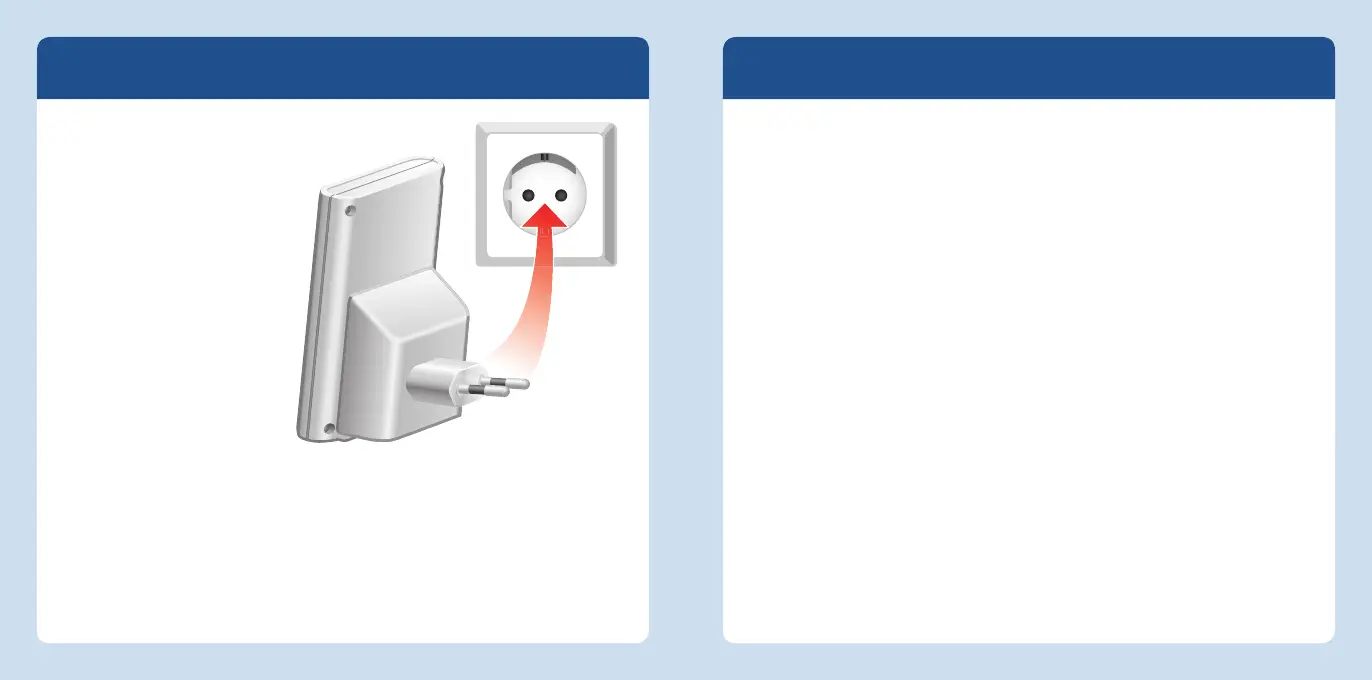
Starting Operation
To start operation, insert the
FRITZ!WLANRepeater in a
socket in the vicinity of your
computer and your WLAN
base station (e.g. FRITZ!Box).
Then establish a wireless
connection between the
FRITZ!WLANRepeater and
the WLAN base station. For
more instructions, continue
reading on page21.
Then insert the
FRITZ!WLANRepeater in a
socket that is located about
halfway between your WLAN
base station and the WLAN
devices to be added to
the wireless network. This
ensures that the FRITZ!WLANRepeater will work eff ectively, for the radio signal it
relays is only as strong as the signal it receives.
Connecting with a WLAN Base Station
You can use any of three diff erent methods to connect the FRITZ!WLANRepeater with
your WLAN base station:
WPS quick connection (see page22)
WPS (Wi-Fi Protected Setup) is the simplest and fastest way to establish a secure
connection between WLAN devices. WPS is supported by all current FRITZ!Box
models with WLAN and by many WLAN base stations from other manufacturers.
See the documentation for your WLAN base station.
or
Online Wizard (see page24)
If you use Windows8, Windows7, Windows Vista or Windows XP on your computer,
the convenient Online Wizard supports you in connecting and installing the
FRITZ!WLANRepeater. Also use this method if your WLAN base station does not
support WPS.
or
Manual setup (see page25)
No matter what operating system you use you can connect the FRITZ!WLANRepeat-
er and the WLAN base station to each other manually.
Connecting the FRITZ!WLANRepeater to the power mains
20 21
English
English














 To Next Page