User Interface
The FRITZ!WLANRepeater has a user interface. In the user interface you can confi gure
the FRITZ!WLANRepeater using a Wizard, enable functions and view information about
connections.
The user interface can be opened on every computer connected with the
FRITZ!WLANRepeater or your wireless LAN base station:
1. Open a web browser.
2. Enter
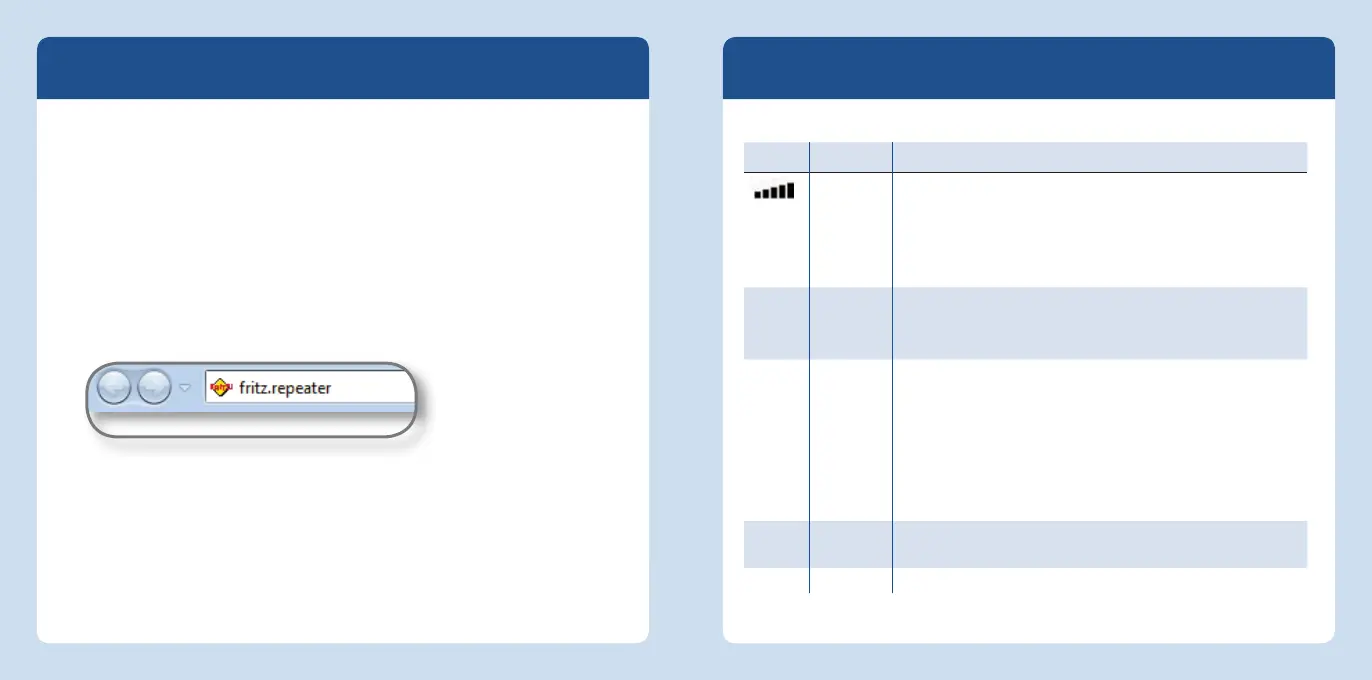
fritz.repeater in the address fi eld.
3. The user interface opens.
Web browser: opening the user interface with fritz.repeater
LEDs
The LEDs show the operating status of the FRITZ!WLANRepeater:
LED Condition Meaning
fl ashing No connection with wireless LAN base station or searching for
WLAN base station.
LEDs on The more LEDs are lit up, the stronger the signal of the
wireless connection between the base station and the
FRITZ!WLANRepeater.
Power fl ashing • The FRITZ!WLANRepeater is being restarted.
• The fi rmware is being updated.
on The FRITZ!WLANRepeater is ready for operation.
WLAN fl ashing • Adopting the WLAN settings.
• Switching the radio network on or off .
• Performing WPS.
fl ashing
rapidly
The WPS procedure was aborted: More than two wireless
devices are performing WPS at the same time. Repeat the
procedure.
on The wireless LAN module is ready for operation.
LAN on A network connection is active to a connected device (net-
work adapter, hub or switch).
All fl ashing The FRITZ!WLANRepeater is reset to its factory settings.
English
English
26 27














 To Next Page