Contents [ hide
1 Package Contents and Device Features
2 Security
3 The FRITZ!Repeater 600
4 Connecting the FRITZ! Repeater 600 to the Router at the Touch of a Button (WPS)
5 Connect the FRITZ! Repeater 600 to the Wireless Router using the Wizard
6 FRITZ!Repeater 600 in the Home Network
7 FRITZ!Repeater 600 on a FRITZ!Box without Mesh or a Wireless Router from Another
Manufacturer
8 Position FRITZ!Repeater with the FRITZ!App WLAN
9 Declaration of CE Conformity
10 File Downloads
11 Related Manuals
Package Contents and Device Features
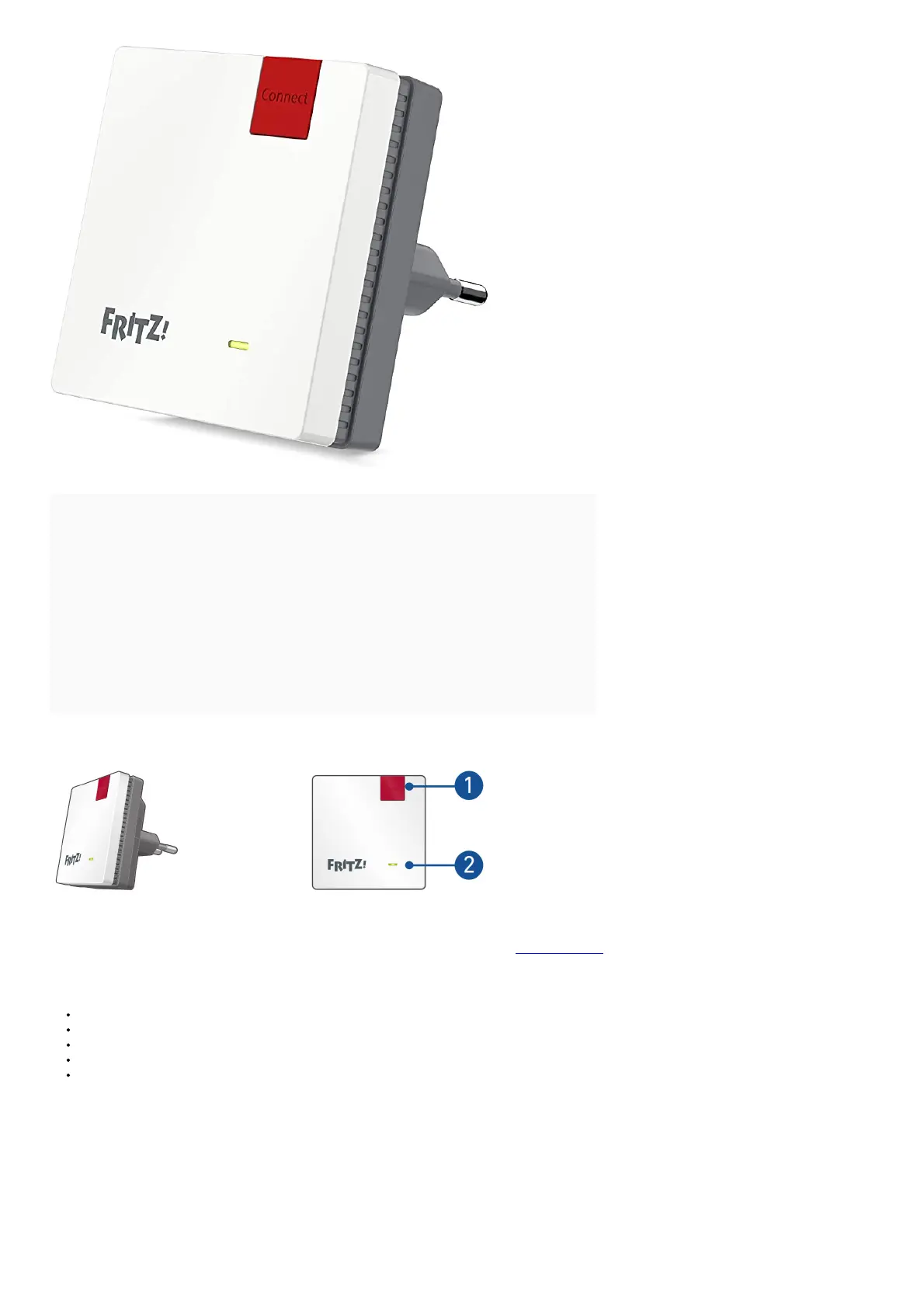
1 FRITZ!Repeater 600
A description of all LED conditions and button functions is presented in the PDF manual at en.avm.service
Security
Operate the FRITZ! Repeater 600 in a dry place that is free of dust and provides for sufficient ventilation.
The FRITZ! Repeater 600 is intended for indoor use only. Never let liquids get inside the housing.
Insert the FRITZ! Repeater 600 into an electrical outlet that is easy to
Do not open the FRITZ! Repeater 600 housing. Opening and/or repairing the device can present a hazard.
Unplug the FRITZ! Repeater 600 from the outlet before cleaning. Clean the device using a moist cloth.















 To Next Page