8
P323mane.fm
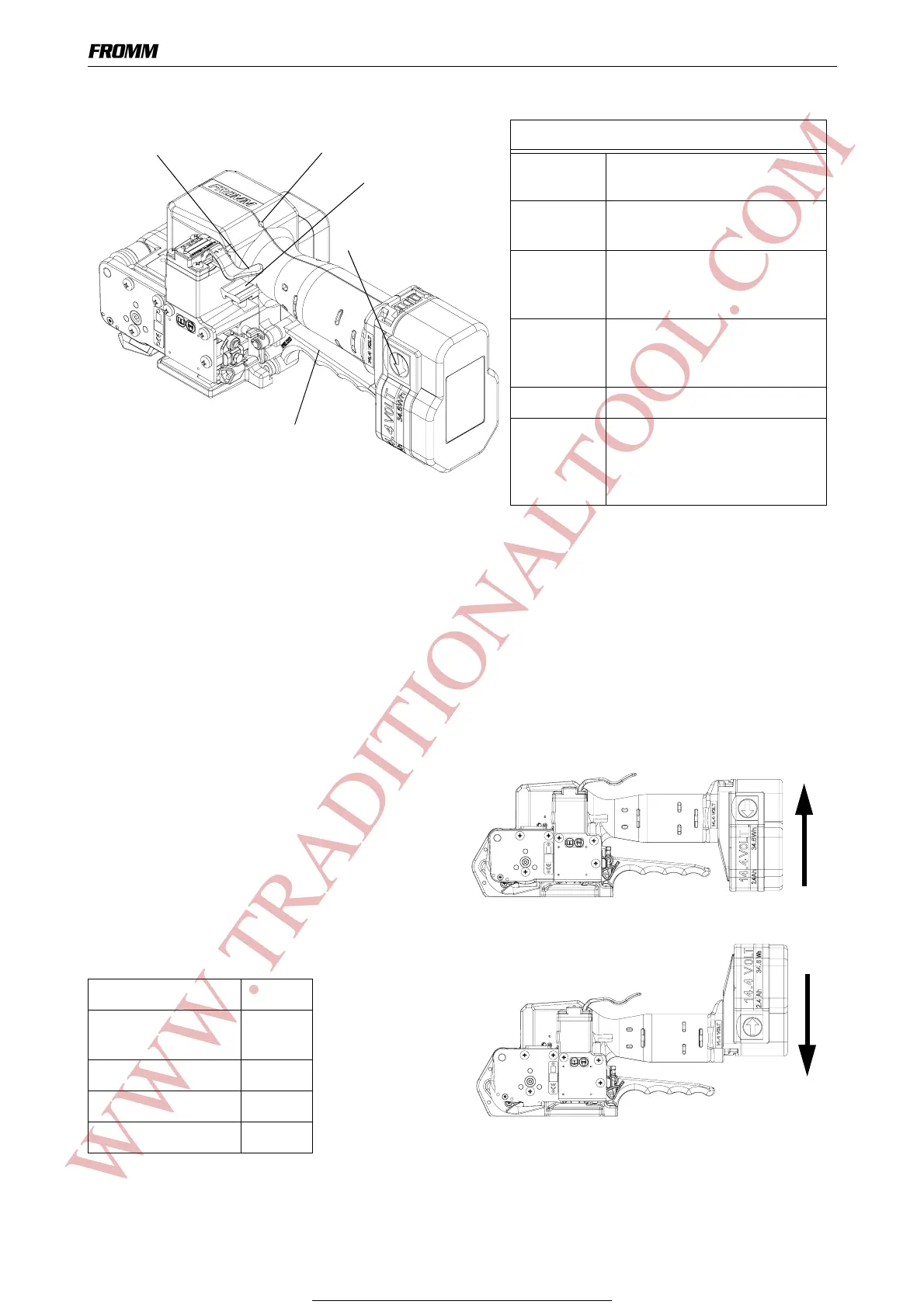
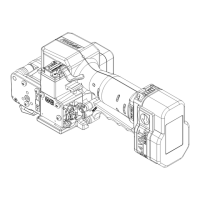
4 OPERATING ELEMENTS
5 OPERATION
5.1 Installation
Do not expose the tool to rain!
For safety reasons the battery is delivered uncharged.
Charge the battery before working. See separate operating instruction of the battery charger.
Inserting the battery
Insert the battery from bottom to top into the tool
both unlatching push buttons latch.
Depending on the application, the battery can also
be inserted from top to bottom in order achieve a
better handling.
When inserting the battery the status of the charge
is displayed shortly.
Displaying of the status of the battery
charge by LED
Green blinking full
Green yellow
blinking
3/4 full
Yellow blinking 1/2 full
Yellow - red blinking 1/4 full
Red blinking empty
Switch rocker
Lever
Unlatching
LED
Handle lever
LED - Indication
Green During tensioning the LED
lights green.
Green During welding the LED lights
green.
Yellow Cooling time is running, the
tool must not be removed from
the strap.
Green Cooling time is finished, the
tool can be removed from the
strap.
Red Charge the battery.
Red blinking The control board is
overheated,
the tool has to cool down,
the switches are locked.
push button
WWW.TRADITIONALTOOL.COM
For Parts & Service 1-877-862-6699


 To Next Page