17
Key Fix
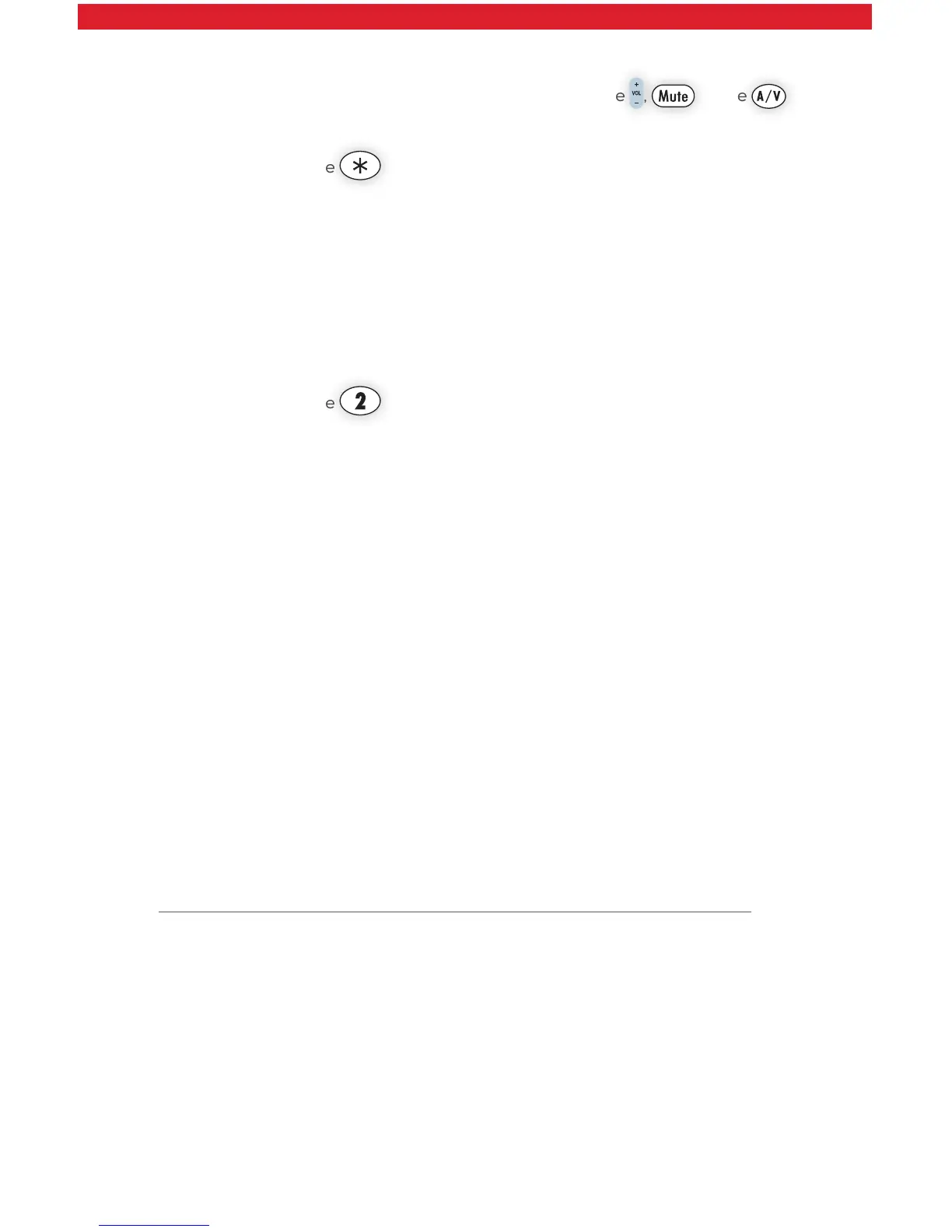
If your remote control is programmed for your TV, but the , or the
keys do not work correctly, then you can try using the Key Fix feature to fix
the buttons.
1. Press and hold the and OK buttons simultaneously.
• The RED LED will blink twice and then stay on.
2. Press and hold the key that does not work correctly. The remote control
will try a new code every second.
3. Once the TV responds correctly, release the button.
4. Press OK to save the current settings and finish programming your
remote control.
Reset the Remote Control Original Settings
1. Press and hold the and OK buttons together, and release.
2. The RED LED will blink twice and then stay on.
3. Press 9 – 0 – 0.
4. The RED LED will blink three times and then turn off to indicate original
settings are restored.
5. CAUTION, all previous programming in the remote control will be lost if
you follow this procedure.
What if I see the message “Press MENU to watch FiOS TV?”
• This means that your TV is on and your STB is off.
• You can either power off the TV individually or press MENU on the remote
to turn the STB back on.
• When MENU is pressed, if the set-top box does not turn on, press STB on
the remote, then press MENU.
I don’t see any Guide information or I’m unable to access Video On Demand.
What should I do?
• Make sure your router is powered on.
• If your router is on and you still don’t see the Guide, try rebooting your
router. See Quick Tip #1 on Page 9.
Help! Just press Menu on the remote and scroll down to Help for further
assistance with any features of the remote.



 To Next Page