SETUP
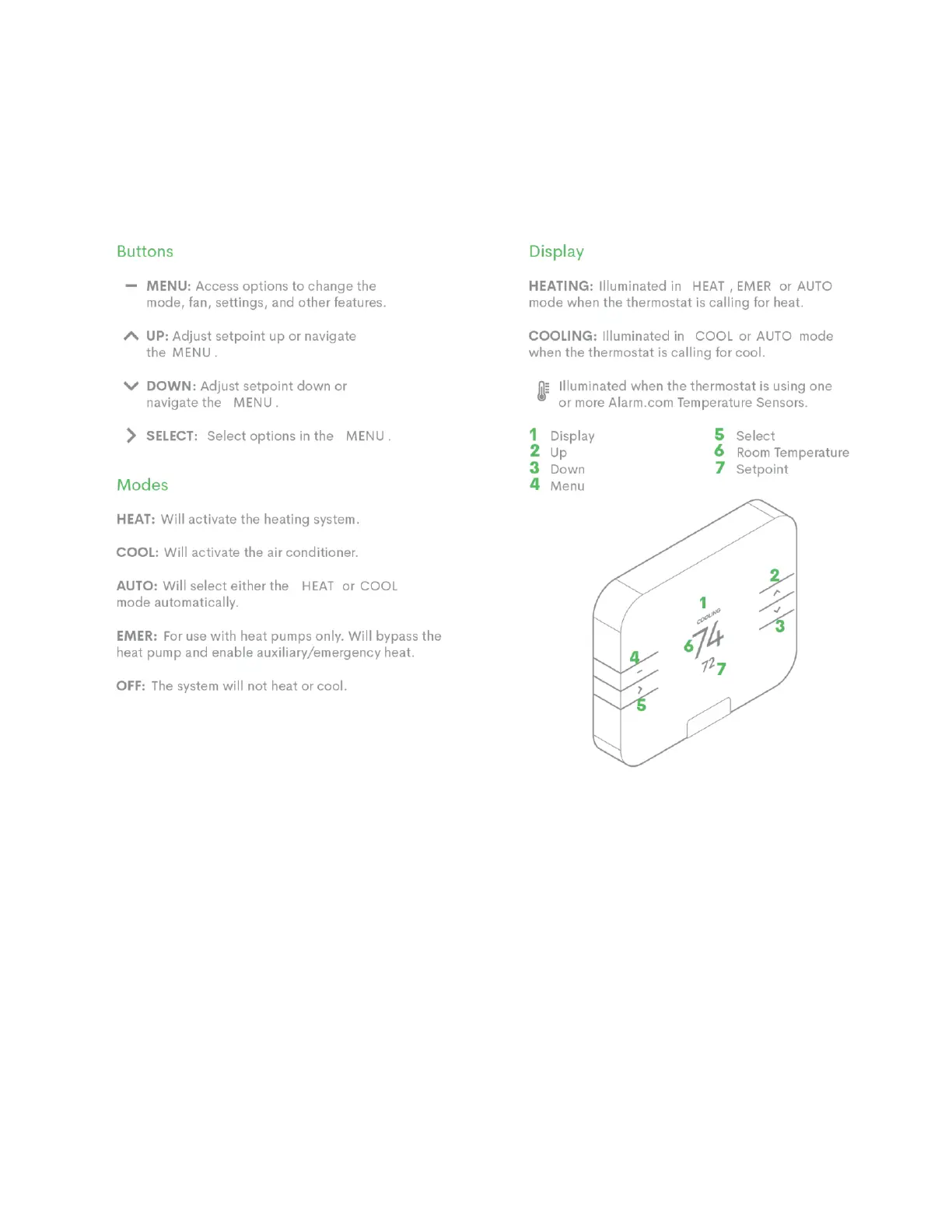
Reference the below diagram as you follow the next steps:
1. Following the LED prompt on the thermostat body, indicate your thermostat configuration- RC only, RH only, or RC and RH.
It is CRITICAL that you make the correct selection; the damage potential is very high if you choose incorrectly. Although you
should be able to assess this accurately by referring to your photo, if you feel uncomfortable, call an HVAC professional to
help.
2. Using your photo of the wiring configuration, confirm if the wiring shown on-screen matches.
If the thermostat screen is not correct and does not show all/any of the connected wires correctly, turn the power off,
remove the thermostat from the wall, and verify that all wires are properly connected. Please confirm that:
• 1/4” of each wire was exposed before inserting it into the terminal
• You have inserted the wire parallel to the wall (going upwards and downwards) and not in a direction that is
perpendicular to the wall.
• The corresponding terminal tabs are indented. The wires will not be detected, if not.


 To Next Page