Version
1.0
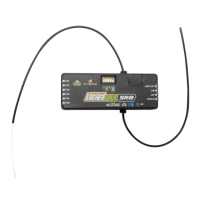
Instruction Manual for FrSky ARCHER PLUS SR8 Receiver
FrSky Electronic Co., Ltd. www.frsky-rc.com Contact us : frsky@frsky-rc.com
Add: F-4,Building C, Zhongxiu Technology Park, No.3 Yuanxi Road, Wuxi, 214125, Jiangsu, China Technical Support: sales4tech@gmail.com
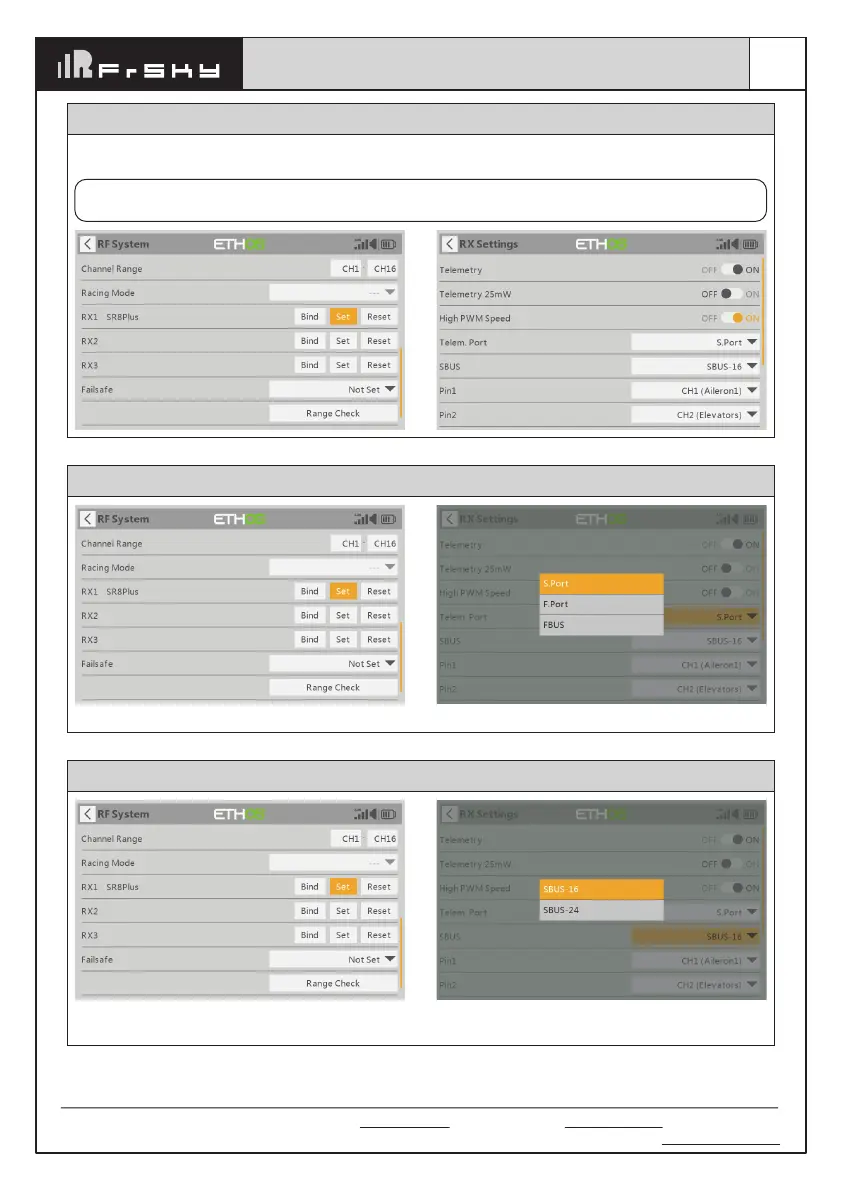
How to Switch High PWM Speed mode
1. The factory default setting is OFF .
2. To go to the receiver [Options], select On to active high speed mode .
Warning: High PWM speed mode is only applied for digital servos. Turn off High PWM Speed mode
when using analog servo, otherwise servos will get hot and may burn out.
How to switch the S.Port/F.Port/FBUS
Enter into the [Set] of receiver. Click the Telem.Port, and select S.Port/F.Port/FBUS.
How to switch SBUS channel mode
Click [SBUS], then select SBUS-16 mode or SBUS-24
mode.
Enter into RX Settings.




 To Next Page