Conventional Model
Model Configuration Reference
Layout
Version
1.0
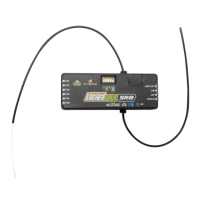
Instruction Manual for FrSky ARCHER PLUS SR8 Receiver
FrSky Electronic Co., Ltd. www.frsky-rc.com Contact us : frsky@frsky-rc.com
Add: F-4,Building C, Zhongxiu Technology Park, No.3 Yuanxi Road, Wuxi, 214125, Jiangsu, China Technical Support: sales4tech@gmail.com
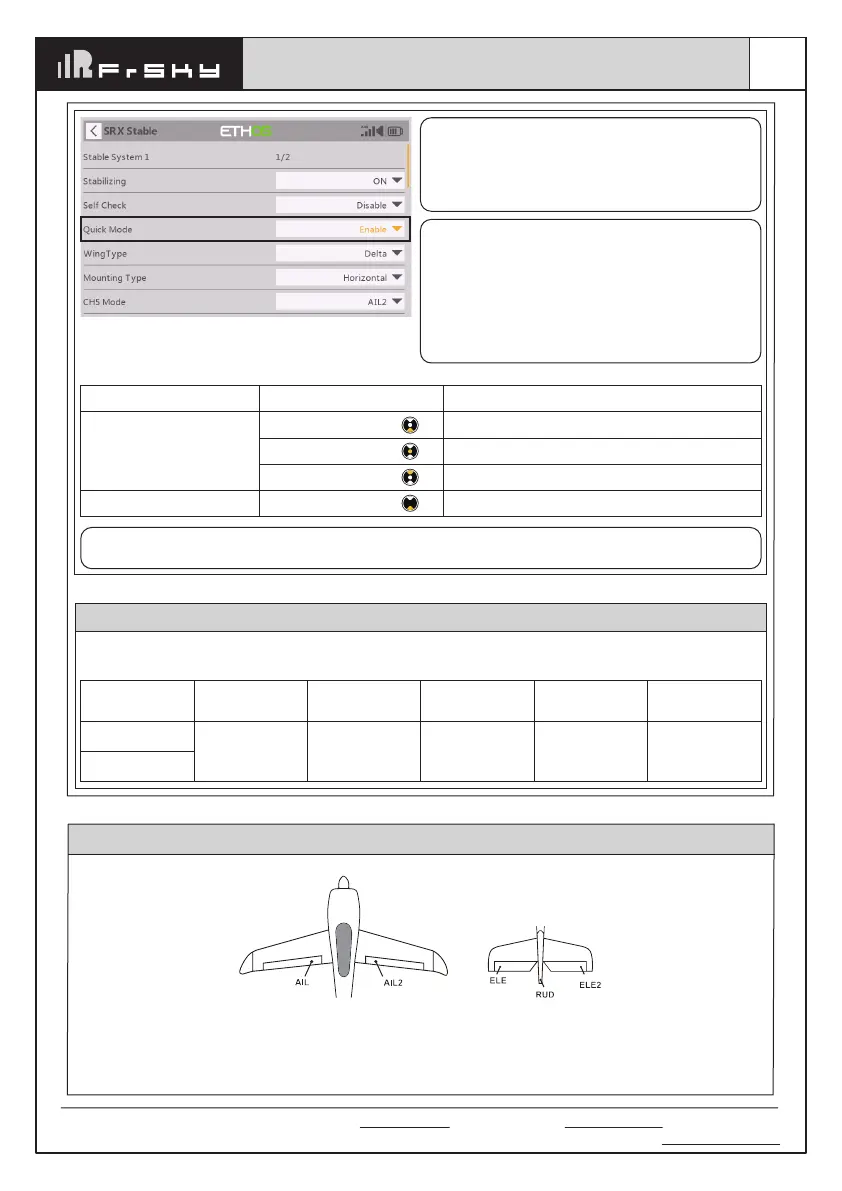
Enable the Quick Mode in the [SRX Stable] tool.
Note: The default mode of ARCHER PLUS SR8 is
Quick Mode.
- If Quick Mode is applied, there is no Knife
Edge or (3D) Hover Mode.
- CH15 is not used when using Quick Mode.
Flight Mode
None
Stabilization Mode
Automatical Level Mode
Emergency Mode (Automatic Level Mode)
Position
SW Down
SW Mid
SW Up
SW Down
Channel
CH14 (3 pos SW)
CH16 (3 pos SW)
Note: Due to the RSSI data from the R9 receiver
using the same channel (CH16) as the Emergency
Mode in Quick Mode of New stabilization receivers
(Archer Plus, TD, and TW stabilization receivers),
so while using the R9 series as the redundant
receiver, please make sure the Quick Mode is
entirely disabled (NOT just in "Off" status) (1.0.6
or older versions).
Note: The Emergency Mode is canceled from the firmware version 1.0.7 or later versions, the Quick
Mode does not need to be disabled while using the R9 series receivers as the redundant receiver.
Conventional Mode
It supports stabilization mode and manual
(Gyroscope is off)
mode and configured through CH14&15. The
precise configuration is Written below.
CH14 SW-Mid
Off
CH14 SW Down
&
CH15 SW Mid
Stabilization
CH14 SW Down
&
CH15 SW Down
Automatic
level
CH14 SW Down
&
CH15 SW Up
Hover
CH14 SW Up
&
CH15 SW Mid
Knife-Edge
CH14 (3 pos SW)
CH15 (3 pos SW)
Flight mode



 To Next Page