UHC-HD
3-6
Change Modes
Use this to change, globally, the menu on the
cabinet.
1. Press the program button.
2. Enter access sequence is
displayed.
3. Enter 1955.
4. Press OK key.
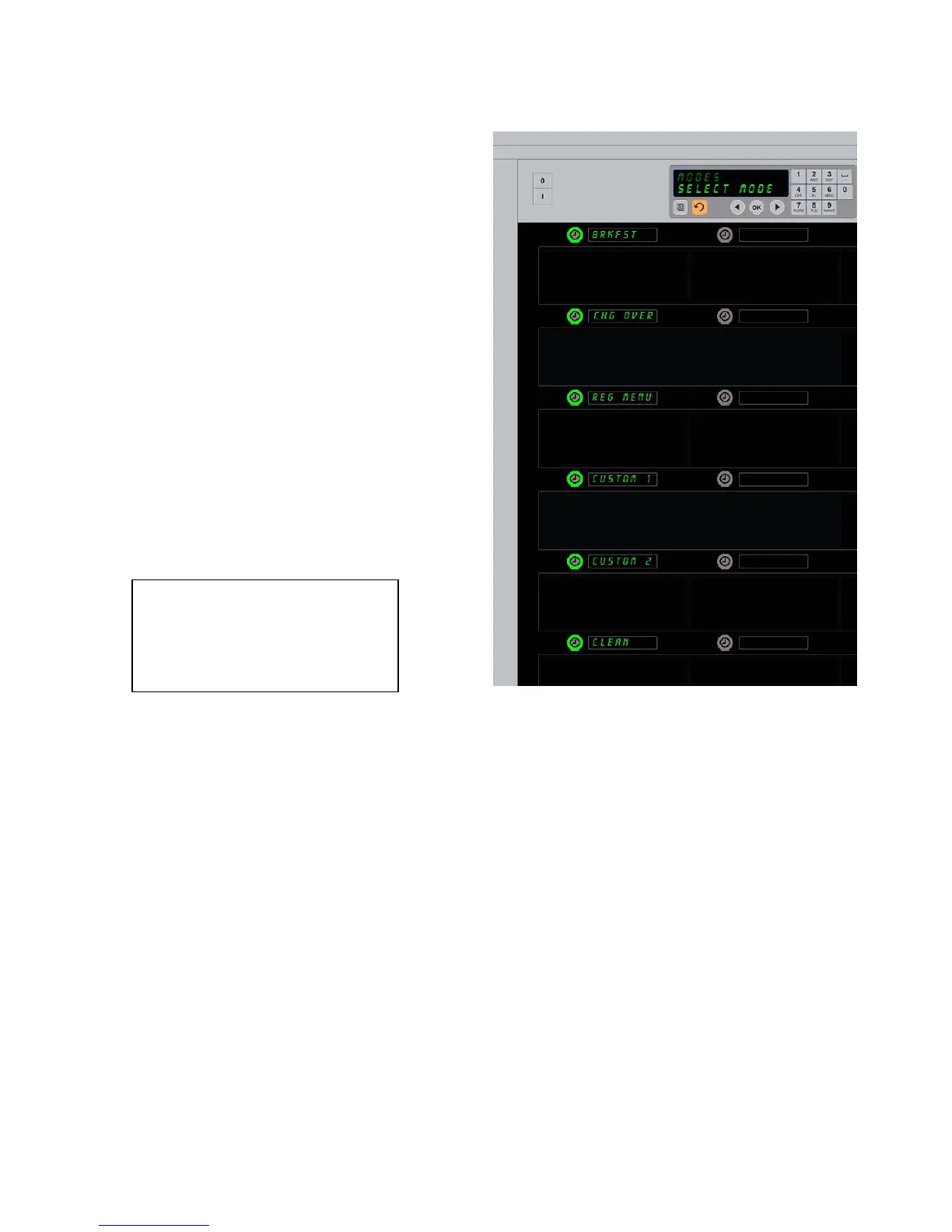
5. Press the illuminated key next to
Modes,
the first column of displays becomes five
menu choices and clean.
6. Press the desired menu.
7. All displays show chosen menu. Controller
scrolls Press OK to confirm mode change.
8. Press OK.
9. Controller display becomes
CHG
Complete
. The arrow key remains
illuminated.
10. Press the key three times, returning the
cabinet to operation in the selected menu.
Note:Thischangesthecabinetmenu
onallrowsatonce.Individualrows
canbechangedusingtherowbutton
ontherightsideofeachrow.


 To Next Page