19
11/2022
1
INPUT SLOT 1-4
RS-232 UART AS
2
3
4
1
2
I
O
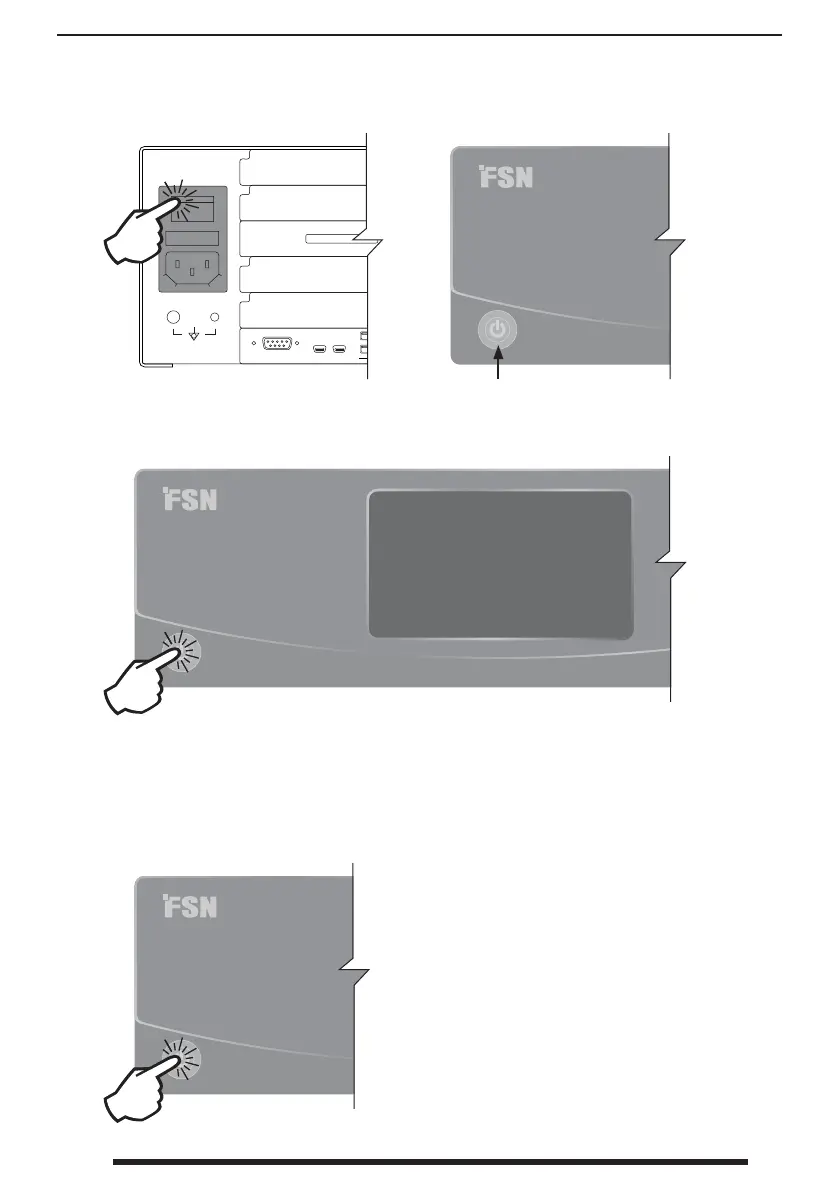
Starting IPS4000
Powering O IPS4000
1. Turn on power using the AC
switch on the back of IPS4000.
2. The power button on the front
will illuminate green.
Press the power button, and a dialog will appear.
Press Power O or Cancel. After powering
o , the green light will stay on unless power is
turned o on the back of IPS4000.
3. Press the power button to turn on IPS4000. The green light will
ash during initialization, then go dark when the system is ready.



 To Next Page