25
11/2022
Routed Source Con gurations
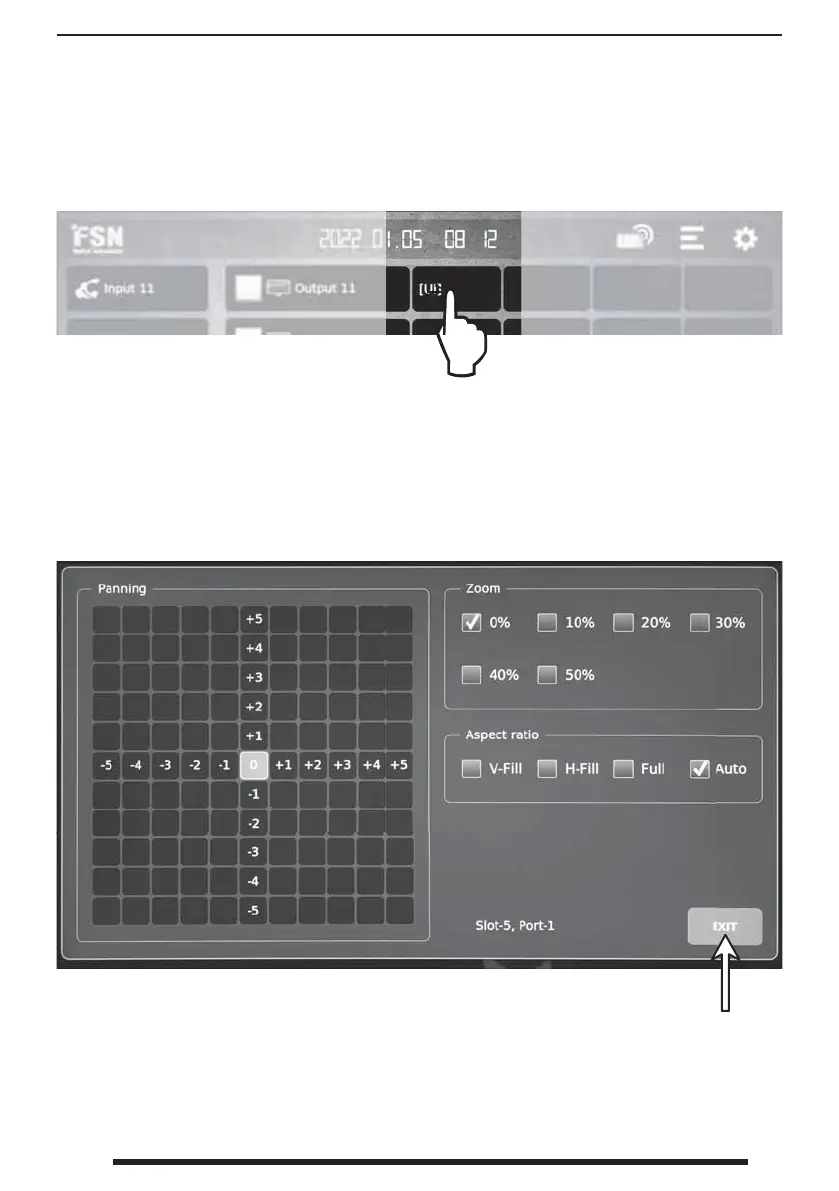
From the dashboard, press and hold a routed source to show the con guration screen.
Con gure pan, zoom, and aspect ratio as desired. Changes take e ect immediately.
Select exit when
complete.
If the layout icon is gray, this indicates that routed source con gurations are not available (non-
scaled output board).



 To Next Page