37
10/2021
Close Task IPS740 series
Open Existing Task IPS740 series
Front Panel LCD
Front Panel LCD
External Monitor
External Monitor
Select to close a task.
Note: the – sign in the
icon means that a task is
currently active.
Select to close a task.
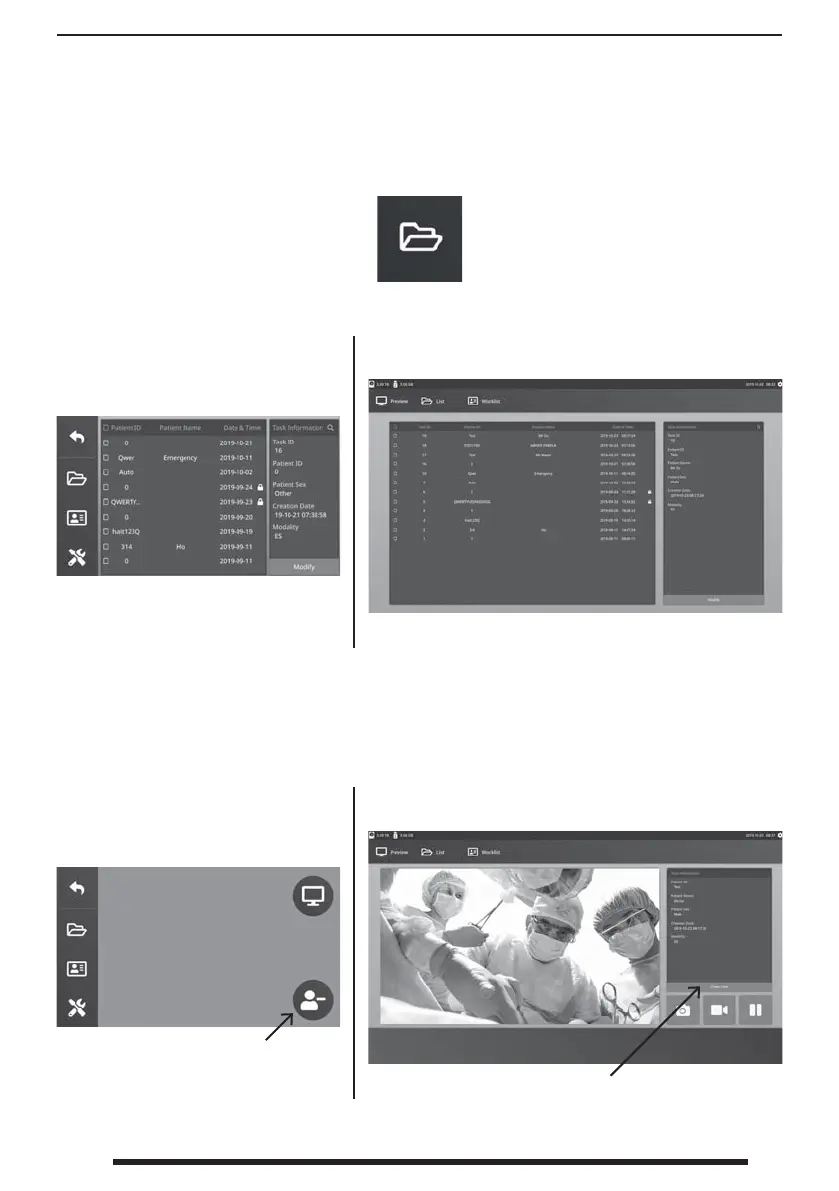
Select the FILE icon to manage tasks, including: search, modify, copy, delete, DICOM store, and
print. After a task has been closed, additional content can no longer be added to the task.


 To Next Page