43
10/2021
Setup IPS740 series
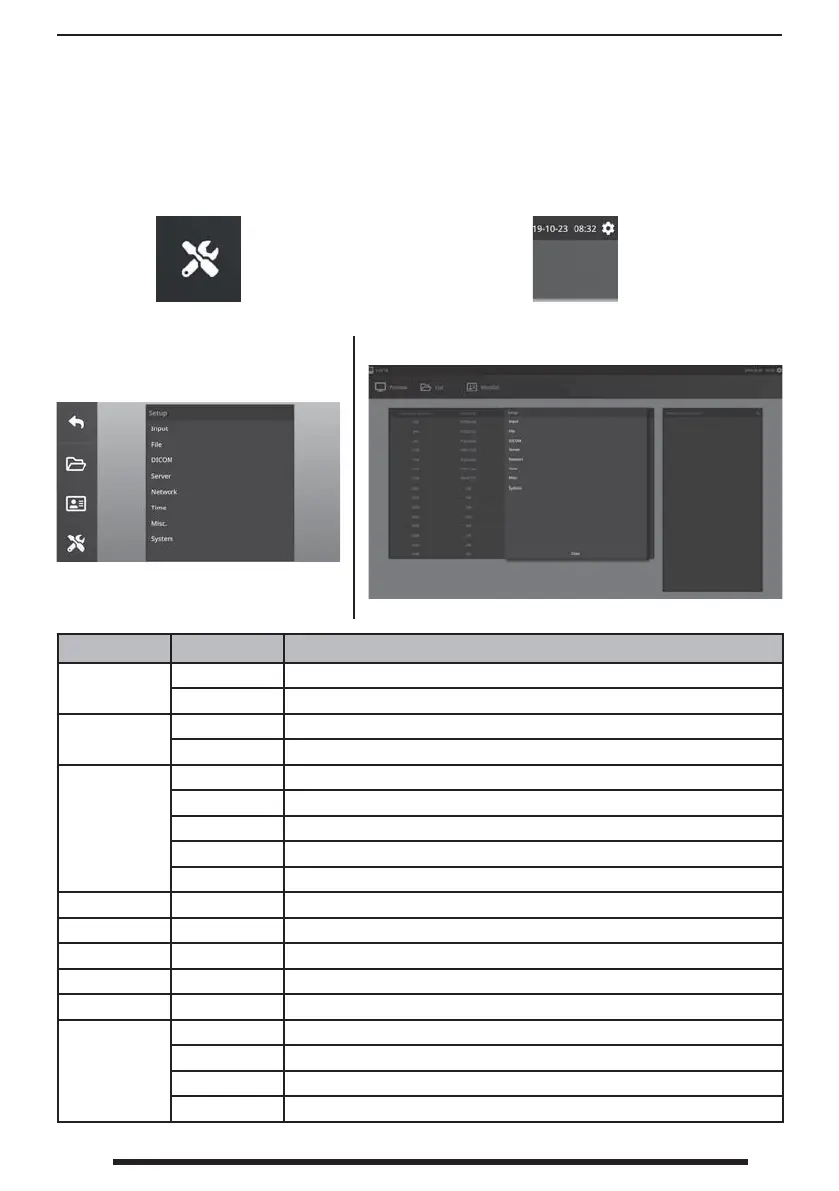
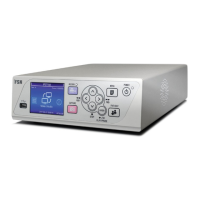
Front Panel LCD
External Monitor
Select the SETUP icon, wrench image on LCD or gear image on external monitor, to manage
system settings as outlined below. If password protection has been enabled, the password
authentication dialog will be opened.
Setup Menu Sub Menu Item Setup Descriptions
Input
Video Source, 3D Mode
Audio Source
File
Record Format, Quality, Clip Size, USB Auto Copy
Capture Format, USB Auto Copy
DICOM
Common Resolution, Aspect Ratio
Worklist Server AE Title, Server IP, Server Port, Client AE Title, Echo
Store Server AE Title, Server IP, Server Port
MPPS Server AE Title, Server IP, Client AE Title, Echo
Common Modality, Hospital Institution, Scheduled Station AE Title, Character Set
CIFS Samba ID, Password
Network – DHCP, IP, Netmask, Gateway, DNS
Time – Time Server, GMT
OSD – Language, OSD location
Misc. – Foot Pedal, Print Layout
System
Version Main, Sub
Update Main, Sub
Initialization HDD, System
Misc. Output Resolution, Setup Password, Operator Password


 To Next Page