PAG.
41
rev 1.0
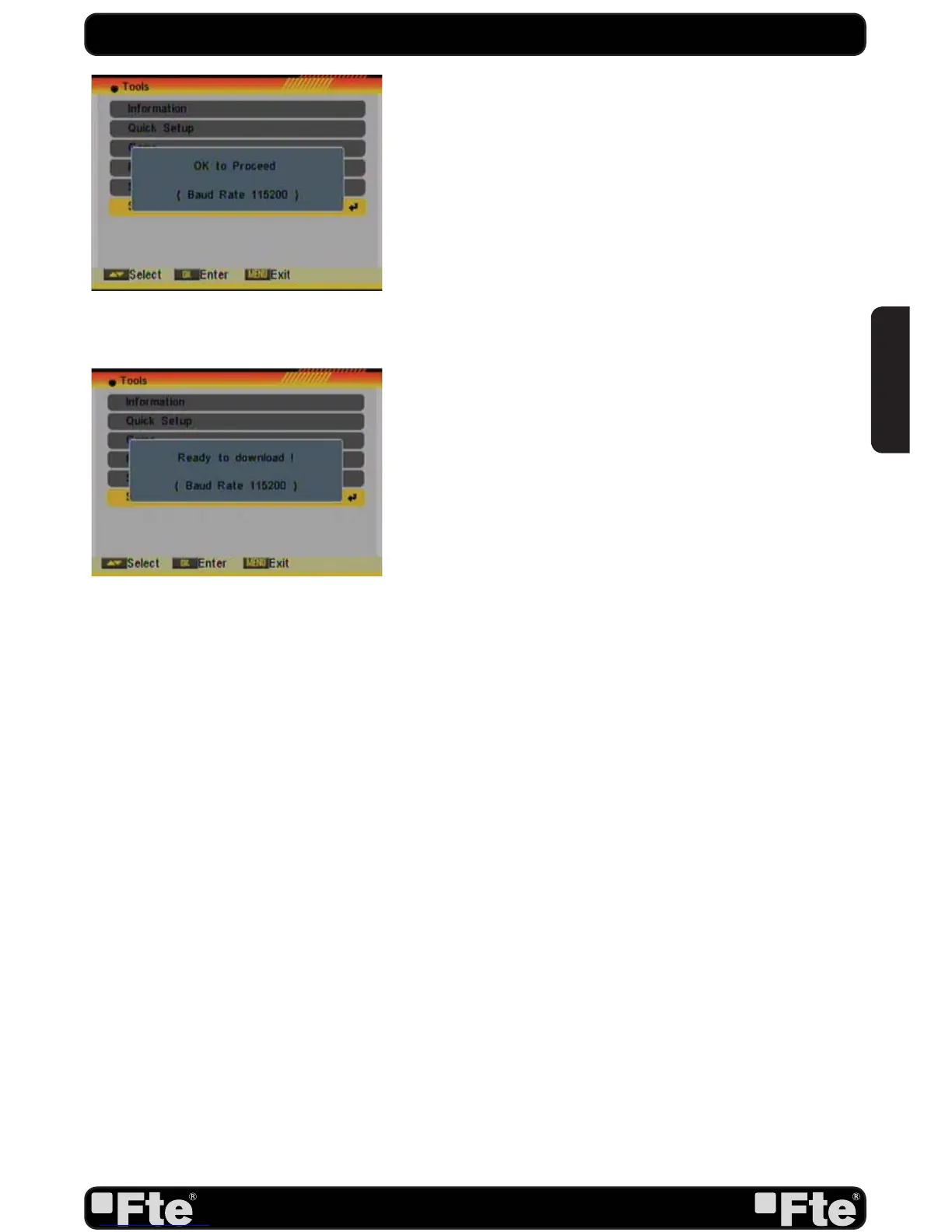
OSD 93
For further information about the upgrading of the receivers,
please visit http://www.ftemaximal.com, in the chapter about
upgrading receivers.
6.6. SATCODX AUTO PROGRAMMING
This function is using the tables of the SatcoDX websites to
update your channel and satellite lists.
1. Start the SatcoDX application on your PC.
2. Select “SatcoDX Auto Programming” item from the “Tools”
menu and press [OK]. The screen will show the message “OK
to Proceed” (OSD 93).
3. Press [OK] again and you will see the message “Ready to
Download” (OSD 94).
4. In the PC application set the Baud Rate to 115200 and start
the download procedure.
! Caution: The new download channels will delete the original
channels list. Please be careful before using it.
TOOLS
OSD 94
ENGLISH


 To Next Page