10 11
6. Press [CFM] to renew navigation data
7. Press [CNL] to exit
D
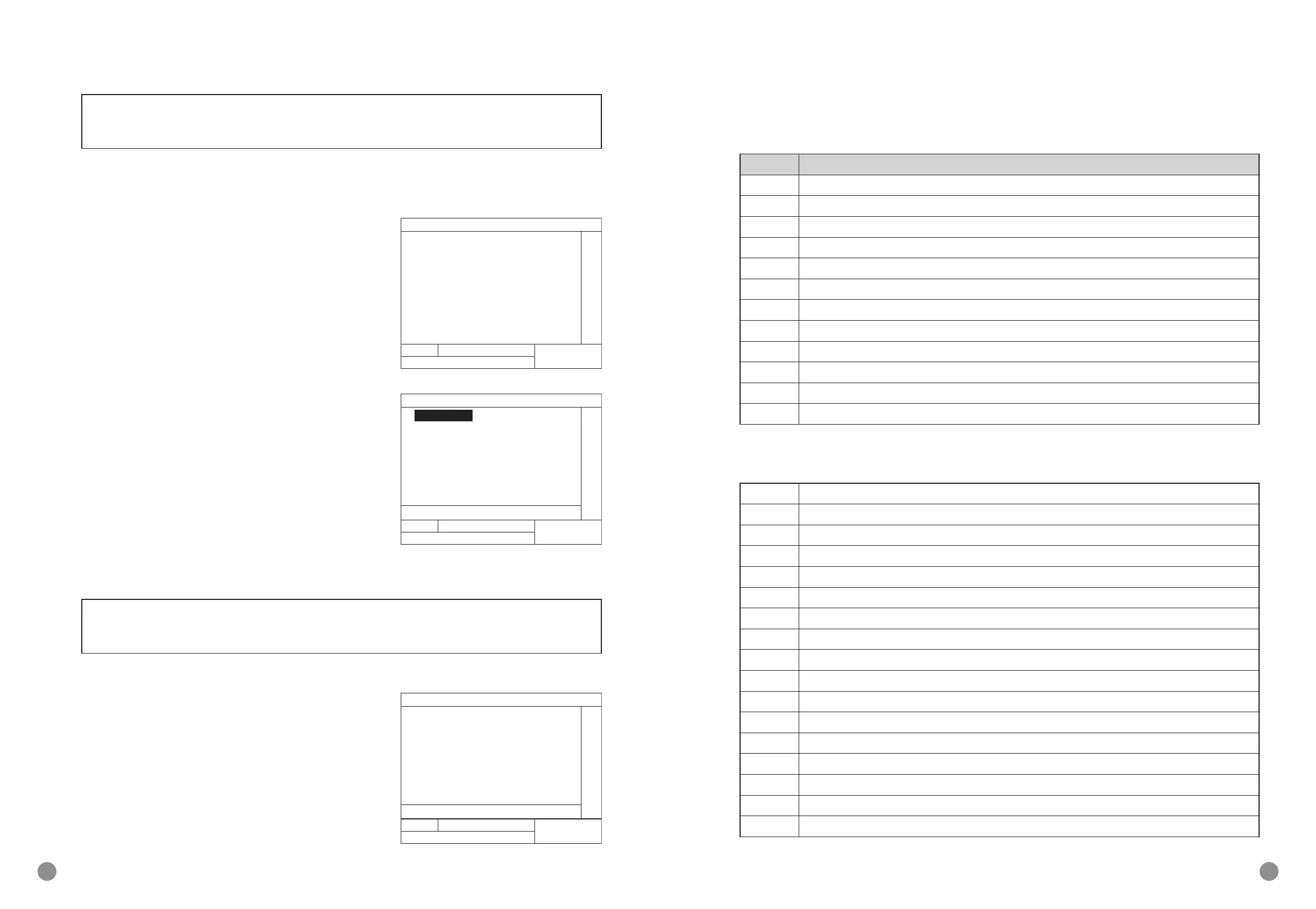
NAVIGATION STATUS CHECKING LIST
NO NAVIGATION STATUS
00 Under way using engine(default)
01 At anchor
02 Not under command
03 Restricted maneuverability
04 Constrained by her draught
05 Moored
06 Aground
07 Engaged in shing
08 Under way sailing
09 Reserved for future amendment of navigational status for HSC
10 Reserved for future amendment of navigational status for WIG
11-15 Reserved for future use
D
SHIP’S TYPE CHECKING LIST
10 Reserved for future use:all type vessel
11 Reserved for future use:loading DG/HS/OR/MP class A vessel
12 Reserved for future use:loading DG/HS/OR/MP class B vessel
13 Reserved for future use:loading DG/HS/OR/MP class C vessel
14 Reserved for future use:loading DG/HS/OR/MP class D vessel
15-18 Reserved for future use:Spare
19 Reserved for future use:Empty
20 WIG:all type vessel
21 WIG: loading DG/HS/OR/MP class A vessel
22 WIG: loading DG/HS/OR/MP class B vessel
23 WIG: loading DG/HS/OR/MP class C vessel
24 WIG: loading DG/HS/OR/MP class D vessel
25-28 WIG: Spare
29 WIG: Empty
30 In shing
31 On towing
32 Towboat(Length over 200m,width over 25m)
5. Press [CNL] to exit
NOTE: You may request for 2 station and main set will acknowledge the mes-
sage.
■
CHANNEL MANAGEMENT
D
CHECK PRESENT CHANNEL
1. Press [MENU] to enter main operation
2. Press [
Y
][
Z
] for selection channel manage-
ment and then press [CFM] to enter
3. press [CFM] check main set present channel
D
WORKING AREA SETUP (TOTAL 8 WORKING
AREA)
1. Press [MENU] to enter main operation
2. Press [
Y
][
Z
] for selection channel manage-
ment and then press [CFM] to enter
3. Press [
Y
][
Z
] for select working area setup and
then press [CFM] to enter
4. Press [
Y
][
Z
] for selection, [
A
][
B
] to modify
5. After modication press [CFM] for saving
NOTE: If working area setup is own ship’s area then the main set automatic set-
up to “CH1” & “CH2”.
■
NAVIGATION DATA SETUP
1. Press [MENU] to enter main operation
2. Press [
Y
][
Z
] for selection Navigation data set-
up and then press [CFM] to enter
3. Press [
Y
][
Z
] for selection, [
A
][
B
] to modify
4. Press [CLR] to enter edit
5. Use keypad to input data
µ
08:32 ¼½¾¿² ³
CH1:2087 BW:NARROWMODE:
CH2:2088 BW:NARROWMODE:TX
TX POWER:LOW ZONE SIZE: 5nm
AREA(NE): N 24°41.1 E 118°41.5
AREA(SW): N 25°41.1 E 118°42.5
SOURCE:
UTC: 11/06/19 06:10
Ã
AREA: 1
[ TASK AREA SET ]
SOG:0.0kt
POS:24°41.212N 118°41.505E ROT:____°Î
COG:0° HDG: ___°SATE:3
PUSH:ÀOPTION ÁMODIFY ÆEXIT
03:46 ¼½¾¿² ³
Ã
CH1:2087 MODE:RX/TX BW:WITE
CH2:2088 MODE:RX/TX BW:WITE
TX POWER:HIGH ZONE SIZE:1nm
AREA(NE): N 00°00.00 E 000°00.0
AREA(SW): N 00°00.00 E 000°00._
SOURCE: NATIVE
UTC: 00/00/00 00:00
[ CURRENT CHANNEL ]
SOG:1.4kt
POS:24°41.162N 118°41.496E ROT:____°Î
COG:177° HDG: ___°SATE:4
Ã
DOP:9.1 SOG:1.7kt
POS:24°41.167N 118°41.496E ROT:____°Î
COG:180° HDG: ___°
PUSH:ÀOPTION ÁMODIFY ÆEXIT
µ NAV STATUS: [00]
under way using engine
DRAUGHT: 2.1m
CREN: 12
DESTINATION:
ETA TIME: 3/28 12:00
SHIP TYPE: [70] cargo ship


 To Next Page