Fax/Internet Fax Options
235
Fax
4
Sending to Folder (F Code Method)
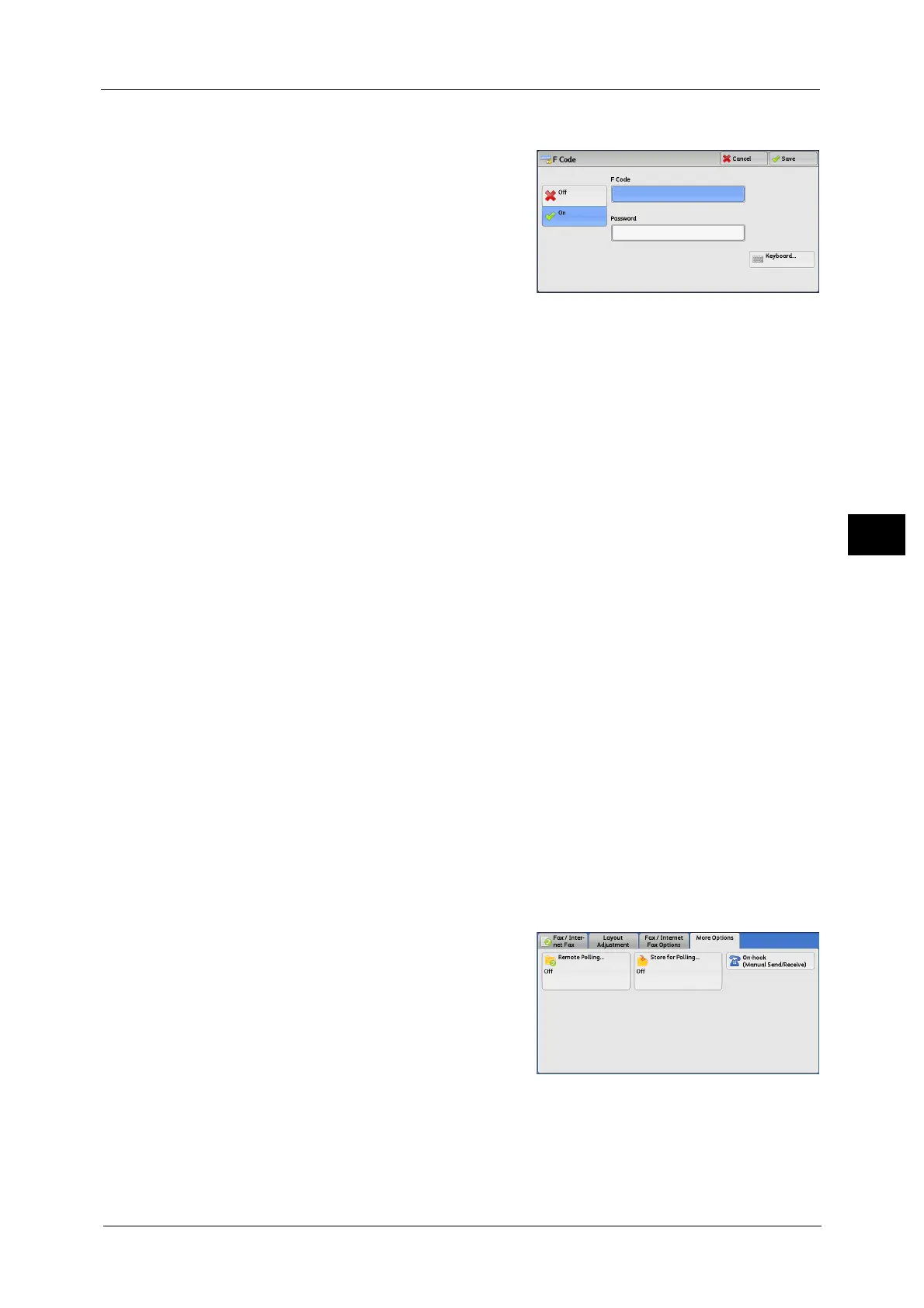
1 Select [On].
2 Select the [F Code] box, and enter an F code using the keyboard or the numeric keypad.
Note • You can enter up to 20 digits for the F code.
3 If necessary, select the [Password] box, and enter a password using the keyboard or the
numeric keypad.
Note • You can enter up to 20 digits for the password.
Off
The F code transmission is not used.
On
The F code transmission is used. Enter the F Code.
F Code
Select the [F Code] box, and enter the F code using the keyboard or the numeric keypad.
Note • You can enter up to 20 digits for the F Code.
Password
Select the [Password] box, and enter the password using the keyboard or the numeric
keypad. If a password is not set, leave this box blank.
Note • You can enter up to 20 digits for the password.
Keyboard
You can use the keyboard to enter the F code or the password.
For information on how to enter texts, refer to "Entering Text" (P.73).
4 Specify a destination, and then press the <Start> button.
Secure Polling (F Code Method)
1 Select the [More Options] tab to display the
[More Options] screen.
2 Select [Remote Polling].



 To Next Page
 Loading...



