Driver and Software
14
2
Print Preview 2
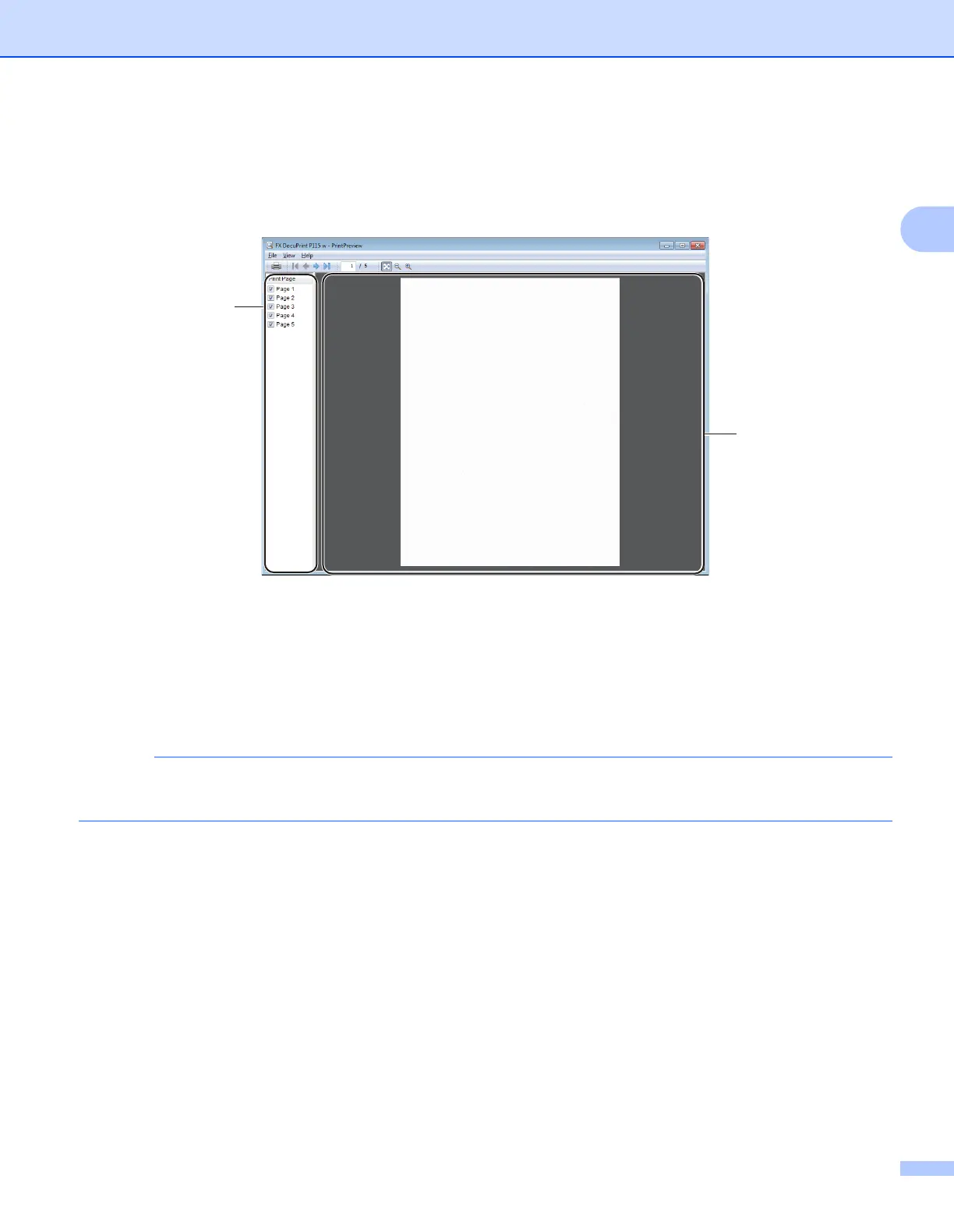
You can preview a document before it is printed. If you check the Print Preview check box, the Print Preview
Viewer window will open before printing starts.
1 Page List Area
The Page List Area displays the page numbers for the actual pages that will be printed. If you chose a
page in this list, a preview of the print results for the page will be displayed in the Preview Area.
If you do not want to print a page, clear the check mark.
2 Preview Area
The Preview Area displays a preview of the print results for the pages chosen in the Page List Area.
If 2-sided (Manual) or Booklet (Manual) was chosen in the Printer driver settings, you cannot use the
Print Preview function.



 To Next Page
 Loading...