Maintenance 138
Installing a Toner Cartridge
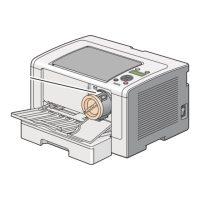
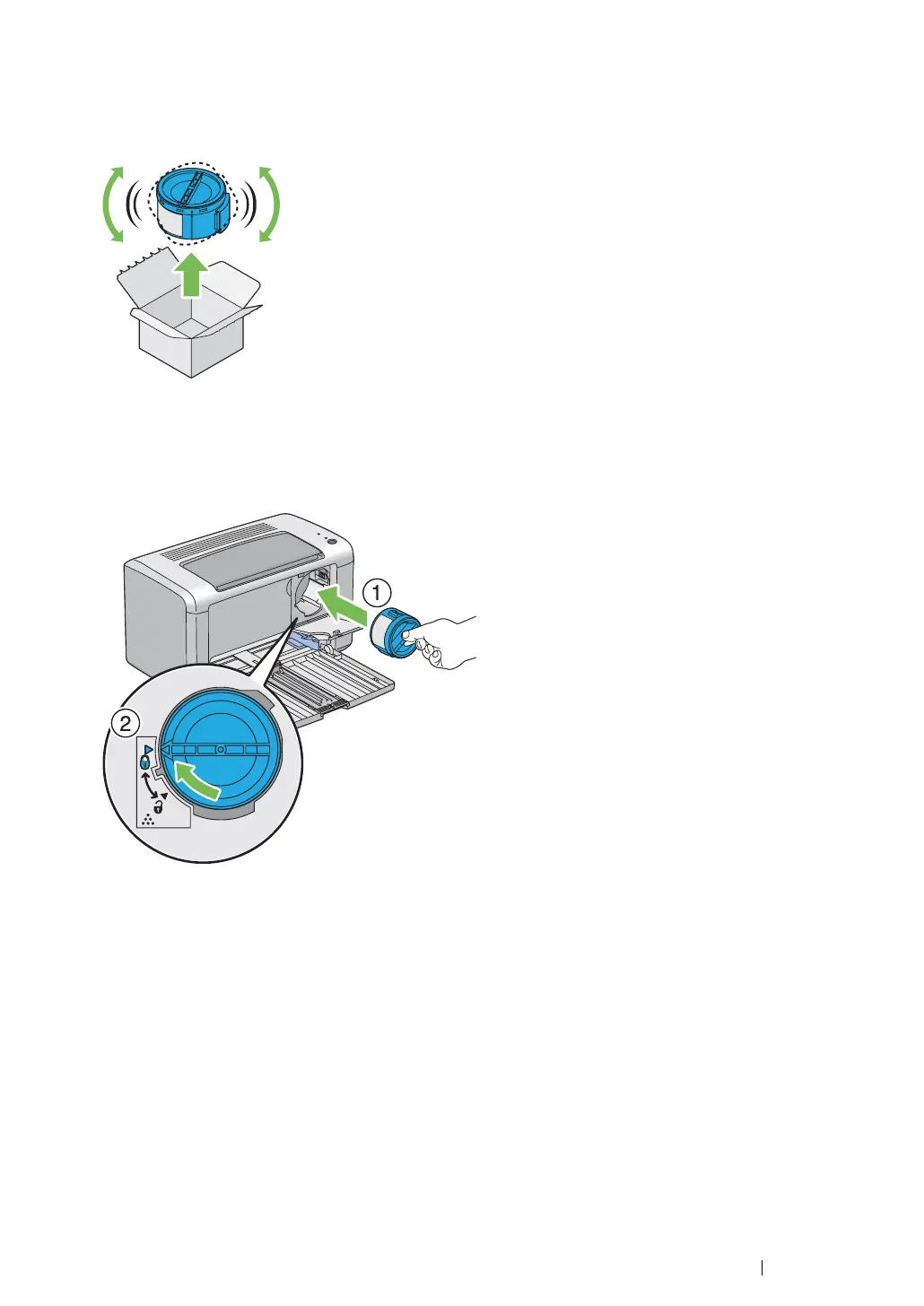
1 Unpack a new toner cartridge and shake it five times to distribute the toner evenly.
NOTE:
• Handle the toner cartridge carefully to avoid spilling of the toner.
2 Adjust the toner cartridge to the cartridge holder, and then turn it clockwise to align to the lock
mark.
IMPORTANT:
• Be sure to set the toner cartridge firmly before printing. Otherwise, it may cause some defects.
3 Close the toner access cover until it clicks.


 To Next Page
 Loading...