EasyManua.ls Logo

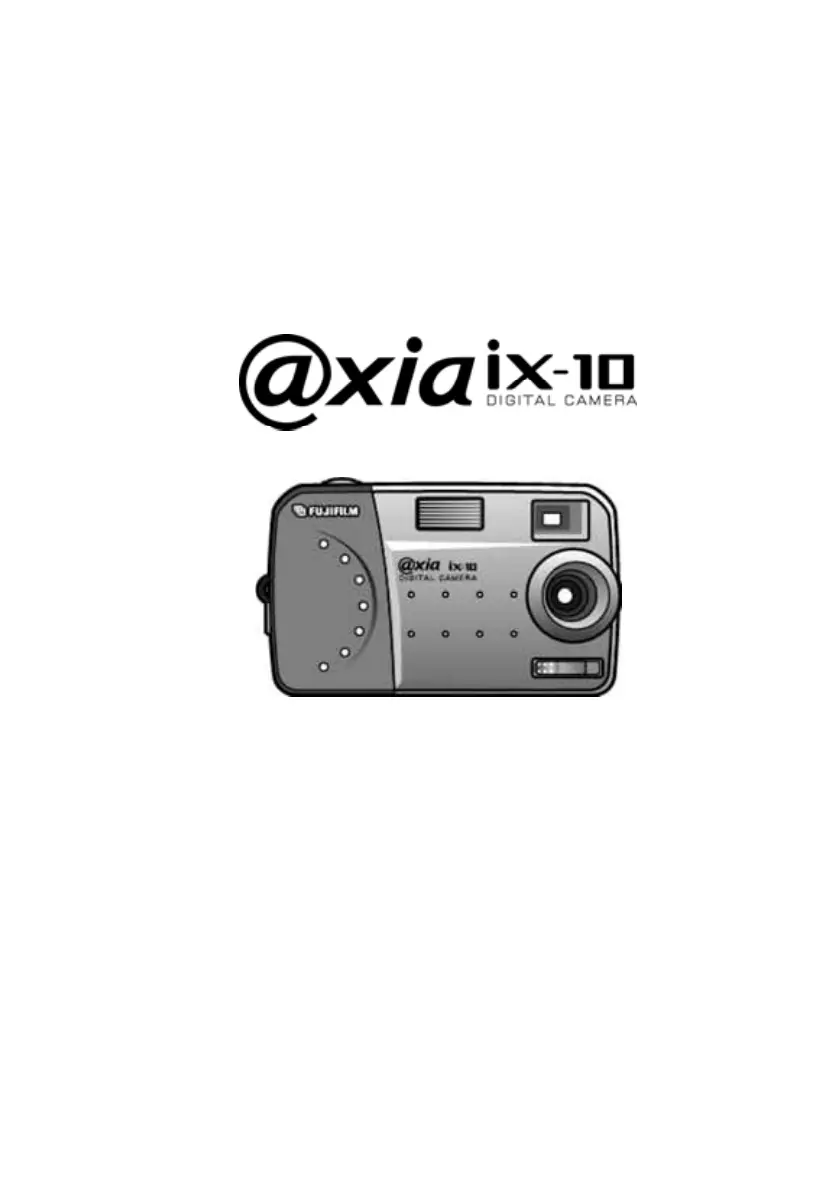
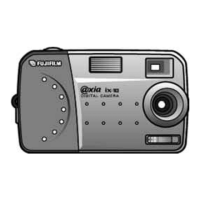
FujiFilm axia ix-10 - User Manual

FujiFilm axia ix-10
40 pages
Print Icon
To Next Page IconTo Next Page
Loading...
User’s Manual

Questions and Answers

  • B
    Bryan MolinaAug 12, 2025
    What to do if my FujiFilm axia ix-10 Digital Camera won’t take a picture?
    • E
      Emily RamirezAug 12, 2025
      If your FujiFilm Digital Camera won’t take a picture, try the following: If the light is flashing, wait until it emits a steady light, as the camera may be waiting for the flash to charge. If the camera is full, either set the resolution to normal (LO) or delete some pictures to free up memory. Also, disconnect the camera from the computer, as the camera’s buttons are not functional when connected to a PC.
  • E
    ericatorresAug 16, 2025
    How to turn on FujiFilm Digital Camera?
    • M
      martinezleahAug 16, 2025
      If your FujiFilm Digital Camera has no power, first ensure the power switch is set to ON. Also, check if the batteries are discharged and replace them with fresh ones if needed. Finally, verify that the batteries are inserted correctly, paying attention to the battery orientation.
  • H
    Hannah BradleyAug 20, 2025
    How to fix blurry images on FujiFilm axia ix-10?
    • A
      Alicia PetersonAug 20, 2025
      If your images are blurry on your FujiFilm Digital Camera, it may be because the camera or the subject was moving when the shot was taken. To resolve this, hold the camera steady or use a tripod.
  • J
    Jessica BurtonAug 25, 2025
    What to do if the image is too dark on FujiFilm Digital Camera?
    • G
      George ChristianAug 25, 2025
      If your image looks too dark on your FujiFilm Digital Camera, it might be that the flash is needed for the shot. Turn the flash on.
  • M
    Marissa RileyAug 27, 2025
    Why doesn't the flash work on my FujiFilm Digital Camera?
    • D
      Donna RiddleAug 27, 2025
      If the flash on your FujiFilm Digital Camera isn’t working, first ensure that the flash is set to either always on or auto. If the batteries are weak, the flash may be unable to recharge; try turning the camera off and on again. If that doesn’t work, replace the batteries with fresh ones.
  • S
    sandersjosephAug 31, 2025
    Why is my FujiFilm axia ix-10 Digital Camera image too light?
    • M
      Michael DennisAug 31, 2025
      If your FujiFilm Digital Camera image is too light, it could be because you are facing a bright light when taking the picture; change the angle of the shot so that bright lights do not shine directly towards the camera lens. Alternatively, if the flash is set to always on, set the flash to auto flash.
  • A
    Anthony BrooksSep 4, 2025
    How to fix FujiFilm axia ix-10 not recognized by computer?
    • M
      Makayla SmithSep 4, 2025
      If a personal computer does not recognize the FujiFilm Digital Camera, it may be because the camera was connected to the computer before installing the software. Connect the camera to the computer. Open [My computer] then [Control panel] then [System] then [Device manager]. From [otherdevices] in [device manager], eliminate [Composit USB devise] or [anindistinct device]. Disconnect the camera from the computer, install the software, and then connect the camera to the computer again.
  • E
    Elizabeth HopkinsSep 7, 2025
    What to do if my FujiFilm axia ix-10 Digital Camera displays on LCD and cannot take a picture?
    • N
      nicholas65Sep 7, 2025
      If your FujiFilm Digital Camera displays on the LCD and cannot take a picture, it might be because the camera cannot recognize the format of the SmartMedia, or you used SmartMedia initialized with an OS other than Windows. Try switching the camera off and on again. If the issue persists, initialize the SmartMedia with a Windows OS computer.

Summary

Chapter 1

Installing and removing the SmartMedia card

Step-by-step guide on how to correctly insert and remove the SmartMedia card.

Inserting the batteries

Provides instructions on how to properly insert AA batteries into the camera.

Chapter 2

Taking pictures

Step-by-step instructions on how to capture images using the digital camera.

Setting the flash

Guides users on how to select and configure different flash modes for photography.

Chapter 3

Installing software

Step-by-step guide for installing the camera's drivers and bundled software on a computer.

Connecting to your PC

Instructions for connecting the camera to a PC using the USB cable for image download.

Using the software

Explains how to launch and use the basic functions of the ix-10 Utility software.

Appendix

Troubleshooting

Provides solutions for common problems encountered while using the digital camera.

FujiFilm axia ix-10 Specifications

General IconGeneral
Storage MediaxD-Picture Card
Sensor TypeCCD
LCD Screen Size2.7 inches
LCD Monitor2.7-inch LCD
ISO SensitivityISO 100
Shutter Speed1/2000
Dimensions93.0 x 60.0 mm
Battery TypeNP-45A Li-ion battery

Related product manuals