16
Windows
Launching the Installer Manually
1 Double-click the “My Computer” icon.
✽ Windows XP users should click “My Computer” in the “Start” menu.
2 Right-click “DPC-R1” (CD-ROM drive) in the “My Computer” window and
select “Open”.
3 Double-click “SETUP” or “SETUP.exe” in the CD-ROM window.
✽ The way file names are displayed differs as described below depending on
your computer settings.
• File extensions (3-letter suffixes indicating the file type) may be shown or hidden.
(e.g. Setup.exe or Setup)
• Text may be shown normally or all in uppercase (e.g. Setup or SETUP).
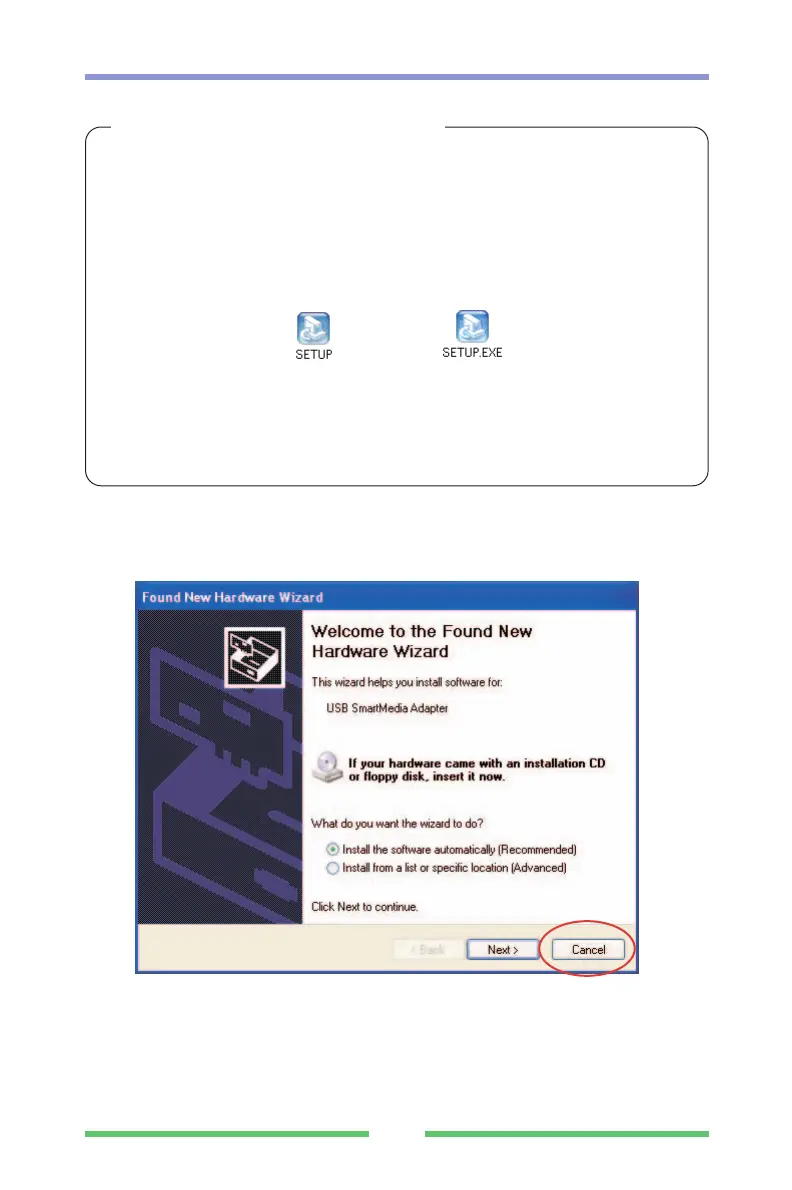
If the "New Hardware Wizard" appears
The USB cable is already connected. Click the [Cancel] button and then disconnect the
USB cable.



 To Next Page