17
Windows
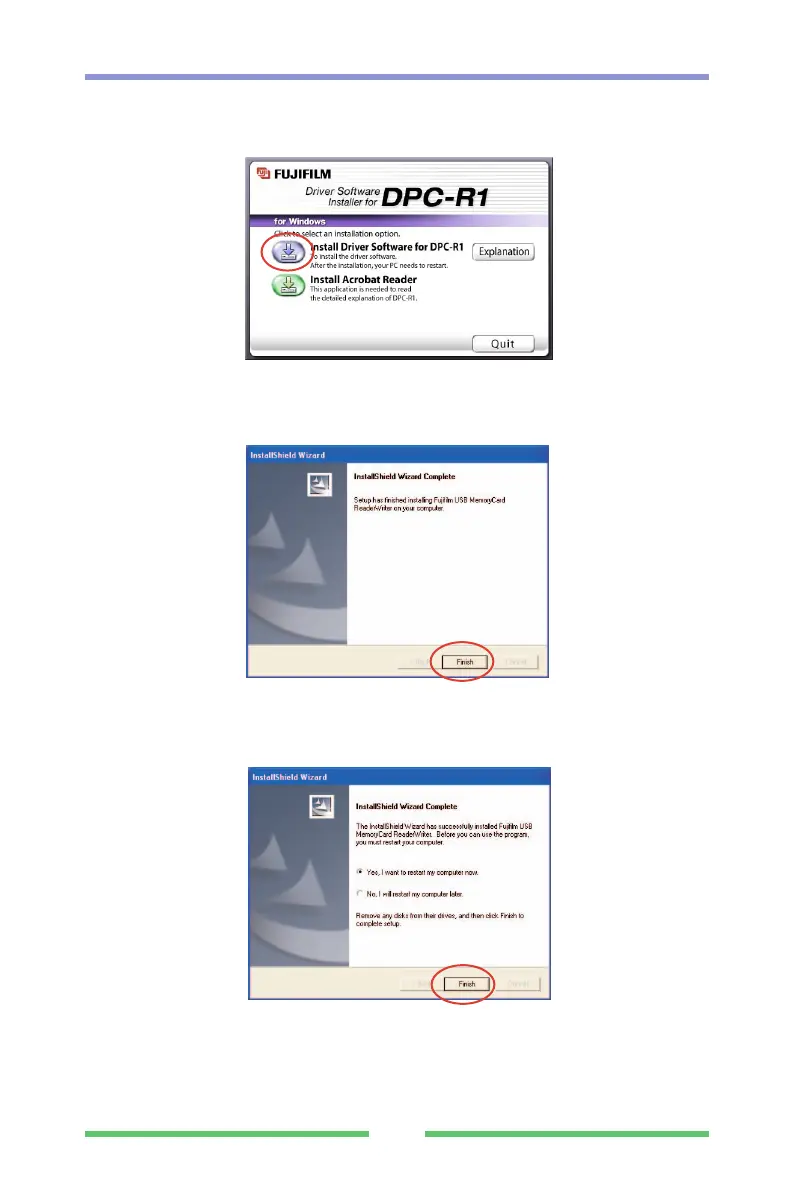
(4) The Setup screen appears. Click the [Install Driver Software for DPC-
R1] button.
(5) When file copying ends, the "InstallShield wizard finished" window
appears. Click [Finish].
(6) When the screen shown below appears, select "Yes, I want to restart
my computer now" and click the [Finish] button. Restart your
computer.
This completes driver software installation. Remove the setup disk
from the CD-ROM drive and store it in a safe place.
(7) Connect the USB cable to your computer.



 To Next Page