32
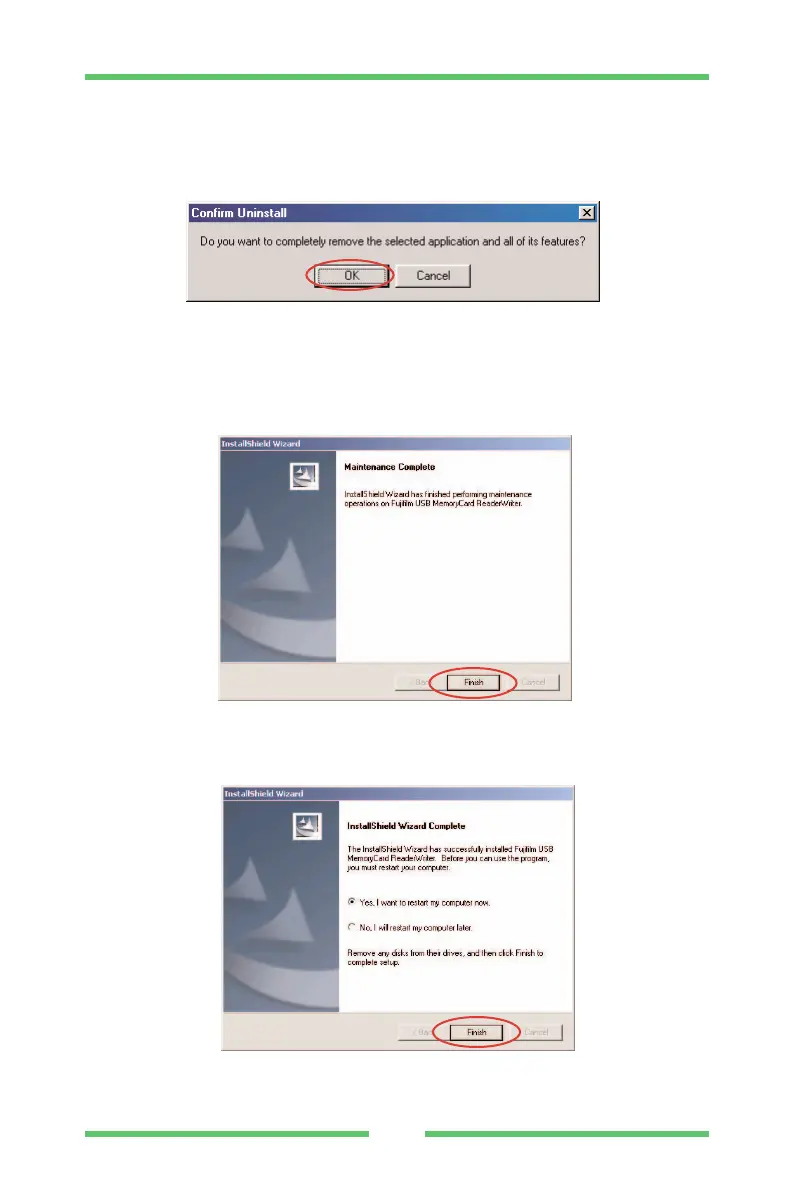
(7) When the confirmation message appears, click the [OK] button.
Check your selection carefully since the process cannot be
cancelled once you click [OK].
(8) The uninstallation in progress window is displayed. When
uninstallation ends, the maintenance completion screen shown
below appears.
Click [Finish].
(9) The restart request window shown below appears.
Click [Finish] and restart your computer.
UNINSTALLING THE SOFTWARE



 To Next Page