37
Advanced Features
3
36
< APERTURE-PRIORITY AUTO
PHOTOGRAPHY FUNCTIONS
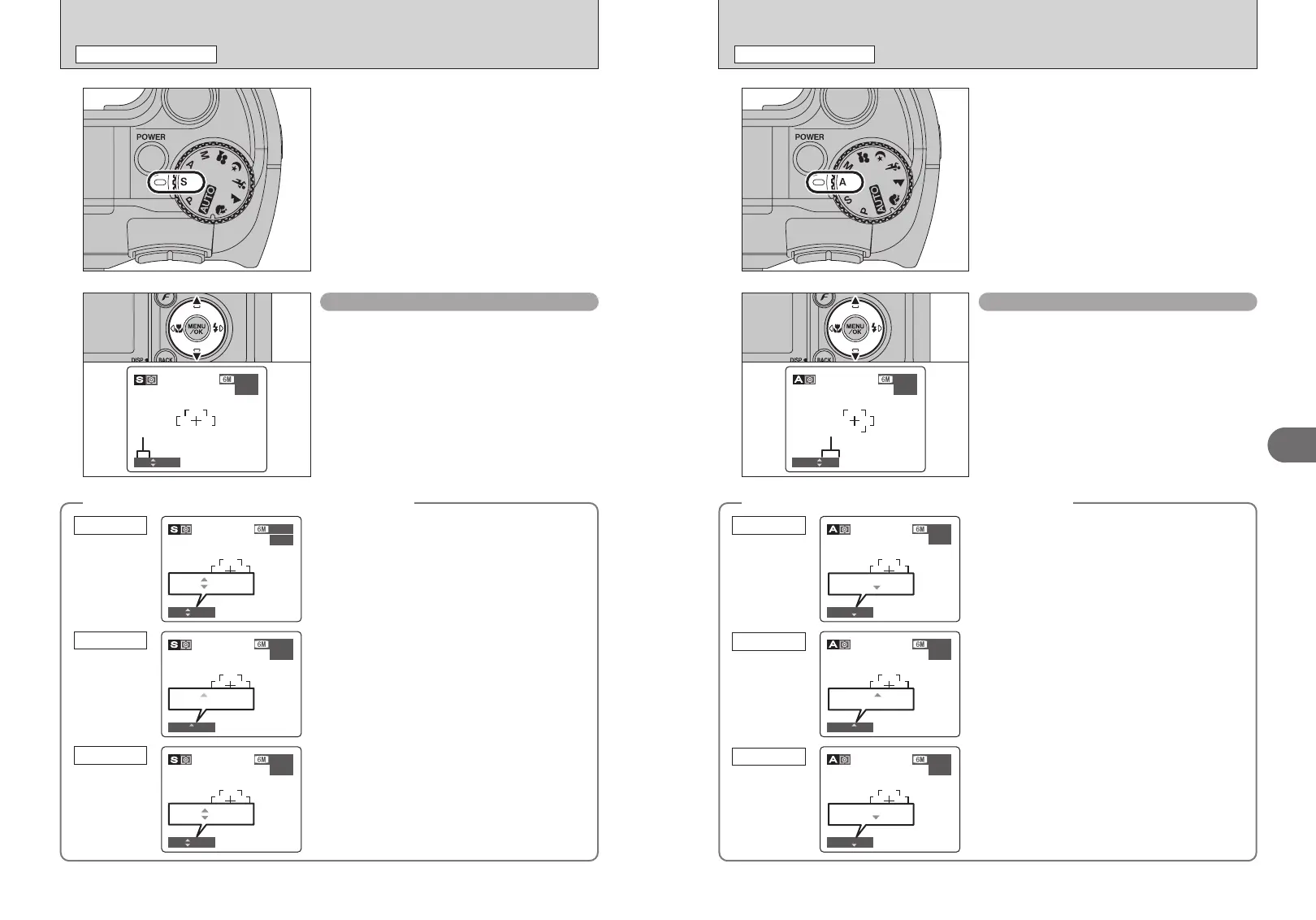
Set the Mode dial to “<”.
This is an automatic mode to set the aperture.
Use this mode to have the background out of focus
(large aperture) or have both near and far objects
in focus (small aperture).
Setting the aperture
Press “a” or “b” to select the aperture.
h Aperture settings
Wide-angle: F2.8 to F8 in 1/3 EV increments
Telephoto: F5.6 to F8 in 1/3 EV increments
◆
The shutter speed and aperture setting display
◆
In scenes that are extremely overexposed, the
shutter speed setting (1/1000 sec.) appears in red.
When this occurs, select a larger number of aperture
(up to F8).
Overexposed
In scenes that are extremely underexposed, the
shutter speed setting (1/4 sec.) appears in red. When
this occurs, select a smaller number of aperture.
●
!
When Forced flash mode is selected, the slowest available
shutter speed is 1/60 sec.
Underexposed
When the brightness of the subject is outside the
camera’s brightness metering range, “----” appears
as the shutter speed setting. When this occurs, press
the shutter button down halfway to measure the light
level again and display a value.
Metering failed
1010
320320
F6.4F6.4
ISO 80ISO 80
Aperture
1010
10001000
F2.8F2.8
ISO 80ISO 80
10001000 F2.8F2.8
1010
4 4
F8 F8
ISO 80ISO 80
4 F8 F8
1010
−−−−−−−−
F2.8F2.8
ISO 80ISO 80
−−−−−−−− F2.8F2.8
M SHUTTER-PRIORITY AUTO
PHOTOGRAPHY FUNCTIONS
Set the Mode dial to “M”.
This is an automatic mode to set the shutter speed.
Use this mode to freeze a moving subject (fast
shutter speed) or convey the impression of
movement (slow shutter speed).
Setting the shutter speed
Press “a” or “b” to select the shutter speed.
h Shutter speed setting
3 sec. to 1/1000 sec. in 1/3 EV increments
◆
The shutter speed and aperture setting display
◆
In scenes that are extremely overexposed, the
aperture setting (F8) appears in red. When this
occurs, select a faster shutter speed (up to 1/1000
sec.).
Overexposed
In scenes that are extremely underexposed, the
aperture setting (F2.8) appears in red. When this
occurs, select a slower shutter speed (down to 3
sec.).
Underexposed
When the brightness of the subject is outside the
camera’s brightness metering range, “F---” appears
as the aperture setting. When this occurs, press the
shutter button down halfway to measure the light
level again and display a value.
Metering failed
シャッタースピード
1010
320320
F6.4F6.4
Shutter speed
ISO 80ISO 80
1010
250250
F8F8
ISO 80ISO 80
250250 F8F8
1010
10001000
F2.8F2.8
ISO 80ISO 80
10001000 F2.8F2.8
1010
250250
F−−−F−−−
ISO 80ISO 80
250250 F−−−−−−













 To Next Page