EasyManua.ls Logo

FujiFilm FinePix J50 - User Manual

FujiFilm FinePix J50
132 pages
Print Icon
To Next Page IconTo Next Page
Loading...
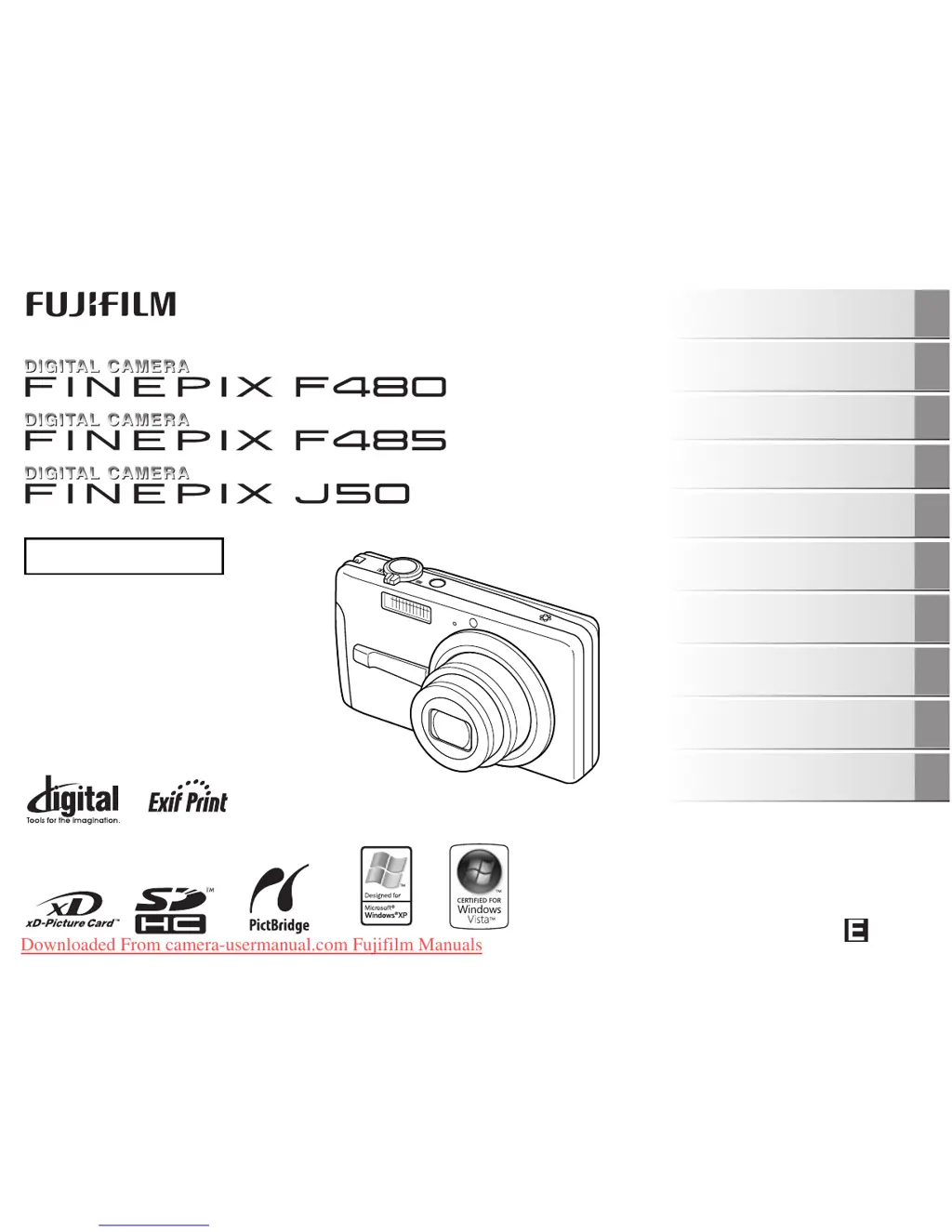
OWNER’S MANUAL
This manual will show you how to use
your FUJIFILM DIGITAL CAMERA
FinePix F480 / FinePix F485 / FinePix J50
correctly.
Please follow the instructions carefully.
BL00641-204(1)
Getting Ready
Using the Camera
Advanced Features
Photography
Settings
Camera Connection
Software
Installation
Playback
•Movie
Appendices
Troubleshooting
Downloaded From camera-usermanual.com Fujifilm Manuals

Table of Contents

Other manuals for FujiFilm FinePix J50

Questions and Answers

  • A
    amoralesSep 10, 2025
    Why FujiFilm Digital Camera cannot print with PictBridge?
    • J
      johnmorenoSep 10, 2025
      If you're having trouble printing with PictBridge from your FujiFilm Digital Camera: * Ensure the USB cable is correctly connected to both the printer and the camera. Set up the camera and connect the USB cable correctly. * Make sure the printer is turned on.
  • D
    donald38Aug 23, 2025
    What to do if my FujiFilm Digital Camera doesn't turn on?
    • N
      Nathan EdwardsAug 23, 2025
      If your FujiFilm Digital Camera isn't turning on, here are a few potential reasons: * The batteries may be dead, so try loading fully charged batteries. * The batteries might be loaded backward; ensure they are in the correct direction. * The battery cover may not be closed securely; make sure it's properly closed. * If using an AC adapter, ensure it's correctly connected to both the camera and the power outlet.
  • J
    John HudsonAug 25, 2025
    Why do my FujiFilm Digital Camera batteries drain so fast?
    • B
      bhoffmanAug 25, 2025
      If the batteries in your FujiFilm Digital Camera are draining quickly, here are a few possible explanations: * If you're using the camera in extremely cold conditions, try warming the batteries in your pocket before use. * The battery terminals might be soiled; wipe them with a clean, dry cloth. * The batteries may be old and no longer rechargeable; try loading new batteries.
  • J
    janet66Aug 27, 2025
    What to do if my FujiFilm FinePix J50 Digital Camera keeps turning off?
    • S
      Sarah TaylorAug 27, 2025
      If your FujiFilm Digital Camera keeps losing power during operation, here are a couple of things to check: * The batteries may have run out. Load fully charged batteries. * If using an AC power adapter, make sure the plug hasn't come out of the power outlet. Plug the adapter back in.
  • S
    schwartzmatthewAug 27, 2025
    Why is my FujiFilm FinePix J50 Digital Camera not charging?
    • D
      Deborah YatesAug 28, 2025
      If your FujiFilm Digital Camera isn't charging, consider these potential issues: * The battery might be loaded backward; ensure it's in the correct direction. * The battery charger and connection cord may not be properly connected. Double-check the connections. * The battery terminals could be soiled. Remove the battery briefly and wipe the terminals with a clean, dry cloth before reloading. * The battery may no longer be rechargeable. Try a new battery.
  • A
    Aaron RodriguezAug 29, 2025
    Why FujiFilm FinePix J50 Digital Camera can't focus?
    • D
      Daniel CortezAug 29, 2025
      If your FujiFilm Digital Camera is having trouble focusing, consider the following: * If you're taking a close-up shot, make sure you've selected Macro mode. * If you're photographing scenery, ensure Macro mode is canceled. * If the subject is not suited to autofocusing, use AF/AE lock to take the picture.
  • L
    Lauren MaldonadoSep 18, 2025
    Why [CONT.] not working in FujiFilm FinePix J50?
    • K
      Kathryn BrownSep 19, 2025
      If [CONT.] in the frame number setting is not functioning on your FujiFilm Digital Camera, you may have opened the battery cover without turning the camera off when replacing the batteries or memory card. Always turn the camera off when replacing the batteries or memory card. Opening the battery cover without turning the camera off may cause the frame number memory to not function.
  • V
    Victor JohnsonSep 12, 2025
    Why is there no sound from my FujiFilm Digital Camera?
    • V
      Victoria AndrewsSep 12, 2025
      If your FujiFilm Digital Camera isn't emitting any sound: * The camera volume might be set too low. Adjust the volume. * The microphone might have been blocked during shooting/recording. Take care not to block the microphone. * Something might be covering the speaker during playback. Make sure the speaker is uncovered.
  • A
    Alexander CastroSep 8, 2025
    Why my computer doesn't recognize FujiFilm FinePix J50?
    • O
      Omar BurnettSep 9, 2025
      If your PC isn't recognizing your FujiFilm Digital Camera, the USB cable may not be correctly connected to the PC or camera. Ensure that you set up the camera and connect the USB cable correctly.
  • R
    Raymond DennisSep 5, 2025
    How to fix FujiFilm Digital Camera flash not working?
    • L
      lhollandSep 5, 2025
      If the flash on your FujiFilm Digital Camera isn't working, consider the following: * Ensure you wait until the flash is fully charged before pressing the shutter button. * The shooting mode may be incompatible with flash use. Change the shooting mode. * The batteries may have run out; load fully charged batteries. * The flash may be set to [C SUPPRESSED FLASH] mode. Change to another flash mode. * The flash settings may be restricted due to the current camera settings. Change the shooting mode for more flash options.

Summary

Getting Ready

Charging the Battery

Instructions for charging the camera's rechargeable battery.

Loading the Battery

Steps to insert and secure the battery in the camera.

Loading the Memory Card

Guide to inserting xD-Picture or SD memory cards into the camera.

Turning On and Off

Procedures for powering the camera on and off in shooting and playback modes.

Setting Language, Date, and Time

Initial setup for camera language, date, and time settings.

Checking Battery Charge

How to interpret the battery level indicator on the LCD monitor.

Using the Camera

Taking Pictures (AUTO Mode)

Basic steps for capturing images using the camera's automatic mode.

Focus and Exposure Lock

How to lock focus and exposure settings on a subject.

Adjusting Shot Composition

Techniques for framing shots using the LCD monitor display.

Viewing Images

How to play back captured still images on the LCD monitor.

Erasing Images and Movies

Methods for deleting unwanted images or movie files.

Advanced Features

Photography Functions Overview

General guide to using advanced camera settings for better results.

Setting Shooting Modes

Selecting appropriate shooting modes based on scene or subject.

Macro (Close-up) Mode

Using the macro mode for capturing close-up shots of subjects.

Flash Settings

Guide to available flash modes like Auto, Forced, and Suppressed flash.

Using the Self-Timer

How to use the self-timer for group shots or delayed photography.

Using the Shooting Menu

Adjusting image quality and other settings via the shooting menu.

ISO and Quality Settings

Adjusting sensitivity (ISO) and image quality (resolution) settings.

Exposure and Color Balance Adjustments

Fine-tuning exposure and color balance for optimal image results.

Continuous Shooting

Capturing a sequence of images rapidly to photograph moving subjects.

Using the Playback Menu

Accessing and using the playback menu for image management.

DPOF Print Settings

Specifying images and print options for DPOF-compatible printers.

Protecting Images

Preventing accidental erasure of selected image files.

Trimming Images

Cropping specific parts of captured images.

Recording Movies

Instructions for setting up the camera to record video.

Playing Back Movies

How to view recorded movie clips on the camera's LCD.

Camera Settings

Using the Set-Up Menu

Navigating and accessing the camera's main setup menu.

Set-Up Menu Options

Overview and explanation of various settings available in the Set-Up menu.

Digital Zoom and LCD Settings

Configuring digital zoom and adjusting LCD brightness and power save.

Auto Power Off and Time Difference

Setting auto power off timers and adjusting for different time zones.

Connecting Peripherals

Connecting to a TV

Displaying camera images and videos on a television screen.

Connecting to a Printer (PictBridge)

Printing images directly from the camera to a PictBridge-compatible printer.

Specifying Images for Printing

Selecting specific images and print options for direct printing.

Software Setup

Installing Software on Windows PC

System requirements and steps for installing camera software on Windows.

Installing Software on Mac OS X

System requirements and steps for installing camera software on Mac OS X.

Connecting Camera to PC

Steps for connecting the camera to a PC for data transfer.

Using FinePixViewer Software

Overview of the FinePixViewer software for image management and viewing.

Appendices and Support

System Expansion Options

Information on optional accessories to expand camera functionality.

Camera Accessories Guide

A guide to compatible accessories for the camera.

Using Your Camera Correctly

Guidelines for proper camera handling, storage, and maintenance.

Warning Displays

Explanation of various warning messages shown on the LCD monitor.

Troubleshooting Guide

Troubleshooting Guide

A comprehensive guide to resolving common camera issues and problems.

Troubleshooting: Shooting Issues

Solutions for problems encountered during photography and focusing.

Troubleshooting: Flash and Image Issues

Resolving issues related to flash operation and image quality.

Troubleshooting: Connectivity Issues

Resolving problems with TV, PC, and printer connections.

FujiFilm FinePix J50 Specifications

General IconGeneral
Megapixel8.2 MP
Sensor typeCCD
Image stabilizerYes
Image sensor size1/2.5 \
Maximum image resolution3264 x 2448 pixels
Digital zoom6.9 x
Optical zoom5 x
Focal length range6.2 - 31 mm
InterfaceUSB
Digital SLRNo
Camera shutter speed1/4 - 1/1500 s
Focal length (35mm film equivalent)37 - 185 mm
Focus adjustmentAuto
Auto focusing (AF) modesCentre weighted Auto Focus
Macro focusing range (tele)0.5 - 0.8 m
Macro focusing range (wide)0.05 - 0.8 m
Internal memory12 MB
Compatible memory cardssd, xd
Motion JPEG frame rate30 fps
Maximum video resolution320 x 240 pixels
Display diagonal2.7 \
Scene modesbeach, Documents, Fireworks, Museum, Night, party (indoor), Portrait, Sunset, Landscape (scenery)
Image editingrotating, trimming
White balanceauto, daylight, Fluorescent, Incandescent, Shade
Camera playbackSlide show
Self-timer delay2 s
Product colorSilver
I/O portsVideo out
Flash modesauto, Red-eye reduction, Slow synchronization, suppressed
Weight and Dimensions IconWeight and Dimensions
Depth23 mm
Width95.6 mm
Height55.4 mm
Weight141 g

Related product manuals